


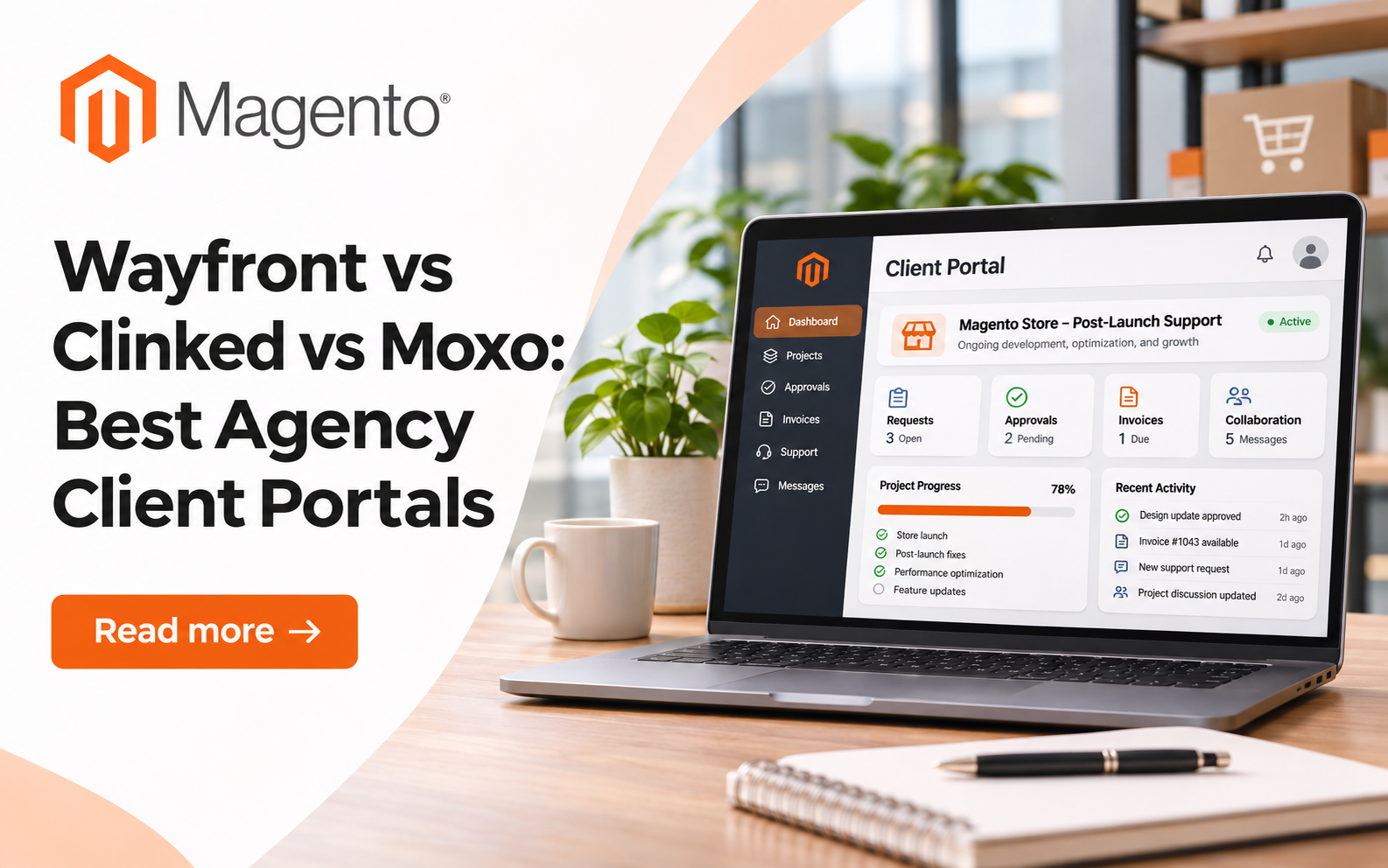
Magento agencies compare Wayfront, Clinked and Moxo for post-launch support, client approvals and retainer billing, with verified pricing tiers and honest limits.
Launch day is not the end of a Magento project. It is the start of patch cycles, extension updates, payment gateway changes and a steady stream of "can you just" requests. Most agencies run that phase through email, a shared spreadsheet and a ticket tool the store owner never opens.
A client portal is a private, branded workspace where a client logs in to see work, files, invoices and messages in one place. For a Magento shop, it becomes the home for everything that happens after go-live. This guide compares Wayfront vs Clinked vs Moxo for that job, using each vendor's own pricing pages as of late 2026.
Why Does a Magento Agency Need a Client Portal After Launch?

Magento stores keep changing even when the merchant changes nothing. Landofcoder's own breakdown of why ongoing Magento maintenance matters lists security patches, extension releases, hosting updates and shifting payment APIs. Each one creates a decision the store owner has to approve.
Without a shared space, those approvals scatter. Here is what usually goes missing:
• The record of which extension versions the client signed off on
• The date a security patch was scheduled, applied and tested
• The invoice for out-of-scope work, sent separately from the request
• The login and staging details the next developer will need
A portal does not fix the code. It fixes the paper trail around the code, which is where retainer disputes start.
The cost shows up in month three or four of a retainer. A merchant asks why a checkout tweak was billed, or why a module update broke a custom theme. If the request, the approval and the invoice live in three different tools, nobody can answer quickly. Freelance Magento developers feel this most, because they have no account manager to reconstruct the history.
Wayfront, Clinked and Moxo at a Glance
Brand | Best For | Starting Price | Standout Feature |
Wayfront | Agencies selling fixed support or audit packages | Base plan, $99/month billed yearly | Paid order forms that start intake and delivery |
Clinked | Agencies sharing large file sets with many client users | Per-user Start Up plan | Audit trail and group chat from the entry plan up |
Moxo | Firms with multi-step approval workflows | Custom quote through sales | Flow designer mixing human steps and AI agents |
How Does Each Portal Handle Magento Client Work?
The three products solve overlapping problems from different starting points. Wayfront starts from selling a service. Clinked starts from sharing files securely. Moxo starts from running a business process.
Wayfront
Wayfront is a client portal built for agencies that sell repeatable, productized services. It was known as Service Provider Pro until a rebrand on February 12, 2026. For a Magento shop, the fit is clearest when support is sold as packages, such as a monthly maintenance retainer, a one-off site audit or an upgrade sprint.
A store owner picks a package on a branded order form and pays. That payment opens the intake form and creates the project, so the team gets extension lists and staging access before work starts. The same client record holds invoices, helpdesk tickets and messages. Wayfront charges no transaction fees, and payments go to the agency's own Stripe account.
Best For: Magento agencies that sell maintenance, audits or migrations as fixed packages with recurring billing.
Pricing: Base plan from $99 per month billed yearly, or $129 monthly, with 5 team seats. Pro adds client coworkers and white-label reseller mode. A 14-day free trial needs no card.
Standout Feature: Order forms that take payment and start intake, so a new retainer does not begin with a chase for details.
Limitation: It is shaped around packaged services. Agencies that quote every Magento build as custom, open-ended work will use less of the checkout and subscription tooling.
Clinked
Clinked is a secure client portal and virtual data room aimed at firms that exchange documents with many outside users. Its plans are built around members and storage. The Standard plan includes 100 members and 1 TB of storage, which suits an agency that shares theme files, exports and documentation with large merchant teams.
Collaboration features cover tasks, a shared calendar, discussions, group chat and one-to-one chat. An audit trail and full text search come on every plan, because Start Up carries all Standard features except a custom URL. Clinked lists ISO 27001, GDPR, G-Cloud and Cyber Essentials on its pricing page. That matters when a merchant's compliance team asks how store data is handled.
Best For: Agencies that hand over large document sets to merchants with several staff logins.
Pricing: A per-user Start Up tier, then flat-rate Standard and Premium plans, with Enterprise by quote. Start Up excludes a custom URL.
Standout Feature: Strong file controls, with an audit trail on every plan and enforced two-factor sign-in on Premium.
Limitation: White-label email notifications and role-based permissions sit on Premium. The plan list also centers on files, tasks and chat rather than selling services or invoicing.
Moxo
Moxo is a business process platform that runs structured workflows across staff, clients, vendors and AI agents. Its flow designer chains human steps, such as approvals, e-signatures, form fills and reviews. Clients join through branded portals, and outside participants can use magic-link access without creating accounts.
For a Magento agency, that maps well to a formal change-approval chain. A merchant could review a staging build, sign off on a release and then trigger the deploy task. Moxo connects natively with Slack, Microsoft Teams, Salesforce, HubSpot, DocuSign, Stripe, QuickBooks and Zapier. The vendor lists SOC 2 Type II, GDPR and SAML single sign-on.
Best For: Agencies serving larger merchants whose releases need several named approvers.
Pricing: No public price list. Moxo's pricing address redirects to its homepage, which offers a demo and a free trial on request.
Standout Feature: Supervised AI agents that prepare and follow up on routine steps inside the permissions you set.
Limitation: Its named customers sit in banking, legal and healthcare. A small Magento team may find the setup heavier than a simple support retainer needs.
How to Choose a Portal for Magento Client Handoffs
Start with how you sell support, not with the feature grid. The right portal matches the shape of your retainers.1.
1. You sell fixed packages. If clients buy a named maintenance tier or an audit, a portal with checkout and intake saves the most admin.
2. You share heavy file sets. If handoffs mean large exports, documentation and many merchant users, member counts and storage matter most.
3. You run formal sign-offs. If each release needs several approvers, look for workflow steps and e-signatures.
4. Your merchants ask about compliance. Check which certifications each vendor names on its own site, and on which plan.
Also count your seats. Wayfront's Base plan includes 5 team seats, while Clinked counts members and Moxo prices through sales. A freelancer and a 20-person agency will land on different answers.
Before you commit, run one real client through a trial. Pick a merchant with an active support retainer and move a single month of requests into the portal. Watch three things: how fast the client finds the latest update, how many emails still arrive outside the portal, and how long invoicing takes. Those numbers tell you more than any feature list.
What Belongs Inside the Portal From Day One?
A portal only helps if the handoff pack lives inside it. Put these items in before the client's first login:
• A list of installed extensions, with versions and license terms
• The maintenance calendar, including the patch window you agreed
• The support process, covering response times and what counts as out of scope
• A short written agreement for retainer work and payment terms

License notes deserve care. Magento Open Source ships under the Open Software License 3.0, and paid extensions carry their own terms. For payment terms, the Freelancers Union client resources include a contract creator and a guide to getting paid on time.
If the merchant is still weighing a hosted platform against a custom build, Landofcoder's comparison of SaaS and custom ecommerce software frames who maintains what. That answer shapes how much support the portal will carry.
Frequently Asked Questions
Can a Client Portal Replace a Magento Support Ticket System?
It can for many small agencies. Wayfront includes a helpdesk tied to the client record. Clinked and Moxo handle requests through tasks, discussions and workflow steps rather than a classic ticket queue.
Do Store Owners Need Their Own Accounts?
Usually, yes. Clinked counts them as members on its plans. Moxo lets outside participants act through magic links, so an approver can sign off without a full account.
Which Portal Lets Me Bill for Out-of-Scope Magento Work?
Wayfront handles invoices, subscriptions and checkout inside the portal. With Clinked or Moxo, billing usually runs through a connected tool such as Stripe or QuickBooks.
Is a Free Trial Available Before Committing?
Wayfront offers a 14-day free trial without a card. Moxo offers a free trial on request, and Clinked offers trials and demos from its pricing page.
Related Posts
- Product Video for a Magento Catalogue From One Still: Nine Tests With Seedream 5.0 Pro and Veo 3.1 on a Table Lamp
- How Digital Booking Systems Are Modernizing Wedding Transportation
- AI in Logistics: Practical Ways to Improve Supply Chain Efficiency
- E-commerce Testing Checklist: 12 Things to Test Before You Launch
- Wayfront vs Clinked vs Moxo: Best Agency Client Portals
- Running Age Checks on a Magento Store After Launch