


Use this e-commerce testing checklist to test checkout, payments, security, performance, mobile compatibility, and more before launching your online store.
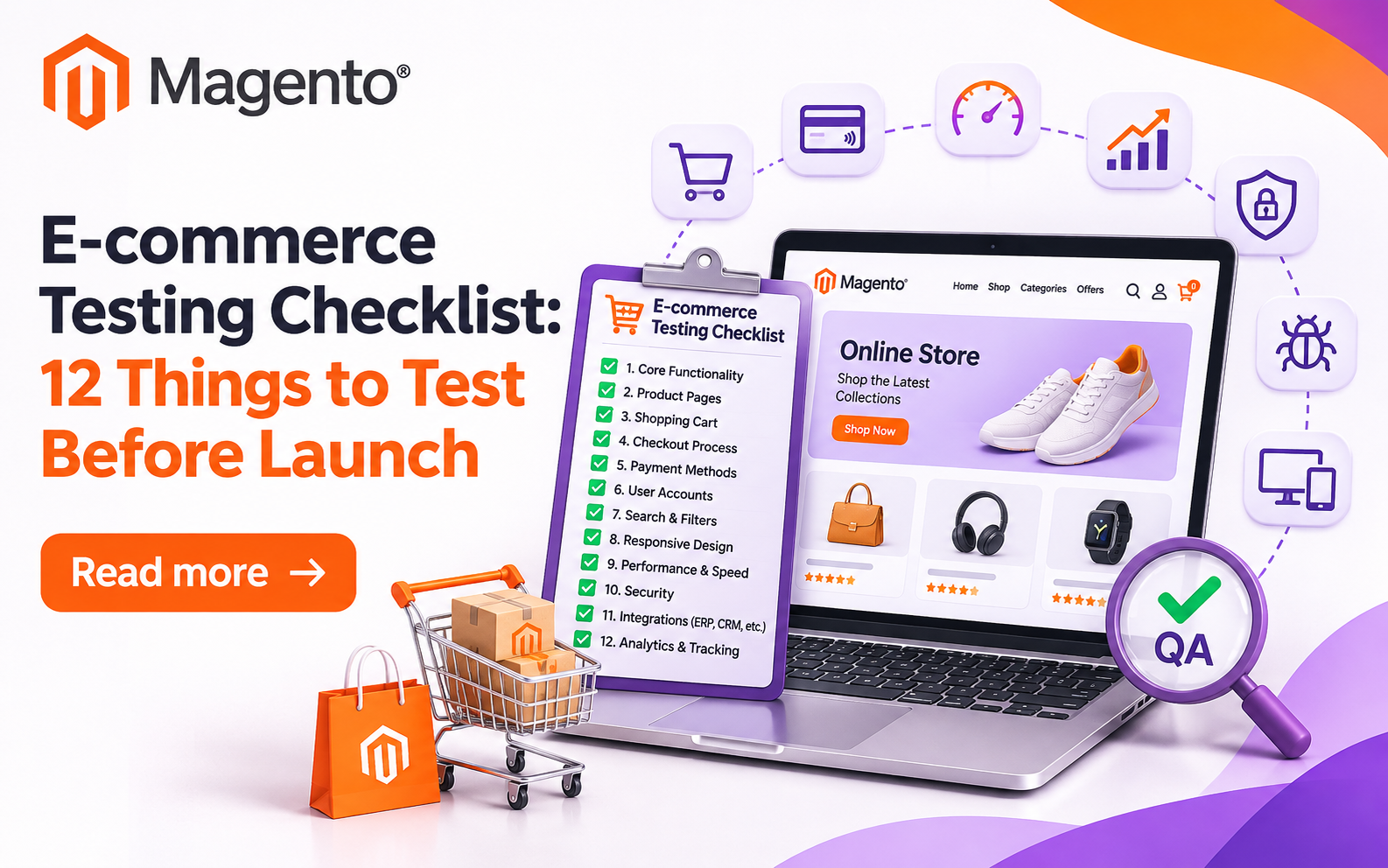
An online store can look totally ready and still lose sales. A broken payment page, wrong stock numbers, or a checkout form that falls apart on mobile can sit unnoticed until a real customer runs into it. E-commerce testing is how you find those problems first, before they cost you revenue and trust.
This checklist walks through the buying journey, from finding a product to getting the order confirmation, and covers what every store owner should check before opening the doors.
What Is E-commerce Testing, and Why Does It Matter?
E-commerce testing means checking your store’s functionality, security, speed and usability to make sure customers can shop and pay without hitting errors.
For a business owner, it helps you:
• Catch checkout errors that stop sales
• Protect customer information and payment data
• Spot slow pages and performance bottlenecks
• Confirm that inventory, pricing, shipping and tax calculations are right
• Make sure the store works across browsers and devices
A store can pass a quick visual review and still have serious technical flaws. A structured enterprise e-Commerce quality engineering plan gives your team a way to find them before launch.
12 Things to Test Before Launching an Online Store
Here are some of the things to check before you decide to launch your online store:
1. Product Pages and Search
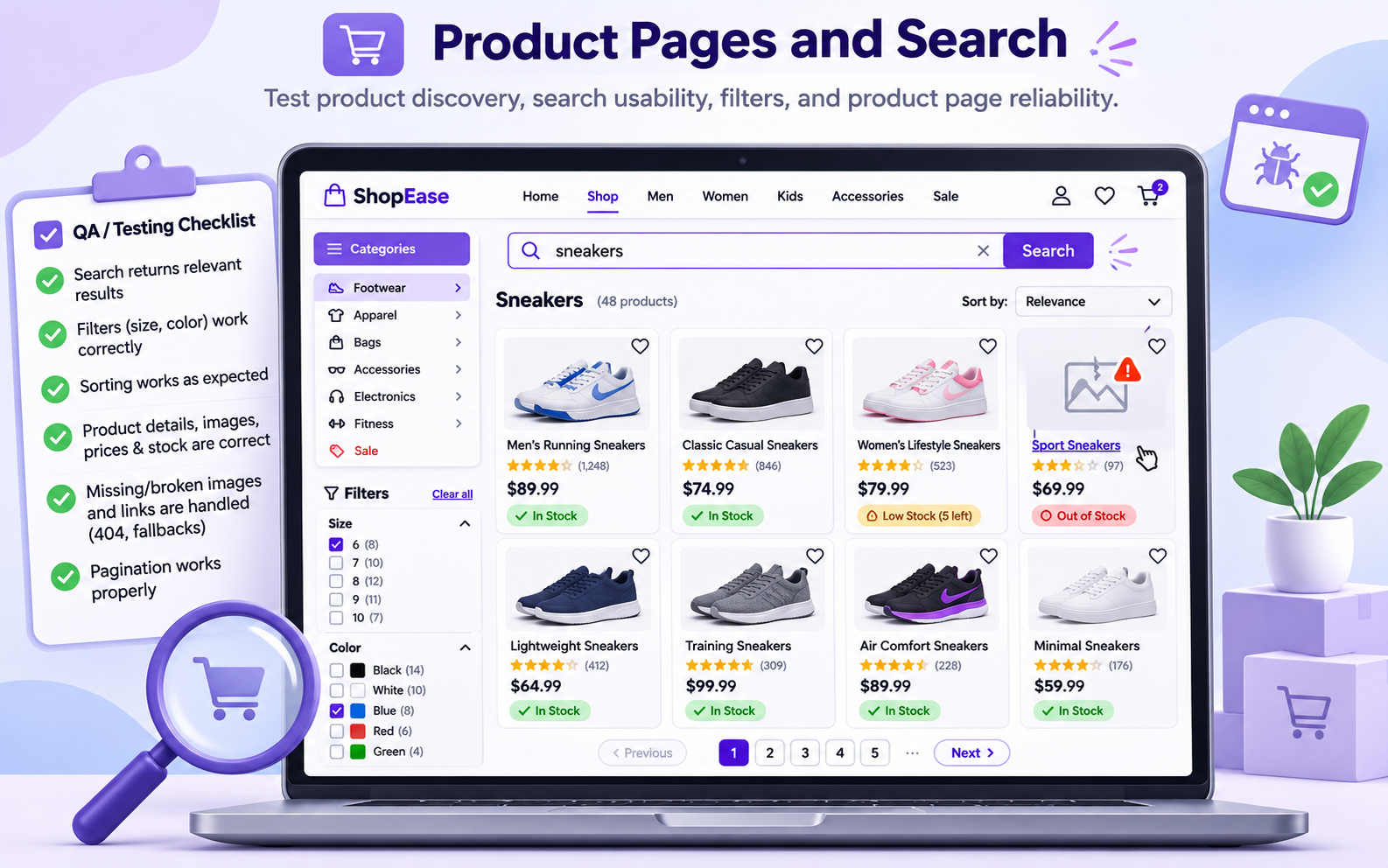
Start where customers start: finding products. Check the following:
• Product names, descriptions, images, prices and stock status
• Size, colour and other variations
• Search results, filters, sorting and pagination
• Broken links and missing images
• Related product suggestions and category navigation
Search deserves extra attention if you have a big catalog. If shoppers can’t find the right item, they’ll leave without buying.
2. Shopping Cart and Inventory
Check the cart function for any error. Add products, change quantities, remove items, then sign out and back in to see if the cart is still there. Also, for every change, check the total number of items in the cart.
Also test for the outcome of two customers trying to buy the last unit of a product at the same time. Your system should prevent overselling and show accurate stock. And don’t skip the promotions side: expired offers, conflicting discount codes, minimum order values and free-shipping thresholds all need a look too.
3. Checkout
Checkout testing is about whether people can get from cart to confirmed order without pointless friction. Assess these scenarios:
• Buy as a guest
• Purchase as a registered user
• Provide valid and invalid shipping addresses
• Switch shipping methods and check changes in charges
• Apply valid, expired and ineligible discount codes
• Refresh the page or leave and come back without losing order details
• Confirm that taxes, discounts, shipping and the final total are all correct
Pay attention to error messages. When a field is wrong or something’s missing, customers need clear instructions on how to fix it.
4. Payment Gateway
Here you’re making sure your store talks to your payment provider correctly. Using the provider’s test environment, try successful payments, declined cards, expired cards, cancelled transactions and dropped connections. Failed payments shouldn’t create paid orders, and successful ones shouldn’t result in duplicate charges or duplicate orders.
Also check refunds, transaction records and confirmation emails. Payment processing should be idempotent, which just means a repeated request must never trigger an unintended second transaction.
5. Performance
Performance testing helps you know if your store can handle the traffic you are expecting on your busiest days. Simulate the surge from a promotion or product launch so you find your limits before shoppers do.
Test product listings, search, cart updates and checkout under load. Keep an eye on error rates and resource usage, not only page load times. A fast homepage doesn’t help if checkout falls over in the middle of a sale.
6. Security and Privacy
Security should be part of testing from the beginning. Test the following:
• HTTPS
• Customer accounts access controls
• Password resets and session expiry
• Inputs are protected against SQL injection and cross-site scripting
• APIs reject unauthorized requests
• Payment handling meets applicable PCI DSS requirements
• Privacy notices, consent controls and data deletion workflows work as required
Stick to authorized security testing and follow your payment provider’s recommended integration practices. Unless you have a valid, compliant reason and the right controls in place, avoid storing sensitive card data at all.
7. Mobile and Browser Compatibility
Test on real phones, tablets and desktop browsers. Look at navigation menus, product images, forms, buttons and checkout fields at different screen sizes.
A button that’s easy to click with a mouse can be fiddly to tap on a phone, and a payment window might act differently in another browser. Problems like these can block purchases even when the desktop version looks perfect.
8. Shipping, Tax and Order Management
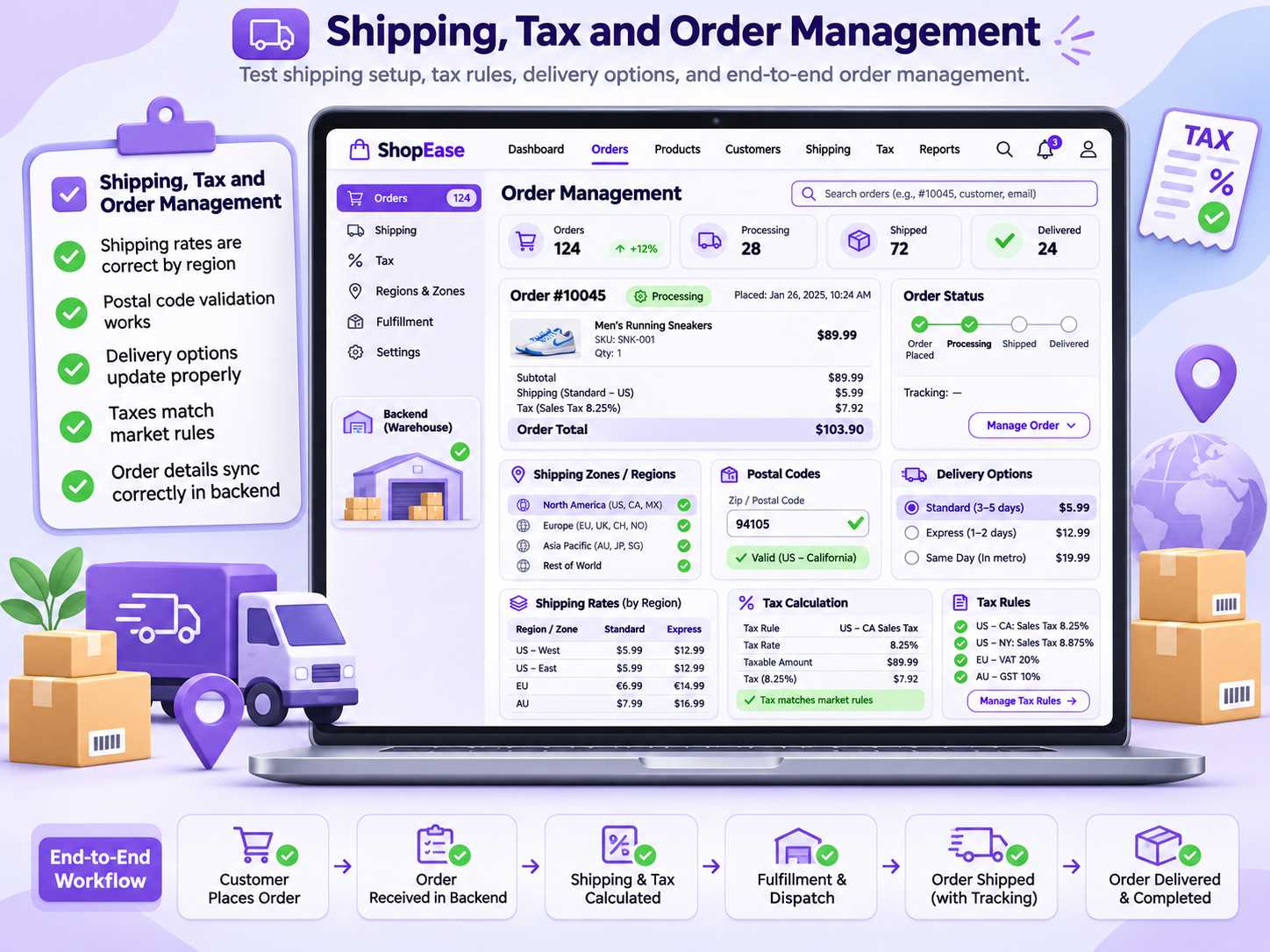
Check shipping rates across different regions, postal codes, delivery options and order values. Verify tax calculations against the rules for the markets you sell in.
Then follow a test order through the backend. All relevant information should be correct there.
9. Emails and Customer Notifications
Test every message your store sends. It can include order confirmations, payment failures, password resets, and more depending on your store. Make sure each one has accurate order details and reaches the right person. Click the links, check the formatting, and watch for anything that might land in spam.
10. Third-Party Integrations
Most stores lean on outside services for payments, shipping, analytics, customer relationship management and marketing automation. Test what happens when those services fail: API errors, slow responses, expired credentials, outages. Your store should explain problems clearly and recover safely when a connected service goes down.
For a broader look at release quality, see Enterprise e-Commerce Quality Engineering.
11. Accessibility and Usability
Check keyboard navigation, visible focus indicators, form labels, colour contrast and screen-reader support. Customers should be able to spot errors without relying on colour alone.
Then ask a few people who’ve never seen your store to buy something. Watch where they hesitate, misread an instruction or struggle to find information. Their experience can reveal problems a technical test will miss.
12. Analytics and Conversion Tracking
Make sure analytics correctly records product views, add-to-cart actions, checkout starts, completed purchases and refunds. Look for duplicate purchase events, missing transaction values and wrong currency settings. Accurate tracking lets you tell real sales from reporting errors, so your post-launch marketing decisions rest on good data.
How to Run Pre-Launch Testing
Here’s a simple four-step process for your final testing cycle.
Step 1: Map the buying journey. Write down the route from product discovery to order confirmation. Include guest checkout, account-based purchases and the common ways things can go wrong.
Step 2: Prioritize by business risk. Test checkout, payments, inventory and security first, before lower-impact features.
Step 3: Mix manual and automated tests. Manual checks are good at exposing usability problems. Automation works well for repeatable tasks like login, cart calculations and checkout regression checks after code changes.
Step 4: Fix, then retest. Log every issue, assign an owner, verify the fix and rerun the related tests. Don’t approve a launch while defects remain that could expose customer data, overcharge buyers or stop orders from going through.
If you’re adding AI features, also validate recommendation relevance, search accuracy and how the system handles incomplete or misleading inputs. For more on AI-based product discovery, read AI for E-commerce Search.
Final Thoughts
A good launch takes more than a working homepage and a product catalog. Testing gives you a practical way to check the whole buying journey, protect customer data and catch technical risks before they hit your sales. Run through this checklist before release, write down the results, and repeat the relevant tests after any major change. A store that works smoothly from first visit to order confirmation gives customers very little reason to walk away.
Related Posts
- Product Video for a Magento Catalogue From One Still: Nine Tests With Seedream 5.0 Pro and Veo 3.1 on a Table Lamp
- How Digital Booking Systems Are Modernizing Wedding Transportation
- AI in Logistics: Practical Ways to Improve Supply Chain Efficiency
- E-commerce Testing Checklist: 12 Things to Test Before You Launch
- Wayfront vs Clinked vs Moxo: Best Agency Client Portals
- Running Age Checks on a Magento Store After Launch