


A logo is your company's visual identity. In the past, getting a professional logo cost thousands of dollars. In 2026, you can create one for free using AI-powered tools.
This guide covers six logo makers. Each one is free to use. Some charge money if you want to download your logo.
Modern Logo Makers: What They Serve for
Five years ago, free logo makers were basic and limited. Today's tools are different:
• You can generate 100+ logo options in seconds
• You control every part of the design
• You own the logo once you create it
• You can use the logo for your business immediately
Many modern logo makers also function as complete branding platforms, offering additional tools for creating business cards, social media graphics, websites, and other marketing assets from a single dashboard.
The only challenging part is choosing the right tool. Keep reading to learn about the key features, limitations, pricing models, and ideal use cases of each platform.
Logo Design Tools At Glance
Your Situation | Best Pick | Why |
Need a logo today, no design skills | Design.com | Free vector download, no card needed, done instantly, the largest logo template library |
Want something that looks handcrafted | BrandCrowd | Every template made by a real designer, not generated |
Need a logo plus a full brand kit | Design.com | Website, bio page, and business card are all free after download |
Want to build it yourself with an editor | DesignEvo | Drag-and-drop editor, 10,000+ templates, no AI required |
Tightest possible budget | Logomakerr.ai | Free low-res download, no watermark |
Want something that looks less generic | Brandmark.io | ML-generated; less templated than most tools |
Pay once, no subscription | LogoAI | One-time pricing from $29, no recurring fees |
Browse designer templates, not AI results | BrandCrowd | 380K+ human-made templates, free vector download |
Need the most template variety | Design.com | 500K+ templates, the widest library of any tool tested |
1. Design.com
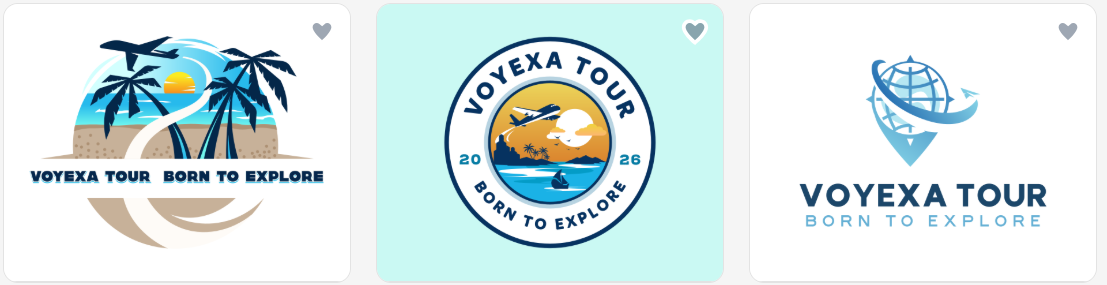
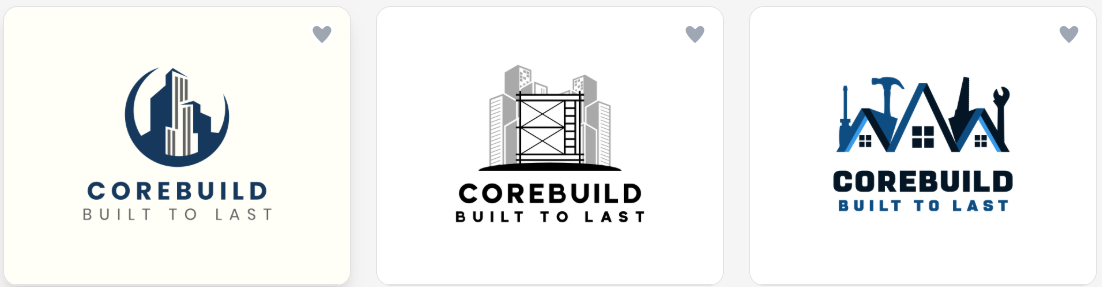
Design.com is the strongest all-around option for anyone who needs a logo without design experience. The AI pulls from over 500,000 logo templates, which means results are consistent and usually relevant to your industry. What separates it from most competitors is the free tier: you get a real vector SVG and a high-res PNG at no cost, not a watermarked preview or a low-resolution placeholder.
Why do people choose Design.com?
• Free logos include a vector SVG and high-res PNG at no cost
• Downloading a free logo also unlocks a website builder, link-in-bio tool, and digital business card
• AI generates custom logos from your business name, industry, and style preferences
• Full editor: change fonts, colors, icons, and layout after generation
• Over 525 exclusive fonts and 62K+ custom vector shapes
• 100% commercially safe, exclusive designs
• Instant logo generation
• Logo variety across all industries
Pros | Cons |
Free SVG download; one of the few tools that includes a real vector on the free tier | Not heavily developer-oriented, but ideal for non-technical users who want instant branding without complexity. |
Free access to website builder, link-in-bio, and digital business card after download | Lightweight collaboration features |
500K+ templates: one of the largest libraries among tools reviewed | |
50+ additional branding tools | |
AI editing tools (chat interface, copyright-safe AI) | |
No design skills needed to create high-quality logos | |
100% commercial safety for all designs |
2. Adobe Express
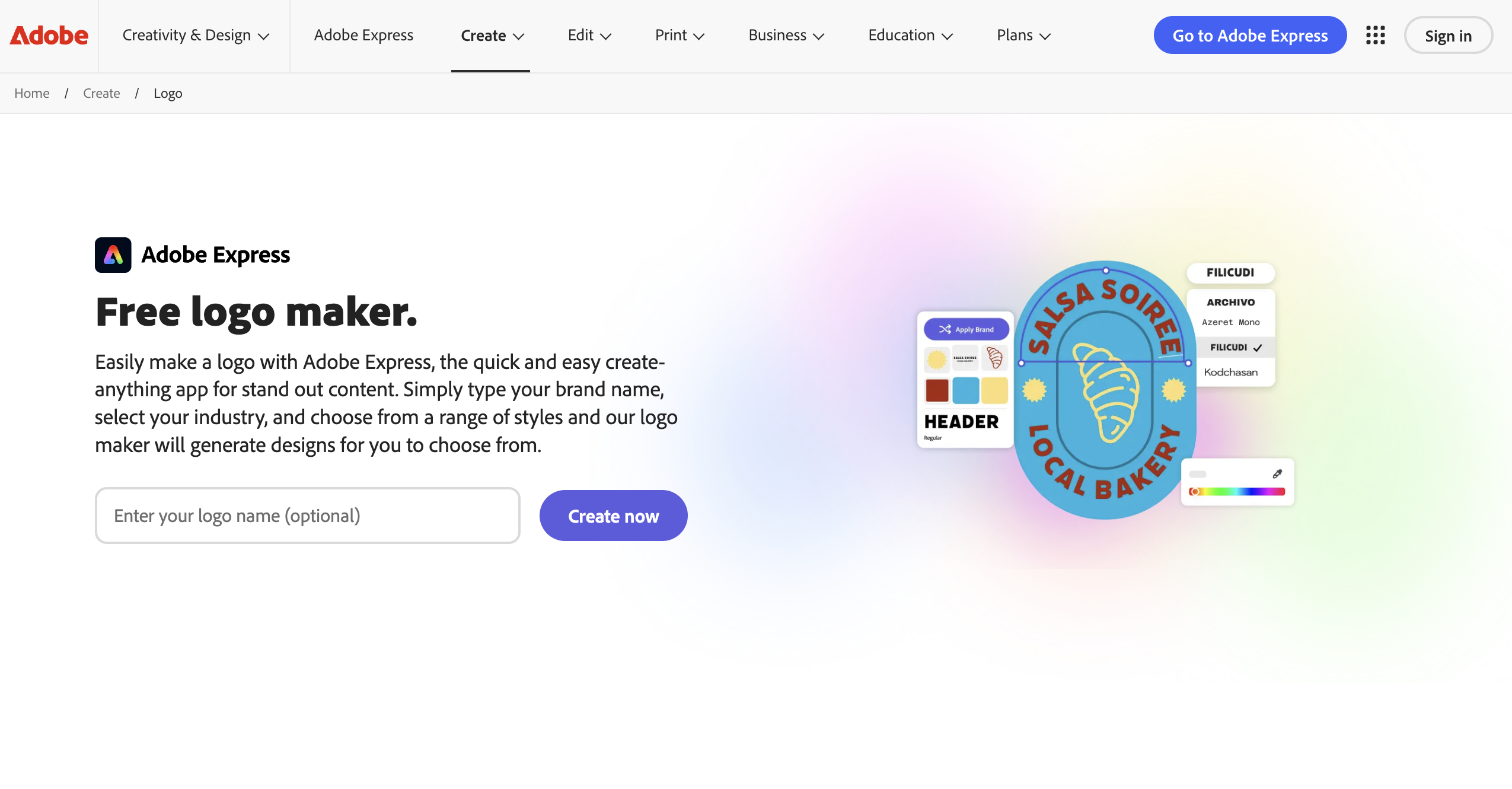
Adobe Express is a design platform from Adobe with an AI-powered logo maker that generates logo options from a text prompt using Adobe Firefly, then lets you refine fonts, colors, and layouts afterward.
Why do people choose Adobe Express?
• AI-generated logo options through Adobe Firefly, trained on licensed content
• Access to Adobe's font library and stock asset collection
• Also includes tools for social posts, video, and presentations beyond the logo maker
• Backed by Adobe's long history as a professional design software company
• Free plan available with no credit card required
• Full editor for adjusting fonts, colors, icons, and layout after generation
Pros:
• Useful beyond the logo itself if you also need social or video content
• Commercially safe AI output, since Firefly is trained on licensed content rather than scraped web data
Cons:
• Broader focus means logo-specific extras like domain names or business cards aren't as deep as tools built solely around branding kits
"At a Glance" table — new row:
Your Situation | Best Pick | Why |
Need a logo that fits into a bigger content workflow | Adobe Express | AI-generated logos plus built-in tools for social graphics, video, and presentations |
3. BrandCrowd
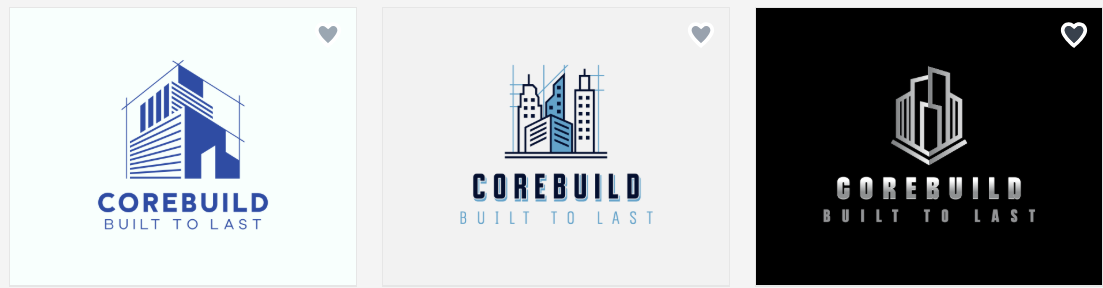
BrandCrowd.com takes a different approach. Instead of an AI generating a logo from scratch, you browse thousands of logos built by real graphic designers. The quality difference is visible. These templates carry a level of craft that algorithm-only tools don't consistently match, and the free tier delivers the same vector files as paid plans.
Why do people choose BrandCrowd?
• Every template built by a real graphic designer, not an algorithm
• Free logos available with vector files, same quality as paid downloads
• Search by industry, style, or keyword to find relevant designs fast
• Edit colors, fonts, and layout directly on any template
• 380K+ logo templates and over 1 million total design templates
• Quick logo generation
• 50+ additional branding tools: websites, business cards, presentations, and more
• 100% commercially safe designs
Pros | Cons |
High-quality, professional designs | No native app yet, but the browser experience is fast and responsive across devices |
A wide range of completely free logos, business cards, websites, etc. | Advanced designers may want deeper control, but the simplicity makes it perfect for quick, beautiful results. |
Logos across all industries | |
Various file formats: SVG, EPS, PDF, PNG & JPG, GIF & MP4, etc. | |
AI logos, AI business name generator, etc. | |
Thousands of exclusive fonts, shapes, and icons |
4. LogoAI
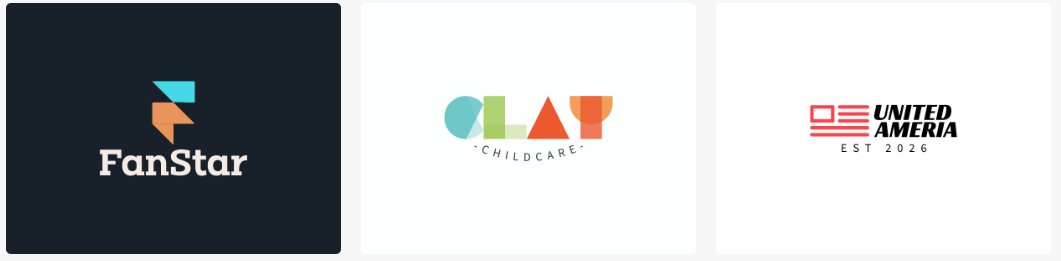
LogoAI operates on a one-time payment model. You can browse generated results for free, but downloading anything requires a purchase. The output quality is clean, and the generation is fast, but the absence of any free download puts it behind Design.com and BrandCrowd for most users.
Why do people choose LogoAI?
• Logo generation with a clean, modern aesthetic
• One-time payment, no ongoing subscription
• Brand guide PDF generated automatically on higher plans
• SVG, PNG, and PDF export, depending on the plan
Pros:
• Pretty quick generation with a clean, modern output style
• Animated logo option is useful for video and social content
• Brand guide included in higher plans
Cons:
• No free download at any level
• Basic plan at $29 is capped at 800x600px, which is low for the price
• Less customization depth than Design.com or BrandCrowd
5. Brandmark.io
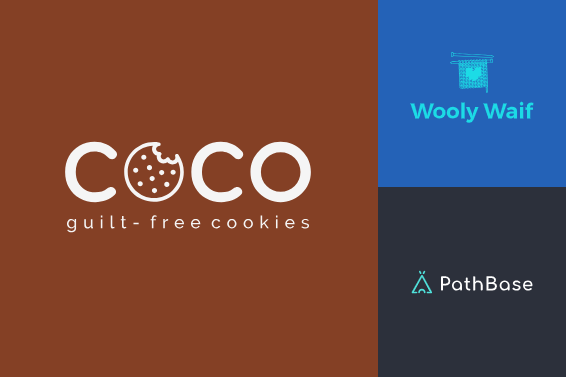
Brandmark.io uses machine learning to generate logos from keywords and style inputs. The results tend to look less templated than most tools in this category, which is the main reason to choose it. The trade-off is limited post-generation control and no brand kit beyond the logo files. It works best if you plan to take the output into another tool to refine it.
Why do people choose Brandmark?
• Less generic-looking outputs than most AI tools
• Typographic logo generation
• Color palette and font suggestions generated alongside the logo
Pros:
• Outputs look more distinctive than most template-driven generators
• One-time payment with no subscription required
• Good starting point for designers who plan to refine the result elsewhere
Cons:
• Limited control over icon selection after generation
• No brand kit, social templates, or website tools included
• Preview-only free tier; payment required before downloading
6. Logomakerr.ai
Logomakerr.ai is a newer platform whose main advantage is a more generous free tier than most competitors. You get low-resolution downloads without a watermark at no cost, which is more than most tools offer. Output quality is decent without being distinctive, brand kit features are limited, and customer support is thin.
Why do people choose Logomakerr?
• Logo generation flow with minimal steps
• Affordable paid plans
• SVG export available on paid plans
Pros:
• Simple interface with no learning curve
• Good enough for early-stage digital use
Cons:
• Output quality doesn't match Design.com or BrandCrowd
• The icon library is smaller than most competing tools
7. DesignEvo
DesignEvo is not an AI generator in the usual sense. There is no prompt, no generation from your business name. You browse a library of over 10,000 templates and use a drag-and-drop editor to shape one into something your own. The editor is genuinely capable and more flexible than most tools in this category, but the result depends entirely on the effort you put in.
Why do people choose DesignEvo?
• Flexible drag-and-drop editor with layering, resizing, and icon placement
• Large icon and shape library beyond the templates
• Good fit for users who know what they want and are willing to build it
Pros:
• 10,000+ templates covering a wide range of industries
• Font controls covering spacing, curve effects, opacity, and alignment
• Free commercial use with attribution
Cons:
• Free download is capped at 300px, too small for most practical use
• No AI generation; you do all the creative work yourself
• Output quality depends entirely on the time you invest
• Template quality is mixed: some modern, some noticeably dated
8. Penji – Graphic Design Services
Penji offers professional graphic design services for businesses that need help with logos, branding, social media graphics, presentations, and other visual content.
Why do people choose Penji?
People choose Penji for access to professional designers without hiring a full-time designer.
Pros:
• Professional designers
• Wide range of design services
• Unlimited design requests and revisions
• Easy subscription-based service
Cons:
• Requires a monthly subscription
• May not be ideal for one-time design projects
• Turnaround times vary by project
Closing Thoughts
No matter which tool you choose, modern logo makers make it easier than ever to create a professional brand identity without hiring a designer.
The right choice ultimately comes down to your priorities. Whether you need a logo in minutes, a complete brand kit, or more creative control over the design process, there is a tool on this list that can help you get started.
FAQ
1. What is the best free logo maker in 2026?
Based on our review, Design.com offers the strongest overall free experience thanks to its free SVG and PNG downloads, extensive template library, and additional branding tools. BrandCrowd is another strong option for users who prefer professionally designed templates.
2. Can I use a logo created with these tools for commercial purposes?
In most cases, yes. However, licensing terms vary by platform. Always review the provider's licensing agreement before using a logo on products, packaging, advertisements, or other commercial materials.
3. Which logo maker is best?
Design.com is a strong choice because it combines logo creation with additional branding tools such as website building, link-in-bio pages, and digital business cards. BrandCrowd is also a good option for startups that prefer designer-created templates.
Related Posts
- How to Start an Automotive Dropshipping Business in 2026
- 12 Best Custom Software Development Companies for Scalable EdTech Platforms in 2026
- How to Build a Sustainable Backlink Strategy for an E-commerce Website
- Top 5 Enterprise Laptop Return Shipping Solutions for Remote Workforce Asset Recovery
- International Link Building for E-commerce Brands: A Practical Guide
- Server Refresh vs Third-Party Maintenance: Which Option Makes More Sense?