



Explore a practical WooCommerce plugin roadmap covering analytics, coupons, invoices, reviews, automation, checkout, payments, and expansion tools.
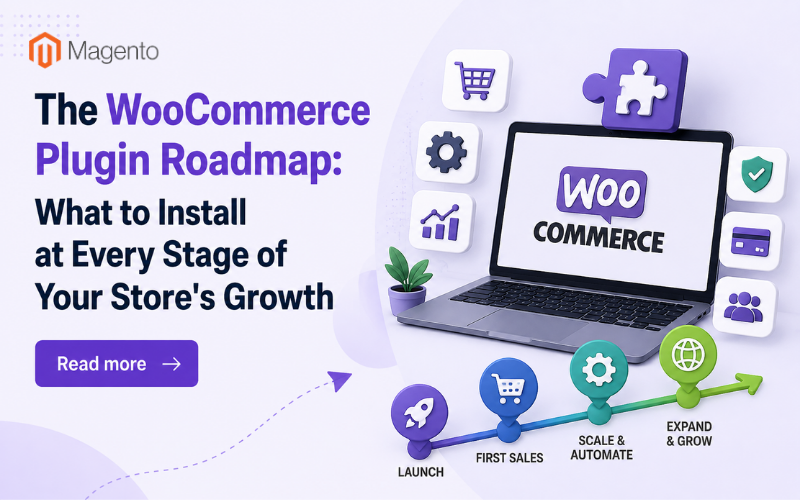
Ask ten experts what plugins a WooCommerce store should use and you’ll get ten answers – all of them right and all of them worthless because the experts answer the wrong question: where is your store now?
There’s very little common ground between a brand new store, a store getting its first consistent sales, and a store expanding into new territories when it comes to deciding what to install next. An expanding store running manual invoicing has just wasted hours; an initial store adding a marketplace feed has just wasted effort. It’s all about timing.
That is why this article takes a different approach. Instead of providing a list of twenty plugins and ranking them by usefulness, It's structured into four phases of store development with each plugin’s description including the reason it goes at this particular phase.
Stage 1: Launch: The Foundation (Day One)
Before even one visitor comes into the store, there are three prerequisites: legal compliance, measurement, and proper product display. The rest can wait. There is nothing fancy about this phase, and everything is far more difficult to add later on.
GDPR Cookie Consent
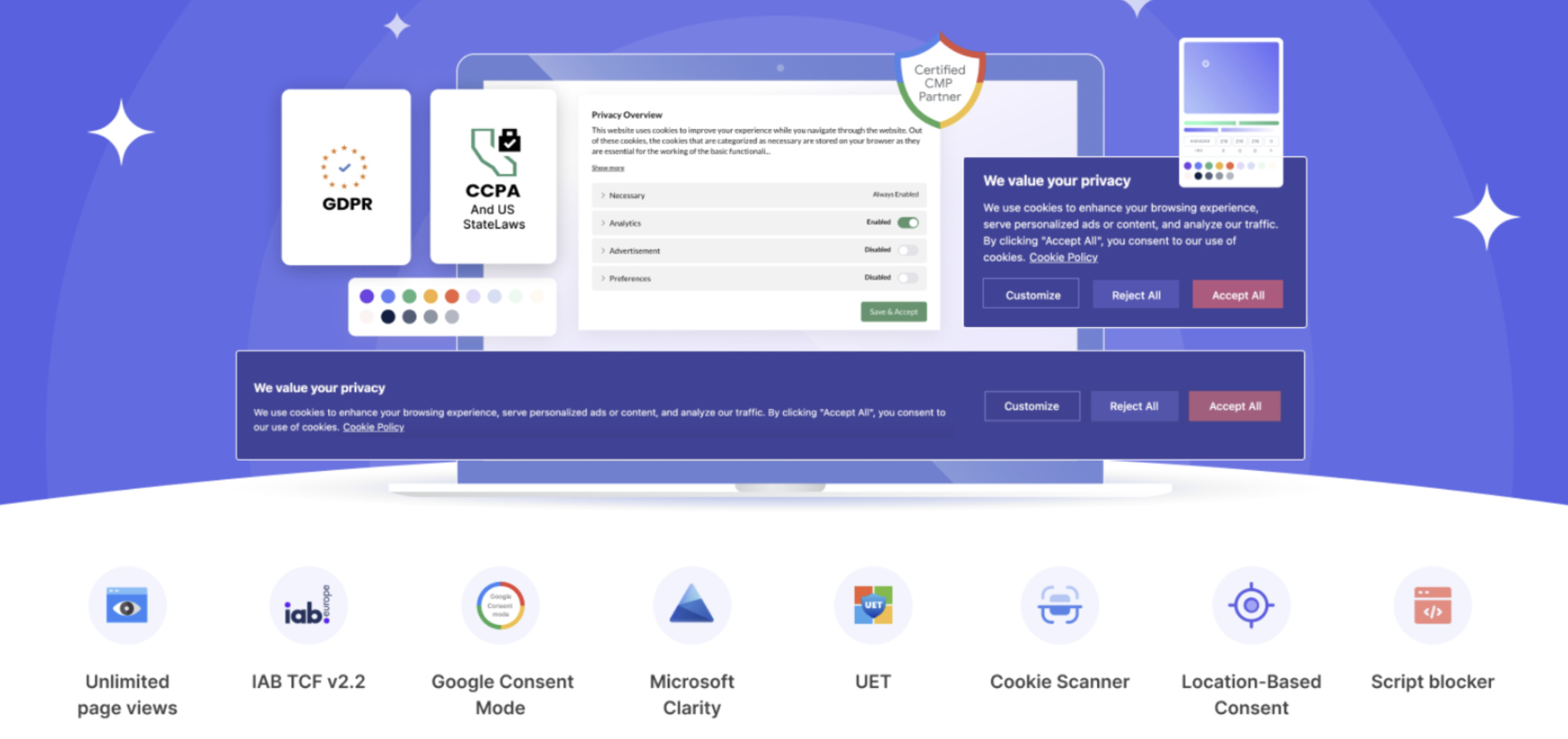
Consent management needs to be implemented at the outset for one reason only – implementing consent management later on does not make up for having previously collected data without consent. In case you expect visitors from the EU, UK, California, or Brazil (and organic traffic implies that you will get them), you need to have a proper consent management mechanism implemented before you do analytics.
GDPR Cookie Consent by WebToffee is a Google-verified consent management solution, which can scan and classify your cookies, block tracking until you receive consent, and work with Google Consent Mode. This WordPress cookie consent plugin has all the necessary features implemented.
Why now: compliance is cheapest on day one and most expensive as an afterthought.
MonsterInsights
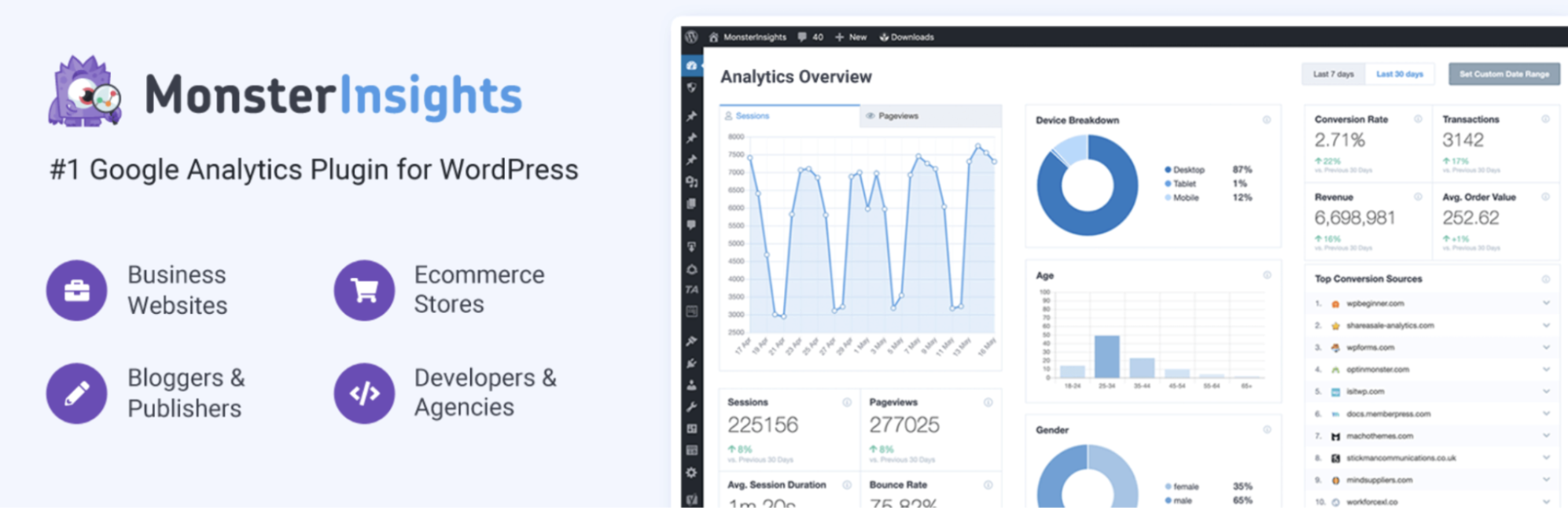
Any decisions you’ll be making for the upcoming years to come – pricing, products, marketing channels – rely on the data that will become available to you starting today. Installation of analytics right from the beginning will mean having twelve months of history after twelve months. Installation when "things start picking up" will mean you have nothing to rely on precisely when you need the answers.
MonsterInsights is an add-on that allows you to install Google Analytics into your WordPress website and get all the reports right where you normally work, with enhanced eCommerce functionality for all those events specific to WooCommerce.
Why now: data compounds. Every week without tracking is a week of history you never get back.
Variation Swatches for WooCommerce
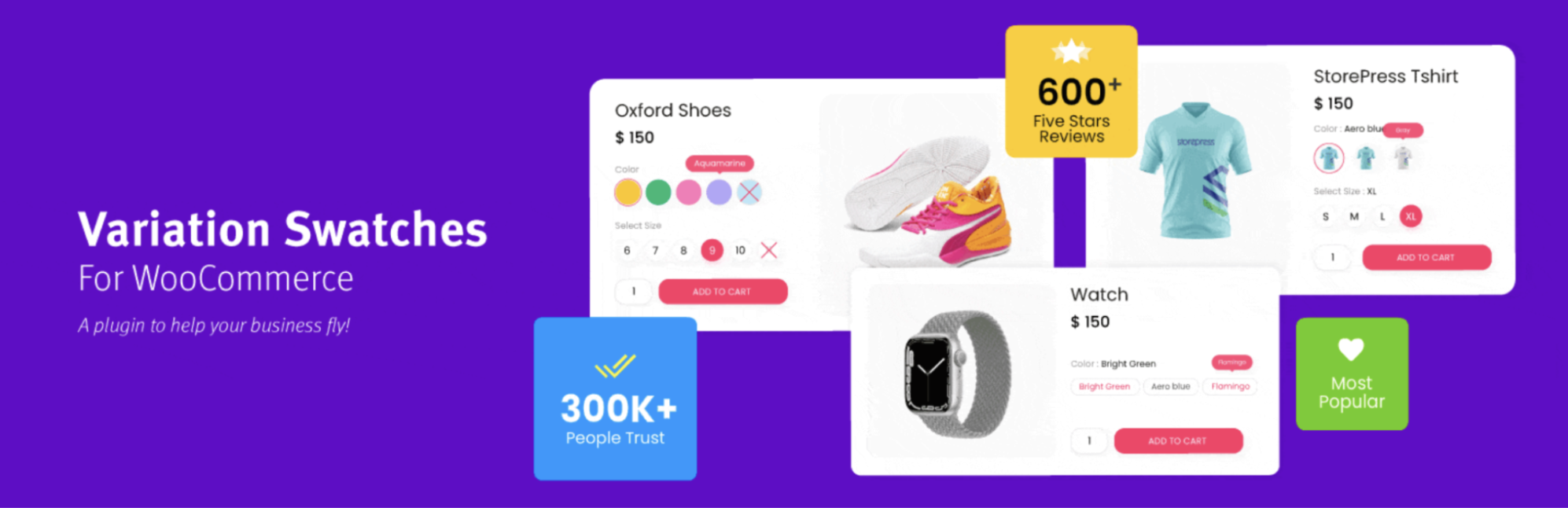
If you have variable products in your catalogue (various sizes, colors, styles), then the default dropdown menus will seriously hamper the performance of your product pages from the very beginning, particularly on the mobile device screen, where most of your visitors will be coming from.
Variation Swatches for WooCommerce replaces those drop-down menus with clickable image or color swatches. The extension is light, comes in at zero cost initially, and requires no configuration with any theme whatsoever. Sites that don't use variable products won't need it at all.
Stage 2: First Sales, Building Momentum
Orders are starting to come in – not many, but genuine orders nonetheless. Two key objectives at this stage include converting more traffic into orders, and setting up order processing systems before the sheer quantity becomes a problem. What is noticeably missing from this list? No e-mail marketing tools, no market feed integration, no business expansion software. These need a client base first.
Smart Coupons for WooCommerce
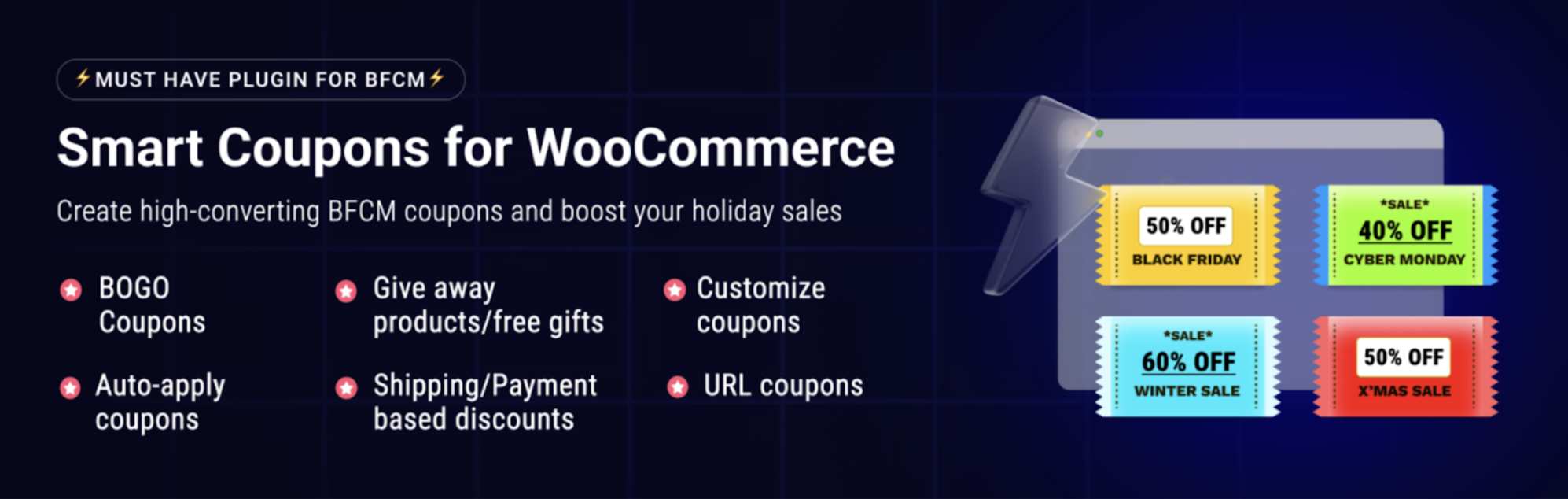
As for the initial customers, there is an equally important issue of how to make them return and push the indecisive customers into buying. The problem is that coupons offered by default in WooCommerce provide just 10% off, nothing more than that. The promotions that actually bring results include buy-one-get-one, first order discounts in the form of links and store credit.
WooCommerce coupon plugin covers the full promotional range, with bulk code generation and rules based on products, categories, roles, or purchase history. The free version handles the essentials and is the right starting point at this stage, upgrade when your campaigns outgrow it, not before.
TrustPulse
As soon as you receive orders, you get access to social proof – and it’s the time when it really counts because your brand has zero value for the first-time visitor. Real action, when displayed, resolves the silent question of every first-time visitor: Are there people who buy from this online store?
TrustPulse shows small notifications of sales and registrations, automatically counted, styled to your website and focused on the webpages where customers hesitate. One warning you should take into consideration is that with a few sales notifications tend to accentuate the silence rather than the action – which is why this feature goes into stage two and not stage one.
Why now: social proof requires proof. This entry unlocks the moment orders exist.
WooCommerce PDF Invoices, Packing Slips & Credit Notes
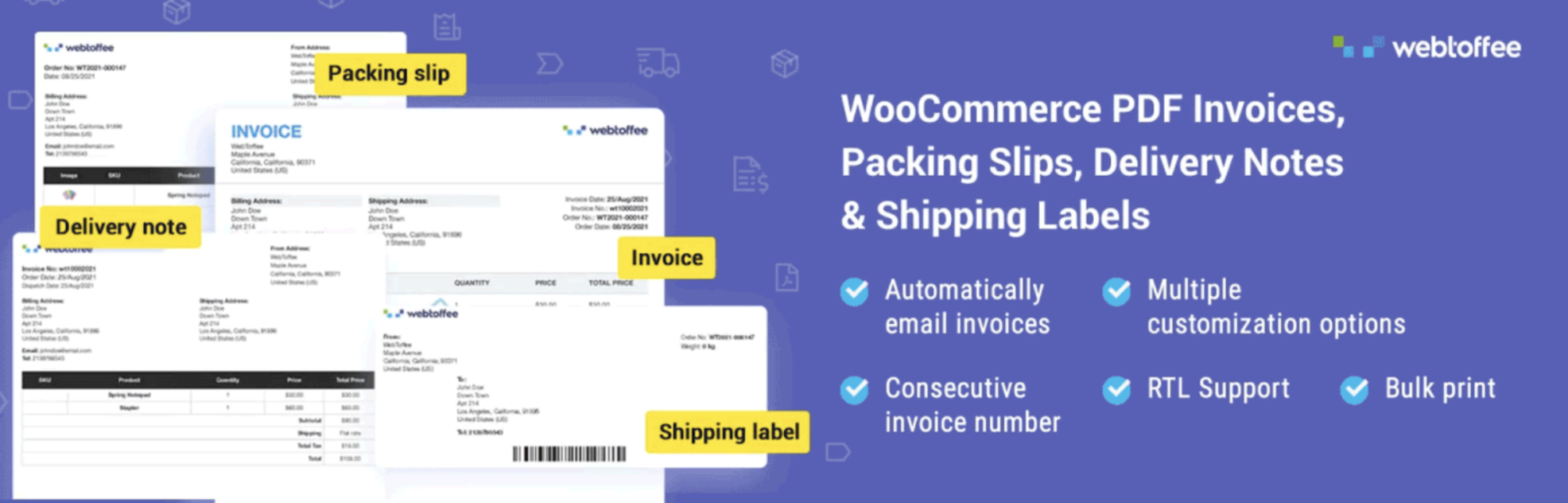
Five orders a week for manual invoices does seem to be alright. But the problem is that it will not let you know when it becomes not alright; the time gets lost in two minute intervals. Having an automated documentation process at low volumes is like having it available as you go along.
WooCommerce PDF Invoices, Packing Slips & Credit Notes generates branded, tax-compliant invoices and packing slips the moment orders arrive, attaching them to customer emails automatically. The free version covers core generation and is enough for this stage.
Why now: operational automation is easiest to adopt before the backlog exists.
Customer Reviews for WooCommerce

Reviews of your initial orders are the first reviews you will get, but more importantly, these reviews work in the same fashion as analytics data when collected at the very beginning. However, the trick is that content users will not leave reviews without being asked to do so after they received their order.
WooCommerce Customer Reviews plugin is a popular plugin which allows you to ask customers to leave review via email reminders after an order was made. This plugin does not replace existing WooCommerce review system but supplements it, allowing adding review and Q&A bars to product page, offering customers a discount coupon as a reward for leaving a review, and expanding structured data markup.
Why now: reviews are the social proof that persists. Start collecting with order one.
Sequential Order Numbers for WooCommerce
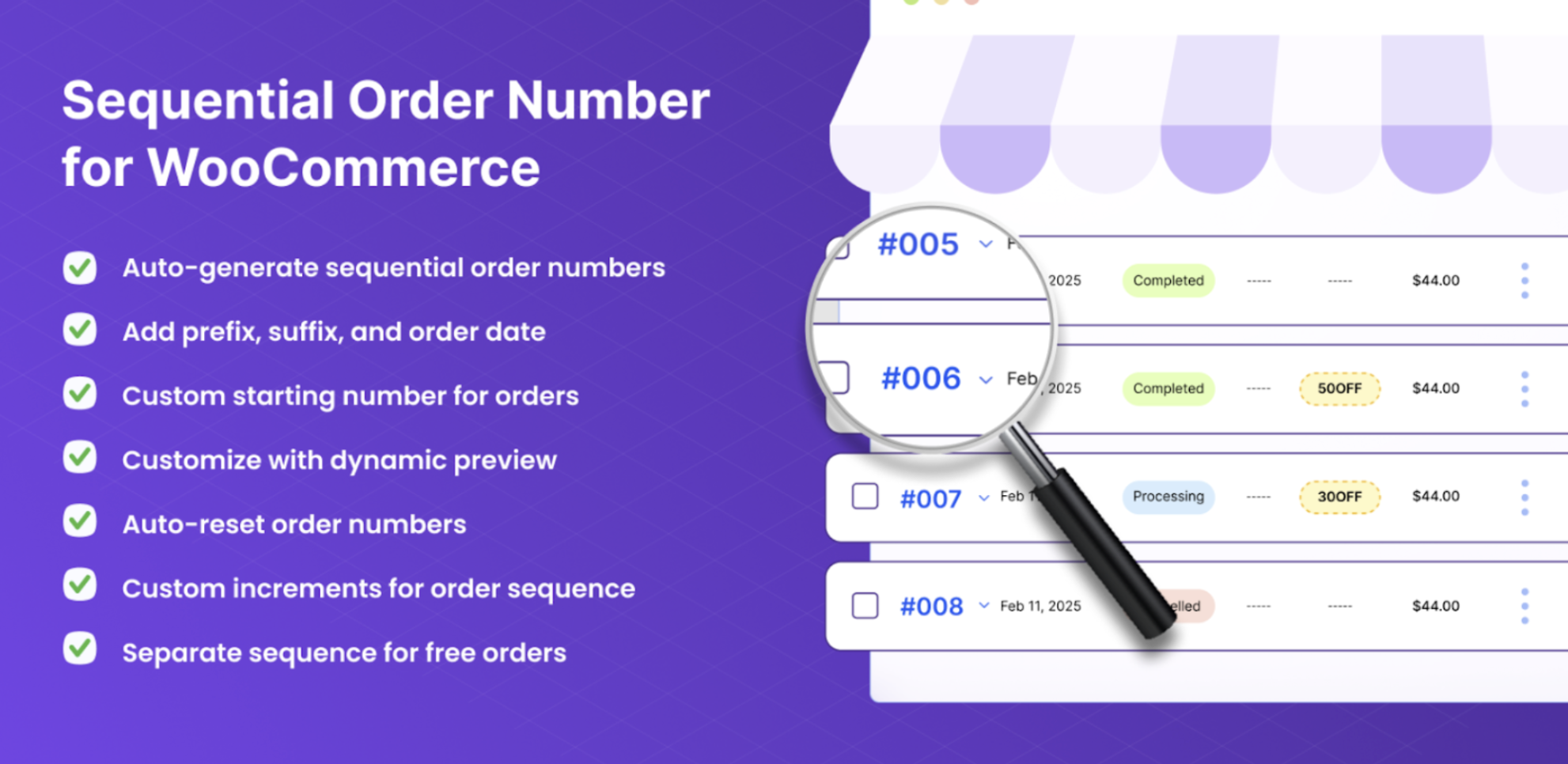
While WooCommerce’s order IDs appear random at first glance until you receive the first support ticket, which goes along the lines of: “Hi, checking my order number… I believe it was 48291.” Clean, sequential order IDs that have some meaning to your business make every support call and spreadsheet ever marginally easier. Small victory? Yes. But it’s a small victory for every single order from here on out.
Sequential Order Numbers for WooCommerce replaces the default IDs with configurable sequences such as custom formats, prefixes and suffixes, and reset schedules. A free version covers basic sequences and prefixes.
Why now: renumbering is cleanest while order history is short.
Stage 3: Growth, Turning Traffic into a System
Orders on a regular basis, repeat business, customers that you can actually start calling your own. This is where the plugins in the roadmap that provide the most leverage make their appearance, the kind that actually require a customer base as fuel. It wasn’t bad to put them in earlier; it just wouldn’t have made sense.
WooCommerce Product Recommendations
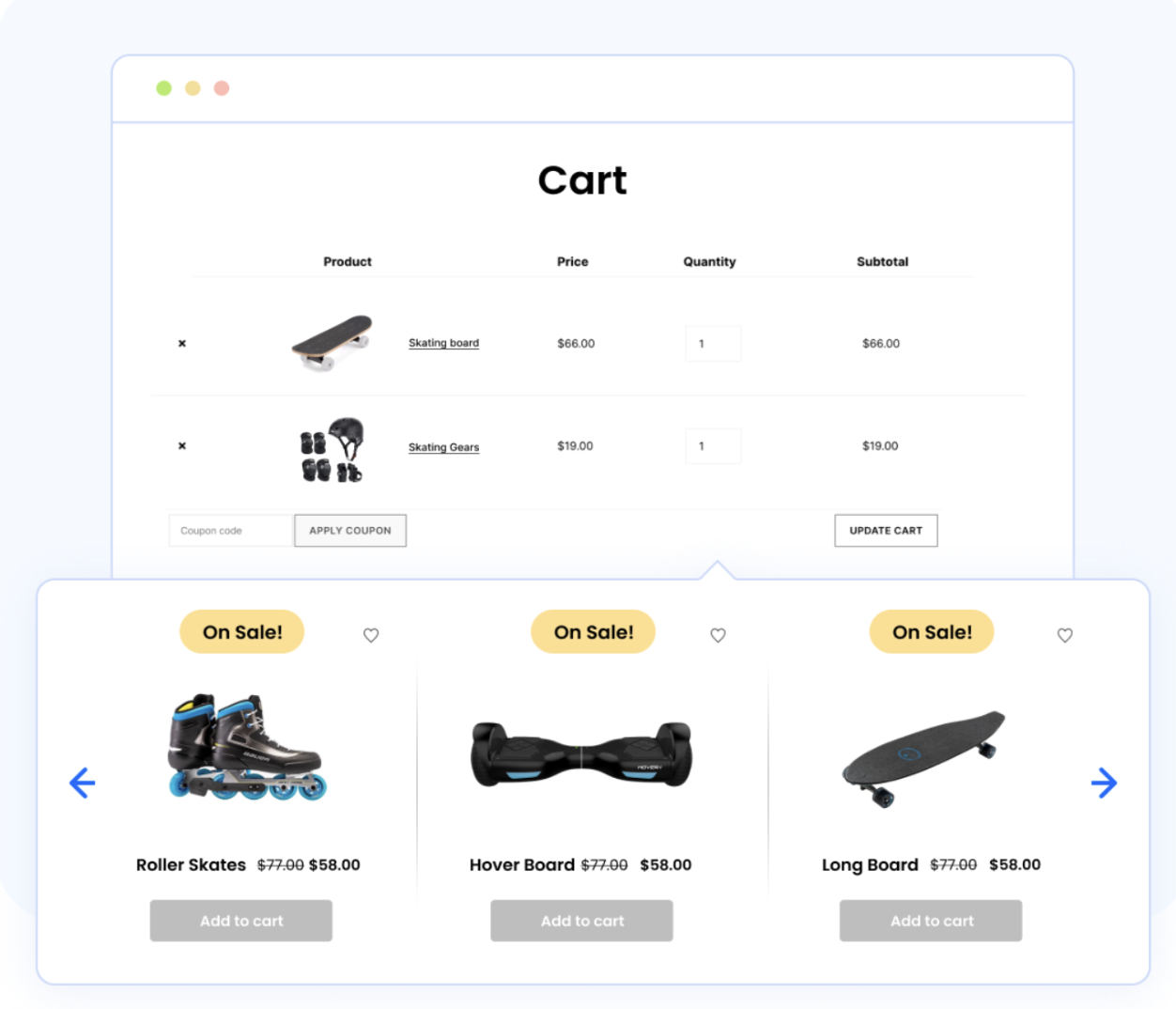
As soon as you have actual purchase history, it becomes a matter of patterns rather than guesswork: what items are truly purchased together, what upsells are actually sold. If your average order quantity is still just one item at this point, this is probably the most impactful plug-in on the list.
Product Recommendations plugin by WebToffee WooCommerce plug-in works with over ten different kinds of recommendations – frequently bought together items, upsells, cross-sells, best-sellers – through product pages, cart, and checkout, and uses conditions and filters to show what sells. There's even a free version with related products and basic upsells
Why now: recommendation engines run on behavioral data. Now you have some.
YITH WooCommerce Wishlist
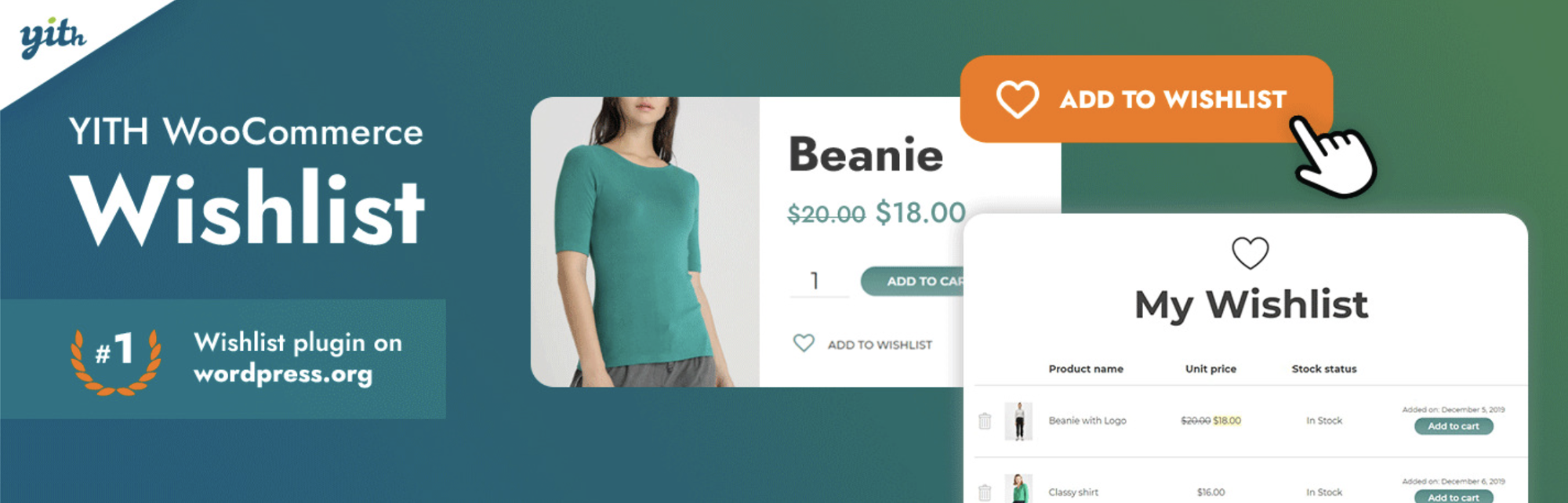
The growth stage will witness another kind of visitor who is not familiar to you; he is the repeating visitor, who is not looking for buying yet. When you don’t have a wishlist, the intent disappears as soon as he closes his browser tab, but when you do, it turns into a wish list which comes back again and tells you what he wants but hesitates to buy.
YITH WooCommerce Wishlist is one of the most popular plugin in this field; its free version provides basic features including the add to wishlist button on any product page, the dedicated wishlist page, management through My account section and shareable wish lists that quietly make referrals out of your customers' wishes.
Why now: wishlists capture the not-yet buyers, and growth is when you start having enough of them to matter.
WebToffee eCommerce Marketing Automation
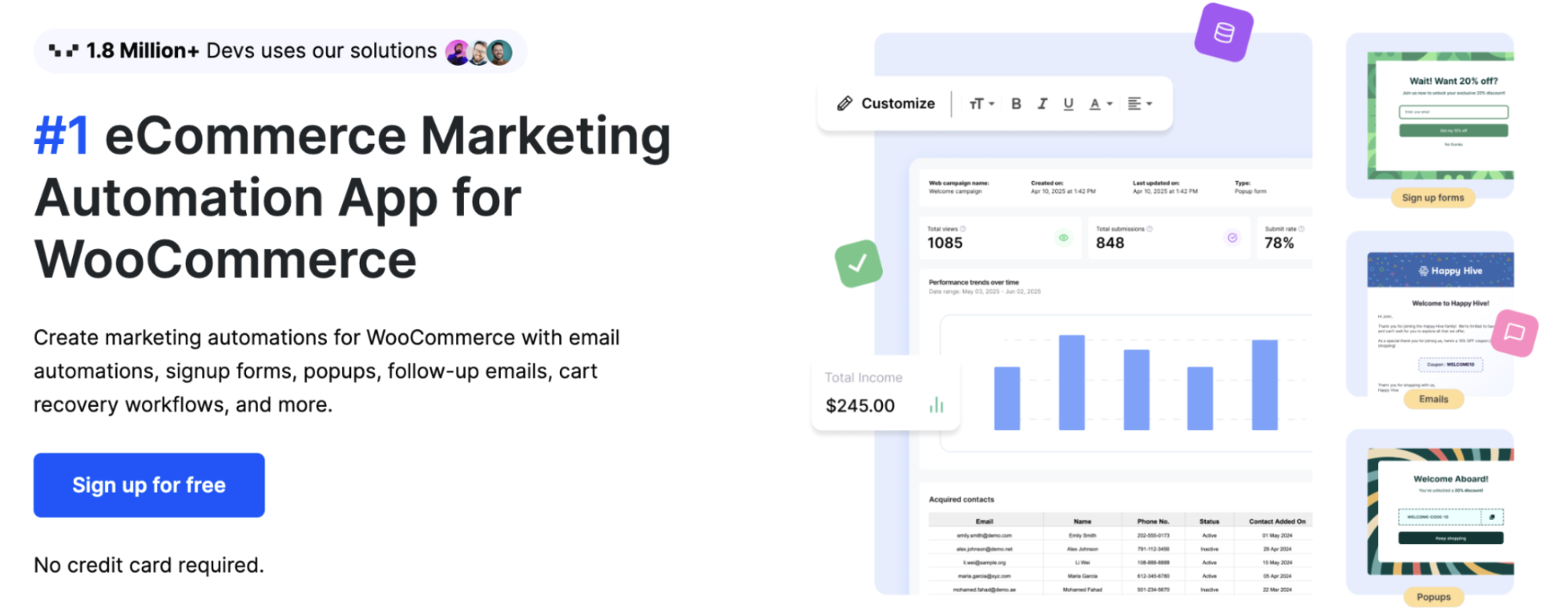
With consistent traffic comes consistent cart abandonment - about 70% of carts abandoned, industry-wide - and consistent cart abandonment in large volume can be turned into an additional source of income. And this is the point when you have enough customers to implement welcome email series and win-back campaigns to reach out to.
Email Marketing tool by WebToffee offers you solutions for cart recovery, welcome emails, post-purchase follow-up, win-back campaign, and more, with built-in workflows. Plus, This Alternative to AutomateWoo app has pop-ups and sign-up forms for building your mailing list. All that at absolutely no cost because it's free to start using it without paying.
Why now: automation multiplies existing activity. At this stage, there's finally something to multiply.
Tidio Live Chat & AI Chatbots

When it comes to sales, customers start asking more questions through emails than can be handled in reasonable time. This means that each unanswered question equals to one lost sale. Live chat solves the problem of time.
Tidio offers its customers a live chat widget integrated with a chatbot called Lyro, which the company claims to be able to manage the majority of usual questions automatically. The unique feature of the platform is a WooCommerce integration that allows the agent to track the information about the customer's purchases. It is absolutely free and the widget is easy to control via desktop or mobile applications.
Why now: chat needs enough traffic to keep conversations flowing and enough sales at stake to justify the attention.
WooCommerce Gift Cards
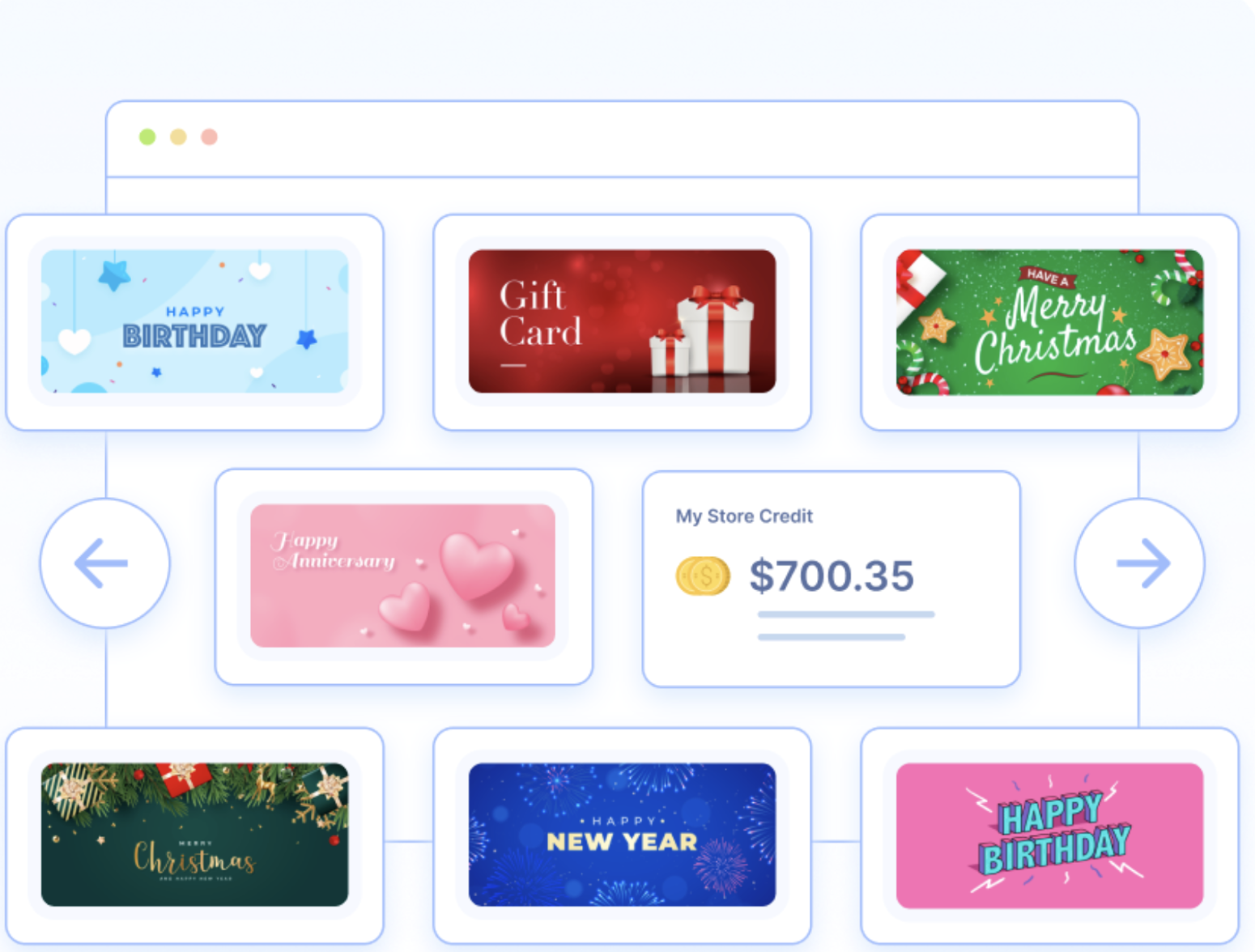
Gift cards are most suitable for growth-stage stores, which are stores that have developed a following among customers. They unlock two doors at the same time: your current fan base can gift your products without having to choose between them, and any redemption brings a fresh customer to your store with an already committed balance.
This wordpress gift card plugin allows you to manage both digital and physical gift cards along with custom amounts, schedule delivery with personalized messages, and full balance management, all while using redemption the way you use a regular coupon. The free version lets you create one gift card product; the premium version unlocks unlimited cards and 20+ designs.
Why now: gifting follows brand affinity. It needed the first two stages to exist.
WPForms
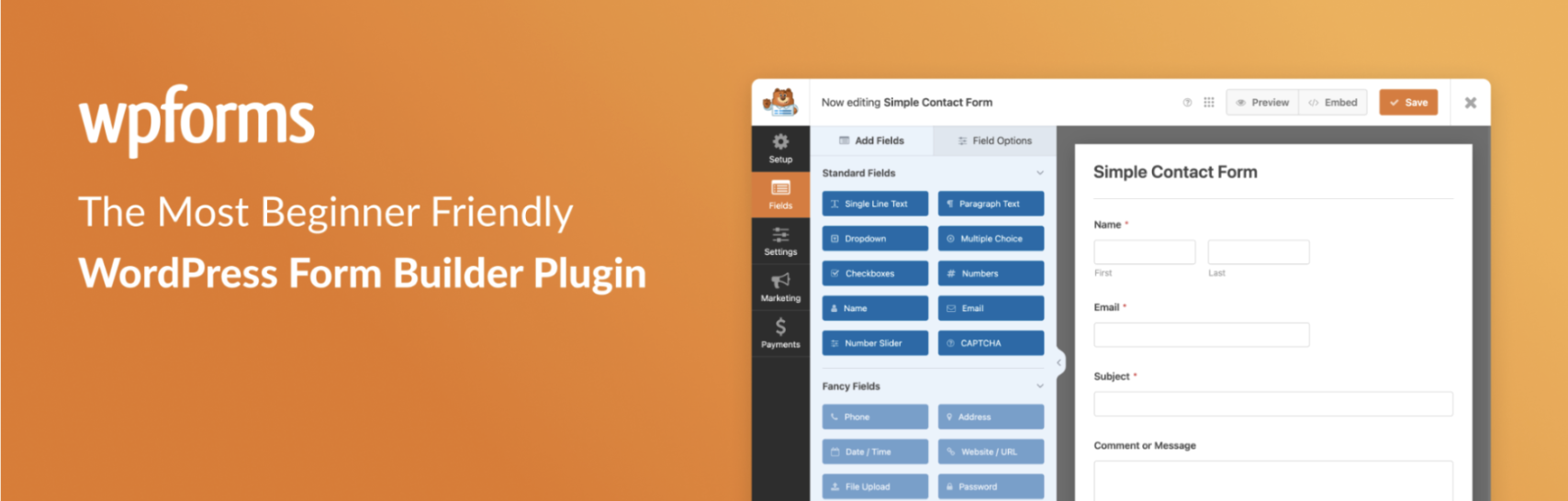
A launch phase store requires a contact form; a growth phase store requires structured inquiries in the form of quote requests which come with the information required to quote, wholesale applications that are accompanied by company details, and feedback forms that can be counted.
WPForms is the default form building plugin for WordPress: drag-and-drop interface, no coding required, and forms that seamlessly fit within your site. The free version handles contact and inquiry forms more than adequately, and this is where stores need to start before determining whether they require the premium version's extra functionality.
Why now: structured intake matters once inquiry volume is high enough that follow-up emails have a real cost.
Checkout Field Editor for WooCommerce
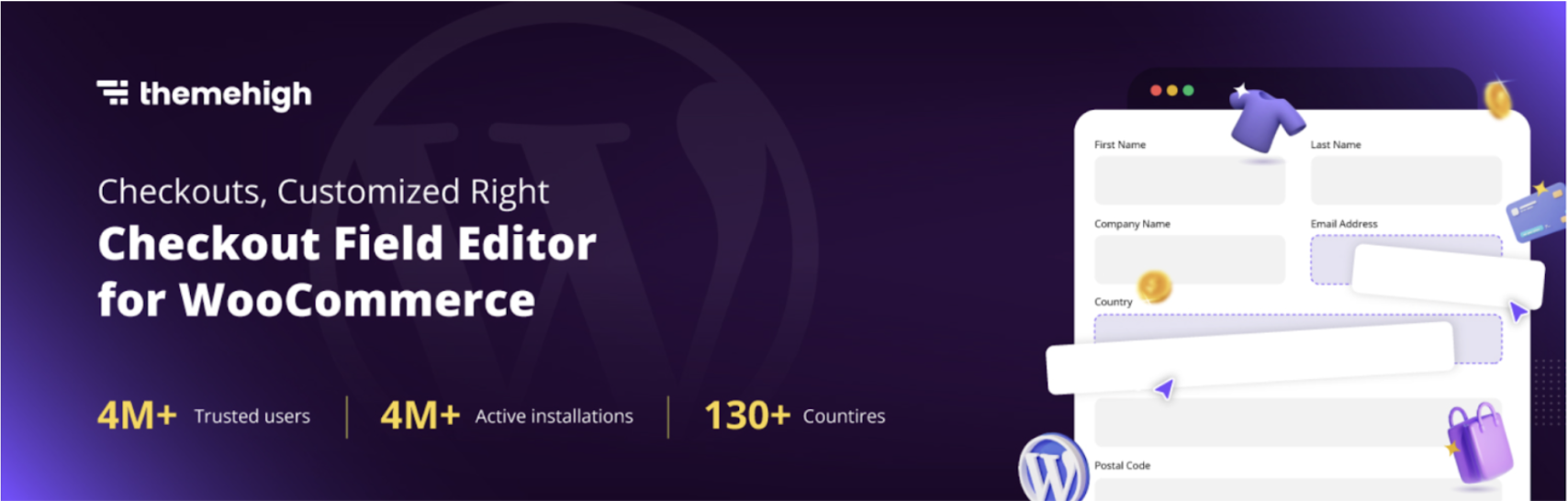
Through growth, you know more about your checkout process than when you first launched; specifically, the fields customers leave blank, the data used by your business process, and where users leave the checkout process altogether. That is why customization of the checkout process is justified at this point and not in anticipation of it.
The Checkout Field Editor for WooCommerce provides drag and drop functionality to add, edit, and delete checkout fields, with conditional logic options such as shipping fields only when purchasing tangible goods and regional fields only where appropriate.
Why now: checkout optimization works best as a response to observed behavior, and now you've observed some.
Stage 4: Expansion: New Markets, New Channels, New Obligations
It’s working. It now expands outwards – to shopping channels, to other countries, to the compliance requirements that come along with them. Stage four plugins are the most situational on the timeline: all are absolutely required for the store that needs them, but a total waste for the store that doesn’t. Interpret this as “this is where you need to be” not “get these right now.”
Product Feed for WooCommerce
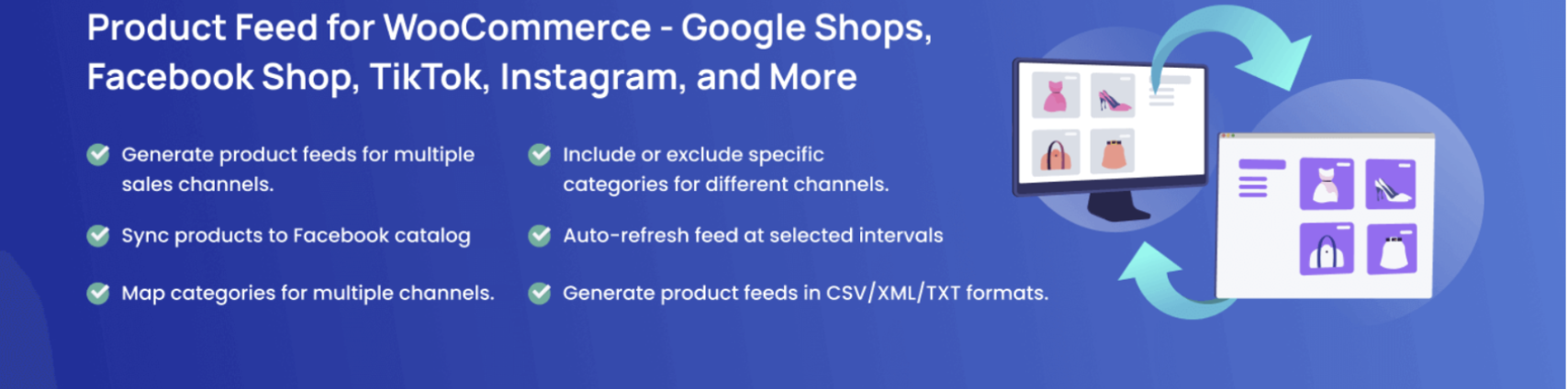
Google Shopping, Facebook, Instagram, and TikTok all want your catalog in their feed format and updated whenever prices or inventory change — too complicated to do manually for any actual catalog and the classic “blocker” that prevents retailers from joining channels they’re otherwise ready for.
Product Feed for WooCommerce generates and auto-syncs feeds for the major channels with attribute mapping, filtering, and scheduling. The free version handles the core formats — enough to launch a first channel and prove the economics before investing further.
Why now: channel expansion needs budget and attention, not just a feed. This stage is when stores have both.
Mollie Payments for WooCommerce
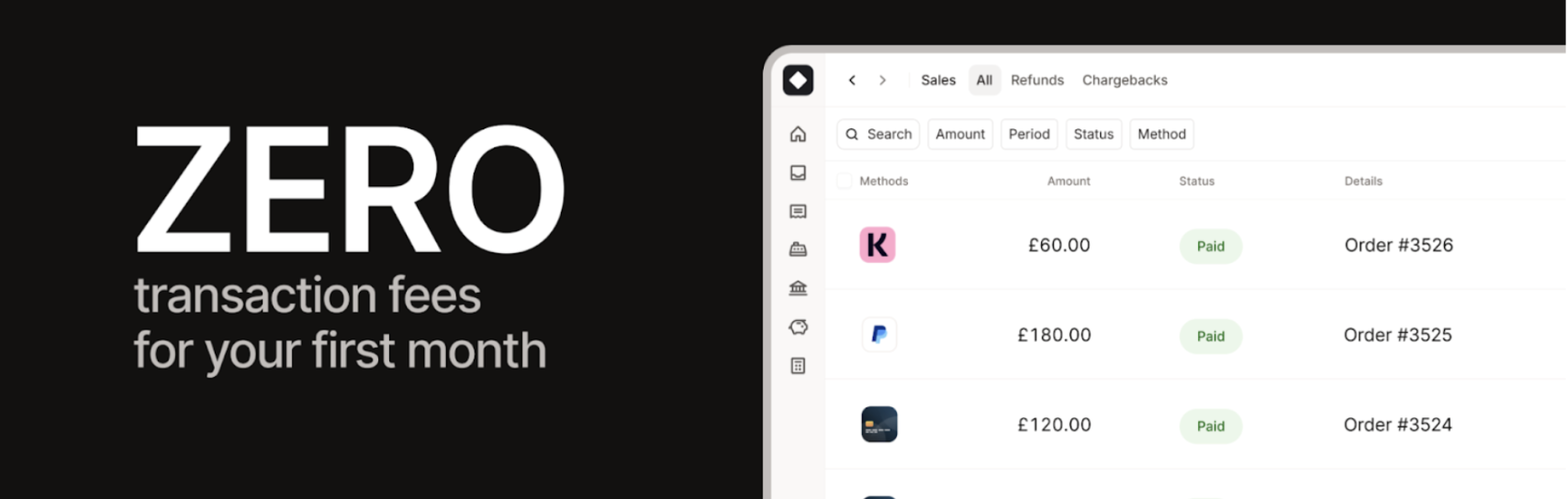
International orders also have an underlying issue – customers overseas pay differently (iDEAL in the Netherlands, Klarna in the Nordics, Bancontact in Belgium), and your card-only checkout simply drives them away, but you don’t see them in your statistics.
Mollie Payments for WooCommerce collects all significant global and regional payment gateways into one integration, where you have security through Mollie and refunds done via the WooCommerce interface – much easier than having to collect one plugin for each gateway.
Why now: payment mix should follow your traffic's geography. Expansion is when the geography changes.
EU Withdrawal Button for WooCommerce
Selling into the EU brings a specific legal obligation which came recently called the Right of Withdrawal directive (EU 2023/2673) which requires giving customers a clear way to cancel orders within a set window. Handling this through support emails does not satisfy customers nor the directive's visibility requirements.
The EU Withdrawal Button for WooCommerce by WebToffee formalizes the process by introducing a Request Withdrawal button on the customer's orders page which is visible only during the active window, a guided two-step form supporting full or item-level withdrawals, an admin dashboard for managing requests, a configurable window (2, 7, 14, or 30 days — 14 is the EU standard), and a footer link for the visibility requirement. It's completely free on WordPress.org.
Why now: the obligation arrives with the first EU customer. If that's you, this stops being optional.
WebYes Accessibility Tool

With growth comes exposure, and with exposure comes scrutiny. ADA cases in the US frequently take aim at online shops, the European Accessibility Act is in place, and WCAG standards affect more each year. Apart from the legal aspect, an inaccessible website is basically excluding potential clients from the outset.
WebYes Accessibility Tool operates in code, not with overlay tools that accessibility campaigners have pointed out to be problematic in hiding flaws. Users are provided with a toolbar to adjust fonts, contrast, cursor, and spacing; meanwhile, your team gets a free Accessibility Checker Chrome extension to test any webpage for WCAG compliance right away.
Why now: honestly, accessibility matters at every stage but enforcement risk scales with visibility, and expansion is when stores get visible.
Order Import Export for WooCommerce
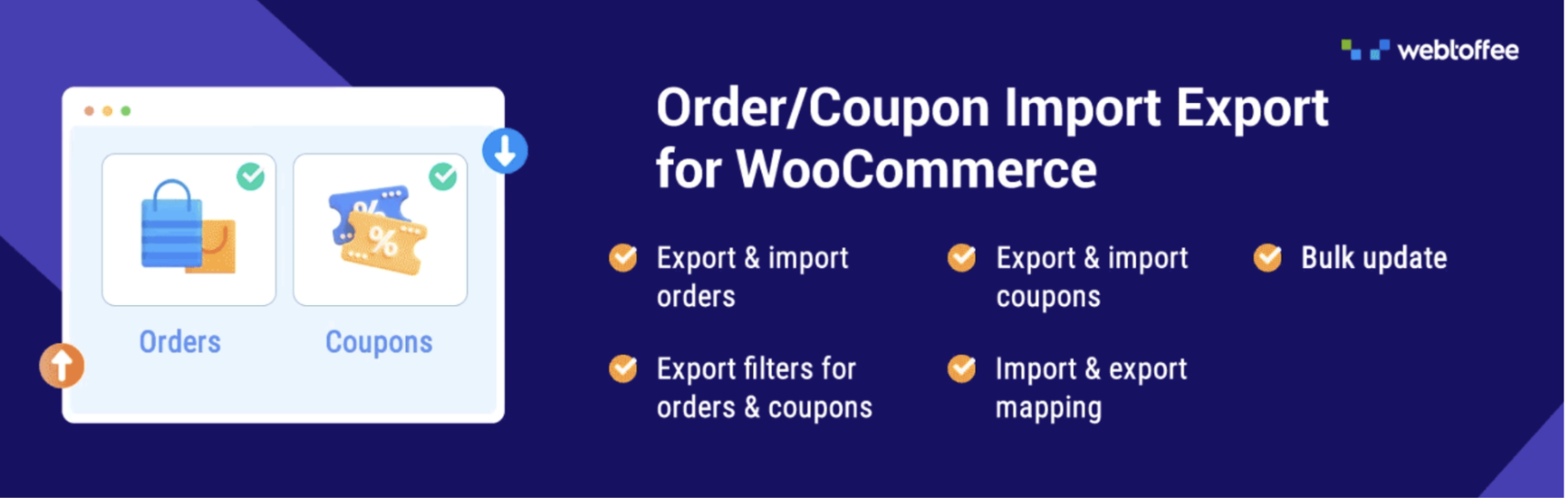
Expansion-stage stores face the same problem every time: order information has to be transferred from one accounting program to another, between two retail locations, to backup files but WooCommerce lacks any reliable bulk transfer mechanism.
Order Import Export for WooCommerce by WebToffee is an extension that allows exporting and importing orders, subscriptions and coupons using the following formats: CSV, XML, TSV and Excel and filters the results by date, order status, and product categories with the help of a wizard-style import procedure. A free version covers core order transfers.
Why now: order data only needs to travel once your operation extends beyond one store and one toolset.
Reading the Roadmap Backwards
One final piece in how to use this guide is to consider it against the stage your store is at. If you are a store at stage three and are still lacking in stage one functionality, such as having a history of analytics and the ability to manage consents, that comes first.
And vice versa; if you are already at stage two and have your marketplace feed, and three automation tools are already in place, then you have purchased an engine without the fuel yet. That's fine, but perhaps it would have been more effective to focus on the stage your store is at.
This process of building out 20 plugins will take some time, while most of the stores at all stages can easily do with less than half of these. Focus on installing the right plugins for your current stage and follow the roadmap to find the next ones to install.
Related Posts
- How Shoppers Discover Products in AI Answers - What Ecommerce Sites Should Do
- Best ESG Reporting and Disclosure Software for US Enterprises in 2026
- How Entrepreneurs Can Turn Business Success Into Lasting Wealth
- Rust for E-commerce: When Performance-Critical Backends Outgrow PHP
- E-commerce Virus Removal: How to Detect and Clean an Infected Website
- Top Data Privacy Management Software for 2026