


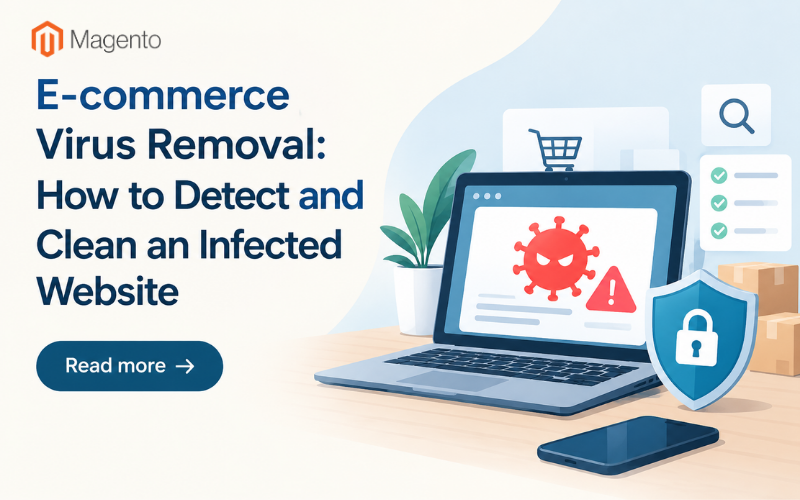
A practical guide to virus removal for e-commerce websites, from how to spot an infection and clean it up to keeping it from coming back.
Virus removal on an e-commerce site often starts with something surprisingly small rather than a security scan. Maybe Chrome suddenly flags the store. Maybe a payment processor sends a warning email. Or a customer contacts you because the checkout redirected them to a pharmaceutical website.
Online stores usually grab more attention from attackers because they work with customer information, saved payment details, and admin accounts connected to real money. A compromised checkout page can also lead to a store being suspended by its payment processor while the problem is investigated, and that interruption can end up costing more than the cleanup itself.
The important thing is knowing the difference between a fix that actually removes the infection and one that only makes the site look clean for a few days.
I. Website Infected With Malware: What to Look For
Malware isn’t as obvious as we think. It can stay out of sight while it does things such as stealing information at checkout, sending spam, or using the site's search ranking to promote someone else's pages. That makes regular checks especially important.
Some warning signs to watch for include:
• The site works normally when you visit it, but redirects other visitors somewhere else, particularly on phones.
• The provider flags the site for suspicious stuff.
• A new admin account appears in WordPress, Magento, or Shopify that nobody on your team created.
• Outbound email suddenly increases even though no marketing campaign was sent.
• Checkout becomes unusually slow, or customers report being asked for additional card information during the purchase process.

Google explains what can initiate a security warning in Search Console, so checking there is a good place to start. Your hosting dashboard may also have access logs that provide a better idea of what happened. If there is a sudden spike in requests from unfamiliar addresses around the same time the problems started, that is something worth investigating.
II. Manual Virus Removal: What You Can Fix Yourself
When something looks suspicious, the first instinct is usually to open the file manager, sort by date, and look for anything that doesn't belong. That's manual virus removal in its simplest form.
It can work when the signs are obvious: a core file that doesn't match the original CMS installation or an unexpected .php file in the uploads folder.
The problem is that malware isn't always easy to spot. Malicious code can be hidden inside a legitimate template or hidden as part of a normal-looking plugin update. Deleting the suspicious file may make the store look clean while leaving the original entry point open.
That entry point could be a stolen password, an outdated plugin, or a vulnerable theme. It's similar to asking: Does a factory reset remove a virus from a laptop? It may remove the visible problem without addressing what caused it in the first place. That's the main limitation of manual cleanup. You can remove whatever you found, but hidden code and overlooked entry points are much harder to catch without the right tools.
III. Automatic Virus Scanner: When Manual Cleanup Isn’t Enough
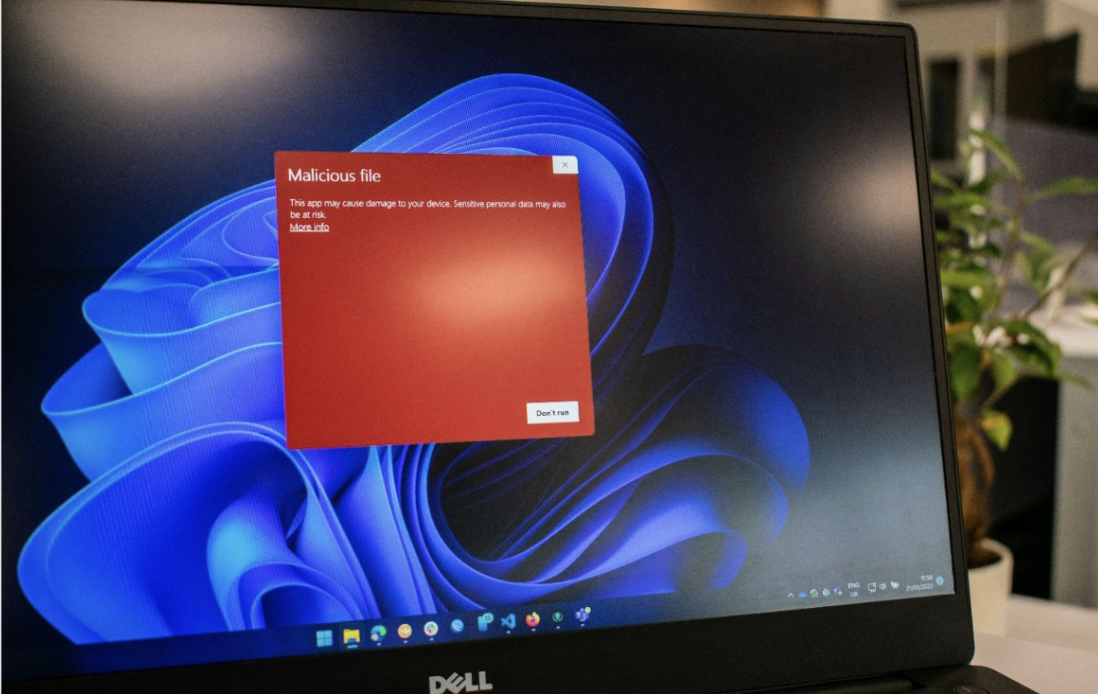
Image source: Unsplash.com
An automatic virus scanner can check those files much more systematically. Depending on what you use, it can compare core files with known-clean versions, flag changes, and look for patterns associated with known problems.
A clean scan still doesn't mean the incident is over. If an attacker has a stolen password or the vulnerable plugin that provided access is still installed, the site can simply be infected again.
That's why a second scan about a week later is worth doing. Once the immediate pressure has passed, it's easier to catch anything that quietly returned. It's also a step many store owners skip, even though it can confirm whether the original cleanup actually worked.
If customer payment information may have been exposed, there is another issue to consider: breach reporting and notification requirements. For U.S. businesses, those obligations depend on the circumstances, and the FTC's data breach response guide outlines the steps businesses should consider.
IV. After the Cleanup
Removing the malicious files isn't the end of the process. Once the site is clean, you need to make sure the same problem doesn't come straight back.
If a stolen password was responsible for the initial access, change it along with any other passwords and API keys connected to the store. That includes hosting accounts, CMS administrators, payment gateways, and FTP accounts.
If an outdated plugin was the entry point, update the CMS, theme, and plugins to supported versions. Older software is a common source of vulnerabilities, and leaving the original weakness in place can undo an otherwise successful cleanup.
For Magento stores, a guide to tightening Magento security covers some of the basic checks that can easily get overlooked once the immediate problem has been dealt with. That includes reviewing the administrator list and being cautious about reconnecting payment services until you're confident the site is clean.
It's also worth revisiting a guide to protecting customer data on Magento, particularly if checkout or customer-account pages were involved in the compromise.
Finally, write down what happened and what you changed. It doesn't need to be a long report. A simple record of the suspicious files, the original entry point, the changes you made, and the scans you ran can make the next incident much easier to investigate.

Image source: Pexels.com
Most infected e-commerce stores don't fall victim to some incredibly complicated attack. More often, an outdated piece of software, a stolen password, or a warning that nobody noticed in time is enough to create a serious problem.
The speed of detection can matter just as much as the cleanup method itself. If you catch an infection within a day, the problem may be contained before it causes much disruption. If it goes unnoticed for a month, you could be dealing with frustrated customers, failed payments, a damaged reputation, and a much more complicated cleanup.
Virus removal is therefore only one part of securing an e-commerce site. Finding the infection, closing the original entry point, scanning again, and monitoring the site afterward are what make the cleanup much more likely to last.
Related Posts
- How Shoppers Discover Products in AI Answers - What Ecommerce Sites Should Do
- Best ESG Reporting and Disclosure Software for US Enterprises in 2026
- How Entrepreneurs Can Turn Business Success Into Lasting Wealth
- Rust for E-commerce: When Performance-Critical Backends Outgrow PHP
- E-commerce Virus Removal: How to Detect and Clean an Infected Website
- Top Data Privacy Management Software for 2026