


Learn how to set up domain and hosting for your Magento 2 store, from choosing a domain and hosting provider to configuring DNS, SSL, and launching your store.
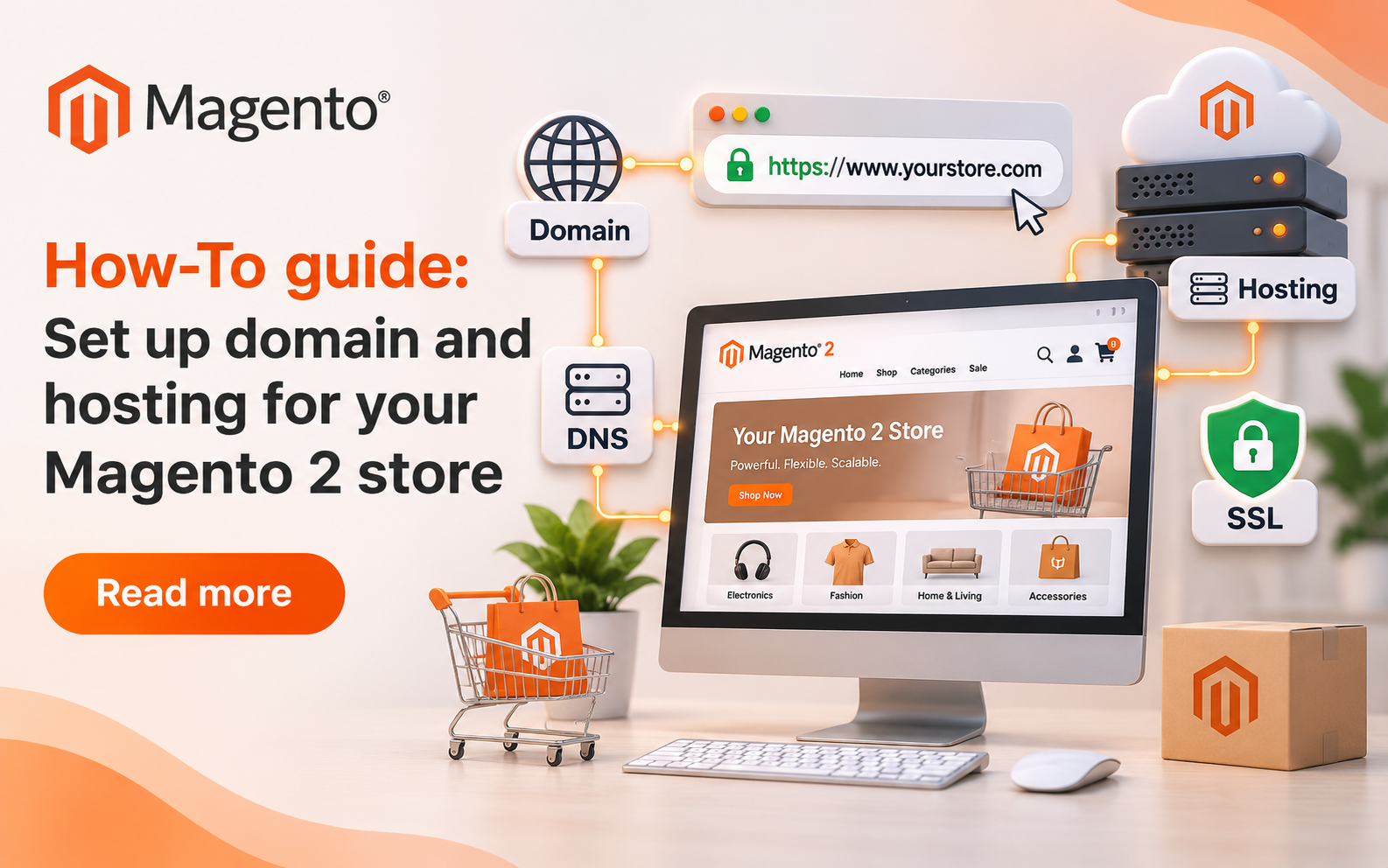
Choosing the right domain and hosting for your Magento 2 store is essential for building a fast, secure, and scalable online store. Magento has higher resource demands than a typical website, requiring compatible PHP versions, databases, Composer, OpenSearch, and other services depending on your Magento version. Before purchasing a hosting plan, check Adobe's official Magento system requirements to ensure your provider supports the necessary technologies.
For production stores, consider managed Magento hosting, a well-configured VPS, or cloud hosting. Evaluate CPU, RAM, SSD storage, backups, SSL support, staging environments, monitoring, and technical support. Make sure your hosting provider also supports command-line operations, cron jobs, extensions, and background processes. Cheap shared hosting may not provide sufficient resources or flexibility. Additionally, check whether DNS management and domain privacy are included in the hosting package.
1. Understand Domain Names and Hosting
Your website address (for example, mystore.com), which people use to visit your online store through their web browser, is called a domain. As with other applications, all of your Magento files, database, product images, and other store-related data will reside on your hosting provider. DNS is responsible for linking your domain name to the server where your online store is hosted.
A domain alone will not provide a nationwide storefront online. It takes a hosting plan with proper DNS configuration. An introduction to registering a domain name and what to expect from domain name registrars can be found in the ICANN domain name guide. Keep the email address associated with your account up to date so you can receive reminders about renewing your domain.
2. Choose a Domain Name
The first thing people will see when they come to your website is the domain name. It should be short, easy to remember, spelled correctly, and relate to your computer business. If most of your customers are from only one country, then a domain name extension (e.g.,.com) which is commonly known throughout the world might not be as useful as an extension (e.g.,.uk) that is unique to your country.
3. Select Magento-Compatible Hosting
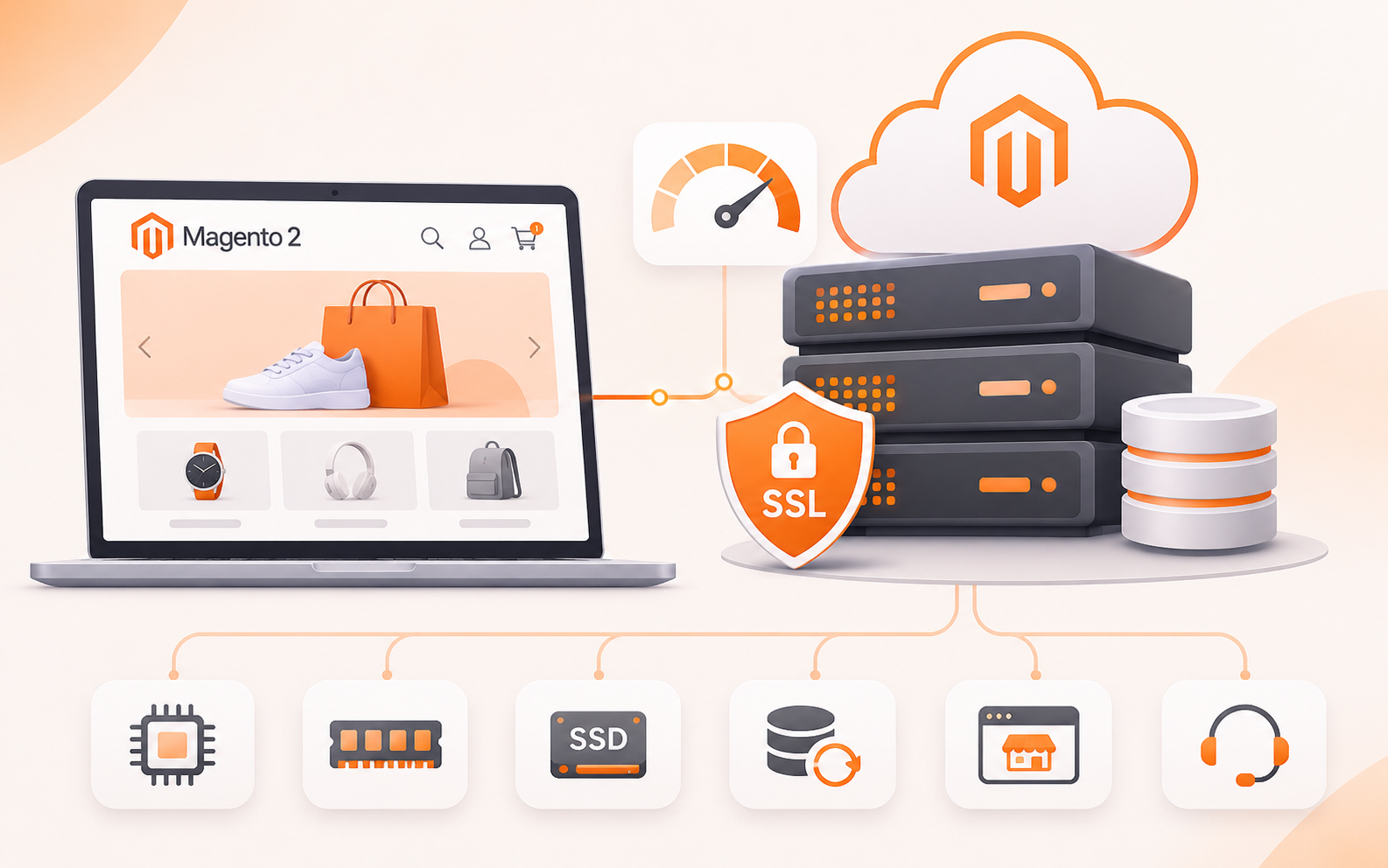
Magento has higher resource demands than a typical website. This could include using a PHP version that Magento supports, a database, Composer, OpenSearch, etc., depending on what version of Magento you are running. Before purchasing web hosting plans, verify that Adobe has official Magento system requirements for the particular version of Magento you plan on using. Do not rely solely on a web host's generic PHP support.
Also maintain and develop your desired versions, extensions, command-line operations, cron jobs, and background processes. If you run a production site, consider using managed Magento hosting, a well-configured VPS, or a cloud-based server. Performance: CPU, RAM, SSD storage, backups, SSL support, staging, monitoring, and technical support. The resources and the level of access you can expect from a cheap shared hosting provider may not be adequate for your Magento needs. Additionally, find out whether DNS management services and/or domain privacy are included with the package at no additional charge.
4. Compare Plans and Costs
The cheapest monthly cost is not the only reason to choose a hosting company. Many times companies offer low prices at first; however, when you renew your contract, the price will go up. Research on renewal fees, billing (anytime), storage limits, backup frequency, bandwidth restrictions, support availability, and other potential charges will help determine whether to purchase a plan. In addition, independent reviews and/or promotions can provide additional resources for conducting research.
Another way to get one more resource would be to search for a discount code for domain hosting that’s offered with the web hosting company offering the domain hosting with them including Hostinger domain coupon codes for India, which could be seen on Cybernews. When signing up for these offers, make sure you thoroughly research Magento support when you are signing up for a domain name; this is very important in these scenarios. Please don't think that buying a domain name somehow means that the provider is capable of supporting Magento.
5. Register Your Domain and Buy Hosting
Once you have decided on a domain name and hosting plan, register your domain using the accurate business details. If possible, enable 2FA, set a reminder for domain TLD renewal, or set auto-renew. The location of your customer base will play an important role in which hosting server you choose. The closer your server is to the majority of your audience, the faster your site will load. Using a Content Delivery Network (CDN) will allow you to deliver images and static content from a server within the same country as your customer base.
6. Connect the Domain to Your Server
Once you have purchased a domain name and web hosting package, it will be necessary to connect both in order to facilitate the exchange with those visiting your website. Your web hosting company should provide you with the correct name server addresses (or DNS records) for your website. When you use your web hosting company's name servers, you can also use your domain registrar.
If you are using a different DNS provider, you will need to enter the records that they have provided to you. In general, the A record directs a domain to an IPv4 address, whereas the CNAME record may be used to forward the www portion of a domain name to either the main domain name or another hostname. The best way to know what DNS settings you should have is to check with your ISP. If you decide to make any changes to your DNS settings, remember that it could take several hours or days for them to update across the internet because of how DNS cache works.

7. Enable HTTPS and Configure Magento
Once you've done this, it's time to fix the security of your Magento ecommerce site. Secure your domain with SSL/TLS certificate. Many hosting companies provide SSL/TLS certificates in their packages. Ensure that it works in all the domains that your customers are using to go to your online store. Widgetize your site with a base URL like this: https://[your_domain].
It should be applicable for both the frontend (Storefront) and backend (Admin) part of Magento. You'll need to add a link between the HTTP port and the HTTPS port to make the secure version of your site available for your customers to view. Adobe's documentation states that you can configure the security settings when installing Adobe Acrobat DCM on your computer.
8. Install and Test Your Store
It's time to install Magento onto your server. First, you need to figure out which version of Adobe you'll need to install along with your Magento store, and then go to the official Adobe documentation for instructions on how to get it installed. A database, database user and enabling of the required services will need to be created, and the proper file permissions set. Write to a protected directory that is inaccessible to others.
Once the site is installed, test your e-commerce site in a comprehensive manner before you launch it. View product pages, search for other products and add products to the shopping cart, as well as purchase the product. Test customer sign up, order and receive order confirmation e-mail notification. When do you notice any mistakes, put a stop to them before customers can use the website. Make a copy of your website, and be able to restore it if necessary. Regularly upgrade Magento, delete unwanted components, and monitor performance and eligibility of your store.
Conclusion
If a Magento 2 ecommerce website is designed properly, it is a simpler process. The first would be selecting the right domain, and the second would be finding the right Magento hosting provider. Make sure you have registered your domain that you want to use, add it to your host and activate the HTTPS module for your website. After you complete all these steps, give a detailed setup procedure and set up your store for launch.
When buying Magento, it is not only the Magento software costs that you should take into account. Think about the yearly costs of running and maintaining the platform as well. Also, other expenses such as hosting, electricity, Internet connection, and regular maintenance will have to be included in your budget.
Related Posts
- Top Advertising Agencies in 2027: Best Global Firms & How to Choose
- How Mobile Apps Are Revolutionizing the Real Estate Industry
- How Data Annotation for AI in Energy Improves Renewable Energy Monitoring
- How-To guide: Set up domain and hosting for your Magento 2 store
- How to Match Your Phone Case to Your iPhone Color
- The Best Medical Virtual Receptionists and Answering Services (2027 Guide)