



Learn how to use a SERP API for SEO monitoring, rank tracking, competitor analysis, SERP feature tracking, and location-based search insights to improve SEO performance.
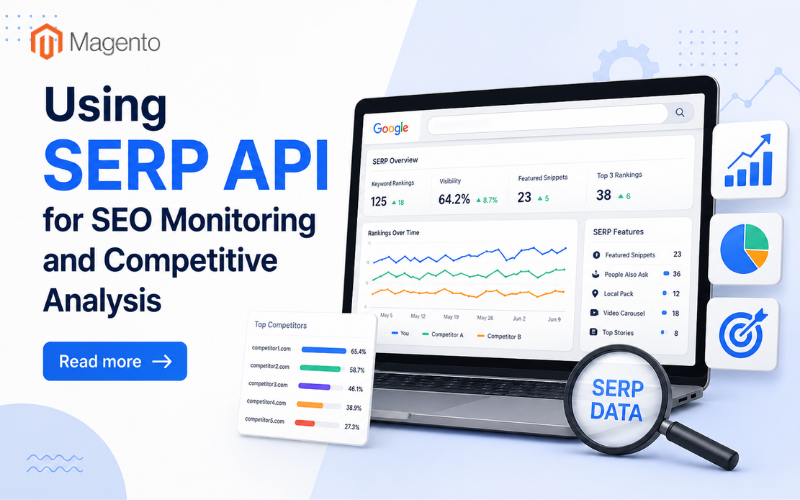
SEO professionals invest a considerable amount of time manually verifying page rank, copying results to a spreadsheet and attempting to decipher competitor activity.
Needless to say, it is slow and inconsistent, and by the time the data is ready, something has already changed.
A SERP API can automate that entire cycle. It fetches the live data of search results (without any manual search) and provides you with structured information about the rankings, featured snippets, paid ads, and other SERP elements. For example, a single API call can return organic rank, snippet ownership, and ad placements for one query, all in one structured response.
If your team is doing a lot of rank tracking or competitive research, you need a SERP API to make the work possible at scale. Otherwise, you have to either pay individuals to do repetitive work, or fly blind with regards to your competitive position.
What SERP Data Actually Tells You
A search results page to the majority of people looks like the typical stack of 10 blue links. That's not the case with modern SERPs.
As SEO commentators have noted, these pages are far more crowded than they used to be. Before the first organic result, featured snippets, People Also Ask boxes, local packs, video carousels and knowledge panels all compete for the attention of the user.
All these elements are a competitive opportunity and a threat at the same time.
• Why ranking position alone is not enough
Even if you rank second for a keyword that a competitor owns a snippet feature for, they are getting more traffic regardless of your position.
Looking at the ranking position alone doesn't capture that picture. A SERP API can capture all of the above in one pull: organic positions, SERP features, ad placements and related searches all in one go.
Rank Tracking at Scale
Manual checking has two problems: it's unscalable and inaccurate.
Google returns personalized results based on your search data, location and device. In short, you're not getting what your visitors in your target market are getting. And a manual check from your browser won't show you that.
A SERP API queries from a neutral and configurable vantage point. Thus the data shows what actually appears in search for a specific location and device type.
• The importance of automated tracking
Manual tracking is feasible with a small list of keywords. But once you're working with hundreds of keywords across multiple locations and competitors, it's impossible without automation. Rankings change constantly, and teams that aren't paying attention lose ground before they even know it.
Competitive Analysis Using Search Data
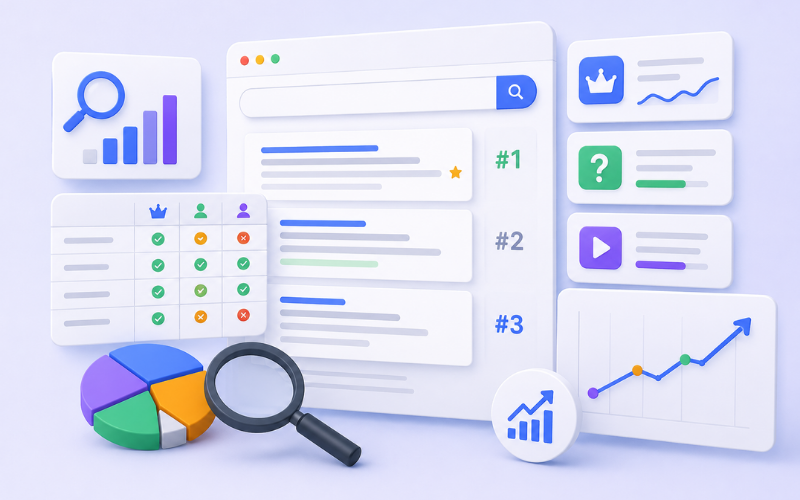
When using a SERP API, you don't just see where your competitors are ranking, you can see what kind of content is winning, and how.
• Keyword gap analysis
Download your competitor rankings for your target keyword list and find the keywords where they consistently appear but you don't.
Those gaps are areas where your team can work on directly.
• SERP feature ownership
Who is getting featured snippets for highly trafficked informational searches? Who appears in the People Also Ask boxes in addition to your query?
These are clues to content organization and topical expertise that don't appear in the pure ranking data.
• Rising and falling positions in the rankings
If a competitor has jumped from #15 to #3 for a keyword cluster, they've likely updated or published something worth investigating.
Historical data from a SERP API lets you spot those turning points and dig into what happened.
Monitoring SERP Features Specifically
More than half of all Google searches now end without a click, as users get their answer directly from a featured snippet, panel, or AI-generated summary rather than clicking through to a website. That means for most keywords, the competition for the page goes beyond the organic results.
• What to monitor
A SERP API lets you systematically track which features are present for each keyword and who holds them, so you get a clearer picture of where your keywords currently stand.
You can see if your content has a featured snippet, if it's been knocked out of one, or if it never had a shot at one to begin with. You can also watch competitors move up or down the rankings and focus your optimization efforts based on actual data.
• Seasonality and timing
Featured snippets can change around seasons, news cycles, and algorithm updates. Teams monitoring with a SERP API get notified of those changes. Teams checking manually find out weeks later.
From Data to Action
Collecting SERP data is the easy part. Turning it into a working competitive intelligence process and then into decisions is where the value actually gets realized.
• Specify your keyword universe
Use your most relevant commercial keywords, informational keywords that attract top-of-funnel traffic, branded terms (your own and competitors'), and newly emerging terms you want to track early in their lifecycle.
This list becomes the foundation of everything the SERP API supports.
• Identify competitors to track
Choose 5-10 domains that have search visibility meaningfully similar to yours. Include new players who have recently started competing with you but aren't yet at full strength.
One of the most useful benefits of automated SERP monitoring is an early warning of rising competitors.
• Set up automated monitoring
Schedule automated pulls against your keyword priorities. Feed the data into a database you own, and build views that surface ranking changes and competitor trends over time. Monitoring should run continuously rather than as a periodic check the API makes that possible.
• Connect rankings to content decisions
If a competitor moves up on a keyword cluster you care about, use the SERP data to investigate why. Did they earn a snippet? Publish a new page type?
That investigation leads to concrete content decisions, not just observations.
• Prioritize based on business impact
A high commercial-intent keyword with strong search volume where you rank #11 is a higher priority than a low-relevance informational term where you rank #4.
• Look for clusters, not individual movements
One keyword falling two places is just noise. But if five keywords in the same topic cluster are all trending down in the same week, it's worth investigating content issues, technical issues, or a competitor simply doing better.
• Share findings in actionable formats
Turning SERP API insights into actionable briefs, optimization suggestions, or competitor flags helps the whole team, not just whoever pulled the data.
Location and Device Targeting
Search results vary widely across geographic areas. A keyword that produces one set of results in London returns different results in Manchester or New York.
With a SERP API, you can define the area you want results from and retrieve results as they actually display to users in that area. This is particularly useful if you compete locally or operate SEO across multiple countries or language versions.
• Device targeting
Search results on mobile differ from desktop, especially for queries where Google surfaces local content or chooses different result types by device. Having data for both gives you full visibility, not partial visibility.
Wrapping Up
SEO monitoring and competitive analysis are among the things you can't do well at scale without reliable, automated data.
Manual checking is time-consuming and inconsistent; it doesn't keep pace with how quickly search results change. A SERP API solves this by giving you programmatic access to live, structured search result data for any keyword, location, and device you want to monitor.
Start with your most important keyword cluster. Get automated tracking in place, then check it weekly and expand the workflow from there.
Related Posts
- How Shoppers Discover Products in AI Answers - What Ecommerce Sites Should Do
- Best ESG Reporting and Disclosure Software for US Enterprises in 2026
- How Entrepreneurs Can Turn Business Success Into Lasting Wealth
- Rust for E-commerce: When Performance-Critical Backends Outgrow PHP
- E-commerce Virus Removal: How to Detect and Clean an Infected Website
- Top Data Privacy Management Software for 2026