



Migrating to Shopify without a proper SEO plan can undo years of ranking progress. Here's how to protect your search visibility through the move.
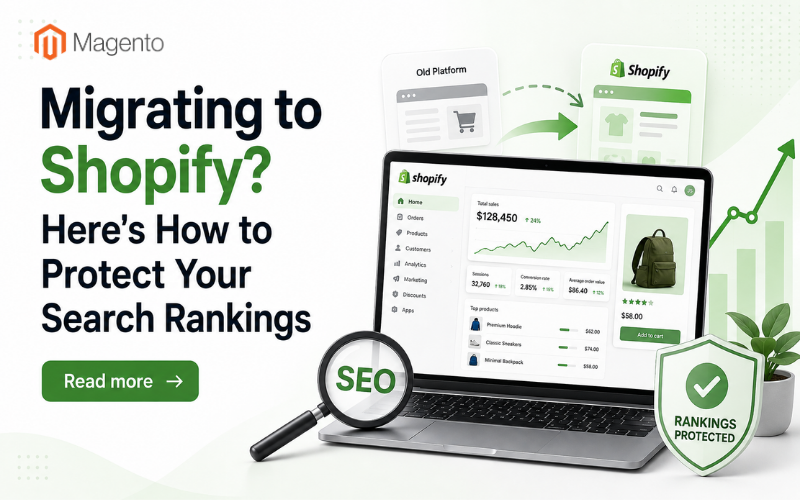
Platform migrations are one of the riskiest moves an ecommerce business can make from an SEO perspective. Get the technical details wrong, and months or years of accumulated rankings, backlinks and organic traffic can disappear within weeks of going live. Shopify migrations are no exception, and the platform's specific structure means a generic "just set up redirects" approach often isn't enough to preserve what you've built.
The good news is that most migration-related ranking losses are preventable. They typically stem from a handful of well-understood technical gaps rather than anything mysterious about how Shopify itself handles search. Knowing where those gaps usually appear, and planning for them before launch rather than after, is what separates a smooth migration from a traffic cliff. For merchants without in-house SEO expertise, this is often exactly the point where bringing in a Shopify SEO agency like SIXGUN earlier rather than later pays for itself, since migration mistakes are far cheaper to prevent than to recover from once rankings have already dropped.
Here's what actually needs attention.
Map every URL before you touch anything
Shopify enforces its own URL structure, typically routing products through /products/ and collections through /collections/, regardless of what structure your previous platform used. If your old site used a flatter or differently organised URL pattern, every single indexed page is about to change address.
Before migration, export a complete list of your currently indexed and ranking URLs from Google Search Console and your analytics platform. This becomes the master list you'll map against the new Shopify URL structure, page by page, not just category by category. Skipping this step and relying on Shopify's default redirect suggestions alone is one of the most common causes of lost rankings after a migration.
301 redirects need to be exact, not approximate
Once you have your URL map, every old URL needs a proper 301 redirect to its new equivalent, not a blanket redirect to the homepage or nearest category page. Search engines treat a redirect to an irrelevant page as a weak signal, and it does nothing to preserve the specific ranking value that page had built up.
This is more time-consuming than it sounds, particularly for stores with large catalogues or years of accumulated blog content, but it's the single highest-leverage step in preserving organic visibility through a migration. Shopify's apps and built-in redirect tools can handle the technical implementation, but the mapping itself still needs to be done properly by someone who understands which old pages actually mattered.
Watch for duplicate content from collections and tags
Shopify's collection and tag system is convenient for merchandising but can quietly generate duplicate or near-duplicate content if the same products appear across multiple collection URLs without proper canonical tags pointing to a single authoritative version. This is a common source of diluted rankings that isn't always obvious unless you're specifically checking for it.
Auditing your collection structure early, and making sure canonical tags are configured correctly, prevents search engines from splitting ranking signals across multiple near-identical pages instead of consolidating them where you want the authority to sit.
Metadata doesn't migrate itself
Title tags, meta descriptions, alt text and structured data from your previous platform generally won't carry over automatically. Depending on your migration method, some of this content may transfer, but it should never be assumed. Missing or default-generated metadata across hundreds of product pages is a quiet but significant contributor to post-migration ranking drops, since it directly affects how search engines and searchers understand what each page is about.
Budget time to audit metadata across your highest-traffic pages specifically, even if a full site-wide audit isn't feasible before launch. The pages driving the most current organic traffic are the ones worth protecting first.
Submit a fresh sitemap and monitor indexing closely

Once live, submit your new Shopify-generated sitemap through Google Search Console and monitor the coverage report closely over the following weeks. This is where you'll catch issues early, redirect chains, unexpected 404s, or pages that aren't being indexed as expected, while they're still cheap to fix rather than after they've already cost you weeks of visibility.
Google typically needs to recrawl and reassess a significant portion of a migrated site before rankings stabilise, and this process can take anywhere from a few weeks to a couple of months depending on site size and crawl frequency. Patience matters here, but so does active monitoring, since not every issue during this window is simply "normal migration fluctuation."
Timing the migration itself
Where possible, avoid migrating during your highest-traffic season. A migration that goes smoothly still involves a temporary period of search engine reassessment, and doing that during your busiest sales period compounds the risk unnecessarily. Choosing a lower-traffic window gives you more room to catch and fix issues before they affect meaningful revenue.
Getting it right the first time
Shopify migrations don't have to be a gamble with your organic traffic, but they do require more deliberate planning than simply moving content across and hoping redirects sort themselves out. The stores that come through a migration without losing ground are almost always the ones that treated URL mapping, redirects, metadata and canonical structure as non-negotiable steps rather than afterthoughts.
For merchants managing this without dedicated technical SEO support, getting specialist input before the migration goes live is consistently cheaper than untangling ranking losses after the fact. A properly planned migration protects the organic visibility you've already earned, rather than leaving it to chance.
Related Posts
- How Shoppers Discover Products in AI Answers - What Ecommerce Sites Should Do
- Best ESG Reporting and Disclosure Software for US Enterprises in 2026
- How Entrepreneurs Can Turn Business Success Into Lasting Wealth
- Rust for E-commerce: When Performance-Critical Backends Outgrow PHP
- E-commerce Virus Removal: How to Detect and Clean an Infected Website
- Top Data Privacy Management Software for 2026