


Compare the best secure DNS providers for home networks. Explore features, pricing, pros, and cons to choose the right DNS service for safer browsing and stronger online protection.
As soon as we step onto the Internet, our data becomes exposed to various malicious activities and cyberattacks. Even everyday devices in our homes, such as smartphones, smart TVs, and tablets, can be at risk.
While we are in full control of what we open, browse, or access, attackers can be one step ahead with tricky tactics and websites that might seem okay at first glance.
Luckily, secure DNS providers act as a protective layer between users and potentially harmful websites, helping block threats before they can cause damage.
But there is a large variety of DNS solutions, each offering its unique features, functionality, and pricing plans. And to help you navigate through this selection, we have listed the best ones below.
We included the necessary features, pros, and cons so that you can have a general understanding of all these options. And before we start, here’s a quick cheat sheet
Best for | Key Features | Pricing | |
Control D | Everyone from individuals to small and medium-sized businesses and large enterprises | • Malware identification and blocking • Website category filtering • Custom filtering • Real-time DNS logs monitoring • Modern DNS encryption protocols • Customized reports and real-time analytics • Managed control over network traffic flows |
|
CleanBrowsing | Schools, families, businesses | • Advanced Encryption • Predefined filters • Custom allow/block • Data retention • Custom profiles and grouped devices for custom filtering • Activity monitoring |
|
NextDNS | Individuals, small businesses, as well as schools and universities | • Online privacy and security to filter and block ads, trackers, and malware content • Parental control • Analytics and logs • Unlimited configurations |
|
AdGuard DNS | Individuals, home networks as well as small and midsize businesses | • Ad blocking • Parental control • DNS request statistics in real-time • Customized filtering |
|
OpenDNS | Individuals, home networks, and businesses | • Faster internet connection • Built-in protection from malicious websites and phishing attacks • Parental controls and home network protection • Customized content filtering |
|
Why Your Home Network Needs a Secure DNS
A home network includes all the devices that are connected to your internet connection, including laptops, smartphones, and smart TVs. And so, here too, the internet can expose users of home networks to various security issues.
That’s where DNS providers are especially important.
A secure DNS provider helps ensure:
• Improved online security by preventing users from visiting malicious domains
• Protection against cyberattacks or data breaches as a result of malicious redirects or fake websites
• Safe browsing for children through advanced content filtering and parental controls
• Overall protection of all connected devices through the home router
Now that you are convinced about the importance of choosing a reliable DNS provider, let’s have a look at some of the top options that you can consider.
Top 5 Secure DNS Providers for Home Networks Reviewed
Here are the top secure DNS providers for home networks, with their main features compared.
Control D 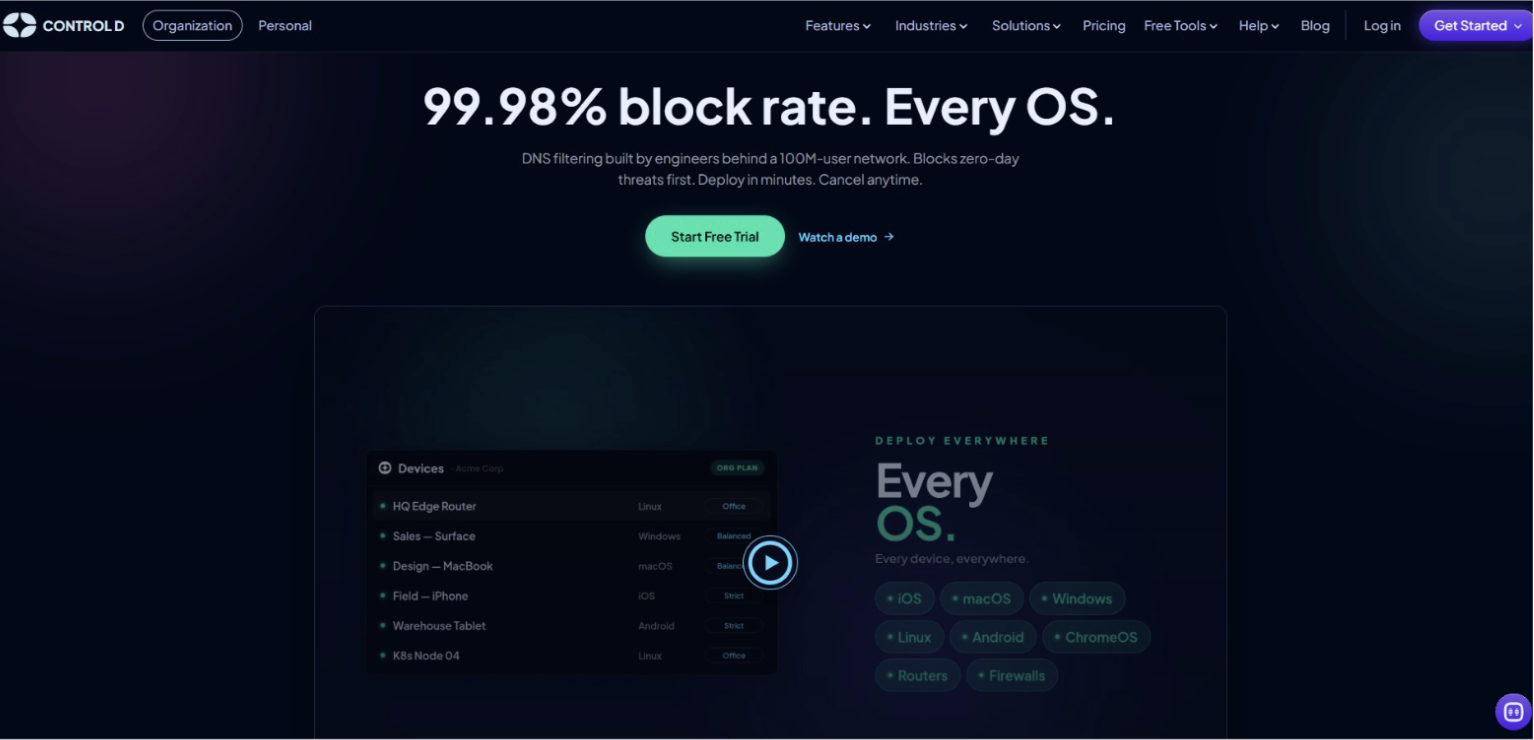
Best for: everyone from individuals to small and medium-sized businesses and large enterprises seeking reliable solutions for online security and control.
Control D is a privacy and security company that provides DNS solutions for both businesses and home users. Its flexible features make it easy to customize online protection based on individual needs.
Businesses can use it to manage network security, filter online content, and monitor internet usage, while individual users can enjoy safer browsing by blocking unwanted content, ads, and trackers.
Meanwhile, Control D parental controls are designed to guard children from accessing unwanted content online. Parents can monitor and control their kids’ online activities by blocking specific website categories (such as adult content or gambling) or setting activity schedules and rulesets. They can also review the Activity log to monitor the websites your kid is trying to visit.
Control D offers the following key features:
• Malware identification and blocking of DNS requests made to harmful domains that could carry threats.
• Website category filtering of 1000+ applications for a safer browsing experience
• Custom filtering of website content or applications tailored to your specific needs
• Real-time DNS logs monitoring, visibility, and control through data streaming (SIEM)
• Managed administrative action logs to track all changes and activities and ensure transparency
• Modern DNS encryption protocols, like DNS over HTTPS (DoH) and DNS over TLS (DoT) for enhanced security and data privacy
• Customized reports and real-time analytics for having a full understanding of the network performance and all the ongoing issues
• Managed control over network traffic flows to ensure a tailored network experience for everyone
Why choose Control D?
Control D stands out with its easy setup, advanced filtering options, and highly customizable features that are accessible for all-size businesses, families, and individuals. Simply sign up and see active filtering run in minutes, with no credit card needed.
Restrictions: Although it offers free tools and a 14-day free trial period to test the functionality, the full features are available after purchasing the paid services.
CleanBrowsing
Best for: schools, families, businesses
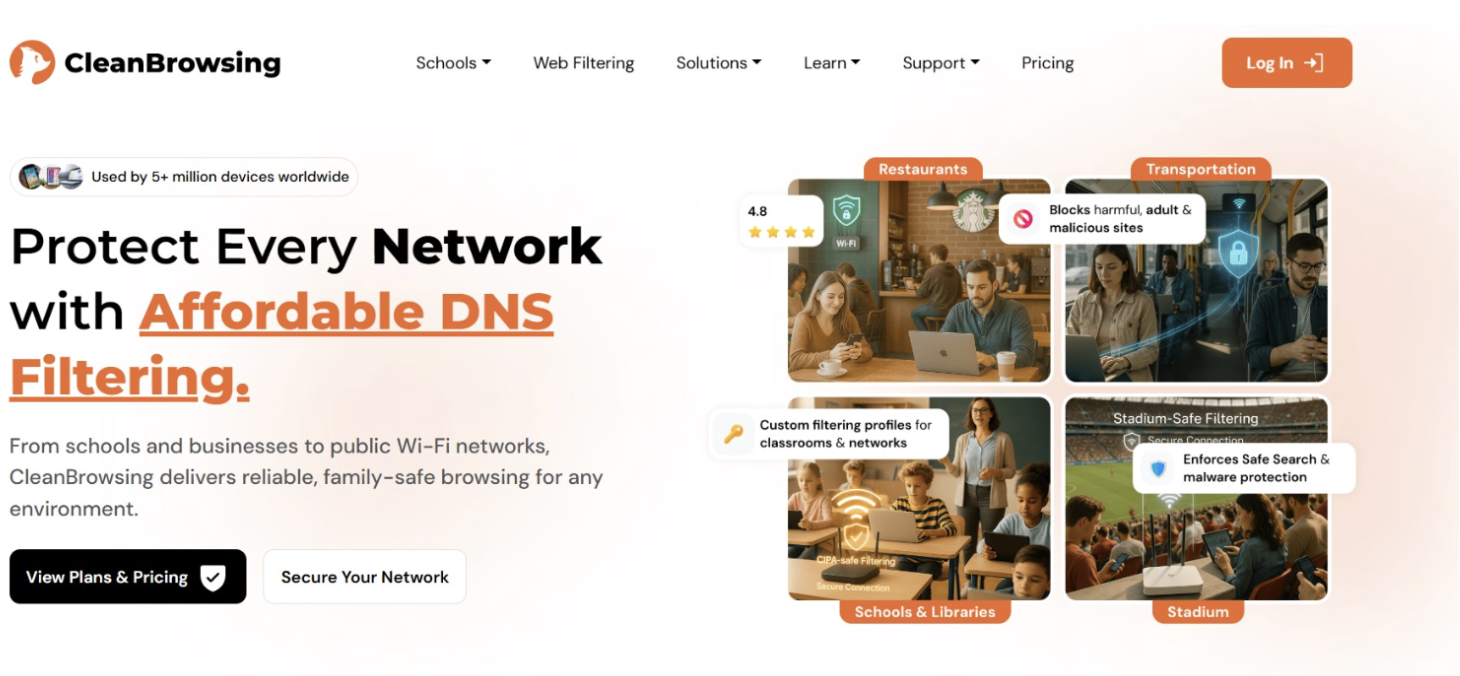
CleanBrowsing is another DNS content filtering service that protects its users from online threats. It works by maintaining a database of domain names that are grouped in certain categories such as gambling, malware, or explicit content. So, whenever someone tries to visit a website that matches any of these categories, the platform blocks access before the page is opened.
CleanBrowsing’s main features include:
• Advanced Encryption
• Predefined filters
• Custom allow/block
• Data retention
• Custom profiles and grouped devices for custom filtering
• Activity monitoring
Why choose CleanBrowsing?
CleanBrowsing acts as a secure shield between the user and network threats. It is easy to set up by simply connecting your router to CleanBrowsing. The rest of the filtering work is done automatically.
Restrictions: Its free service includes fixed features, while for further customization, you need to get the paid services.
NextDNS
Best for: Individuals, small businesses, as well as schools and universities
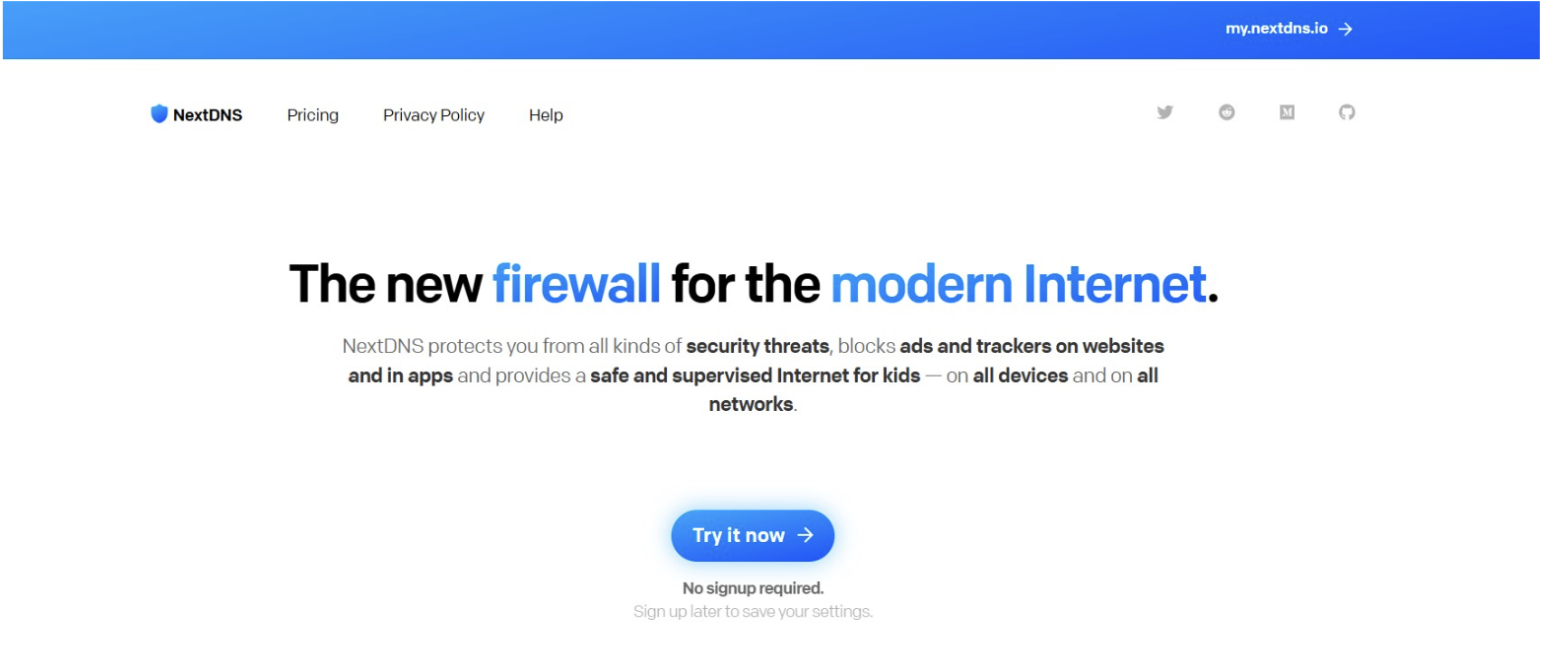
Just like in the previous two options, NextDNS’s threat intelligence system is also built to protect users from malware websites, phishing attacks and trackers. Its features cover all networks from home, to cellular and public Wi-Fi.
NextDNS offers the following key features:
• Online privacy and security to filter and block ads, trackers, and malware content (including custom deny/allow lists)
• Parental control to monitor children’s online experience
• Analytics and logs to get an in-depth understanding of all the security strategies
• Unlimited configurations with their relevant settings for your account
Why choose NextDNS?
NextDNS covers all devices and networks and again, takes seconds to set up.
Restrictions: Although both its free and paid pricing plans include access to all features, free service is limited to 300,000 queries a month.
AdGuard DNS
Best for: Individuals, home networks as well as small and midsize businesses
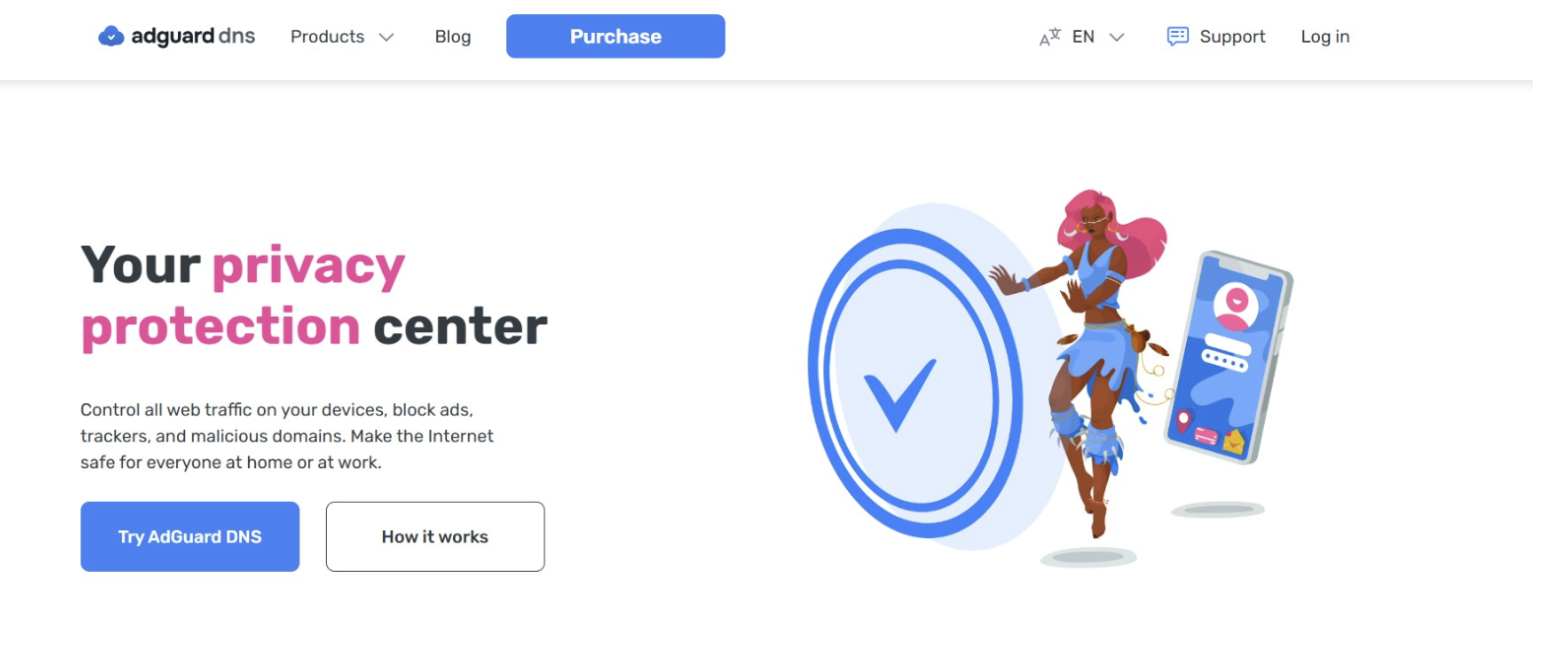
Turning to AdGuard DNS, an advanced ad-blocking DNS server, it focuses on blocking ads, trackers, and malicious domains. After connecting to AdGuard, every URL you try to open is checked by the server to identify whether or not it belongs to advertising, phishing, or any other malicious website.
AdGuard DNS offers the following main features:
• Ad blocking
• Parental control
• DNS request statistics in real-time
• Customized filtering
Why choose AdGuard DNS?
AdGuard DNS is a trusted solution against ads and phishing attempts. It is connected easily to all your devices and runns automatically after connecting.
Restrictions: Although it offers wide range of features, full features are accessible only if you purchase the Team and Enterprise package, which makes personal usage limited.
OpenDNS
Best for: Individuals, home networks and businesses
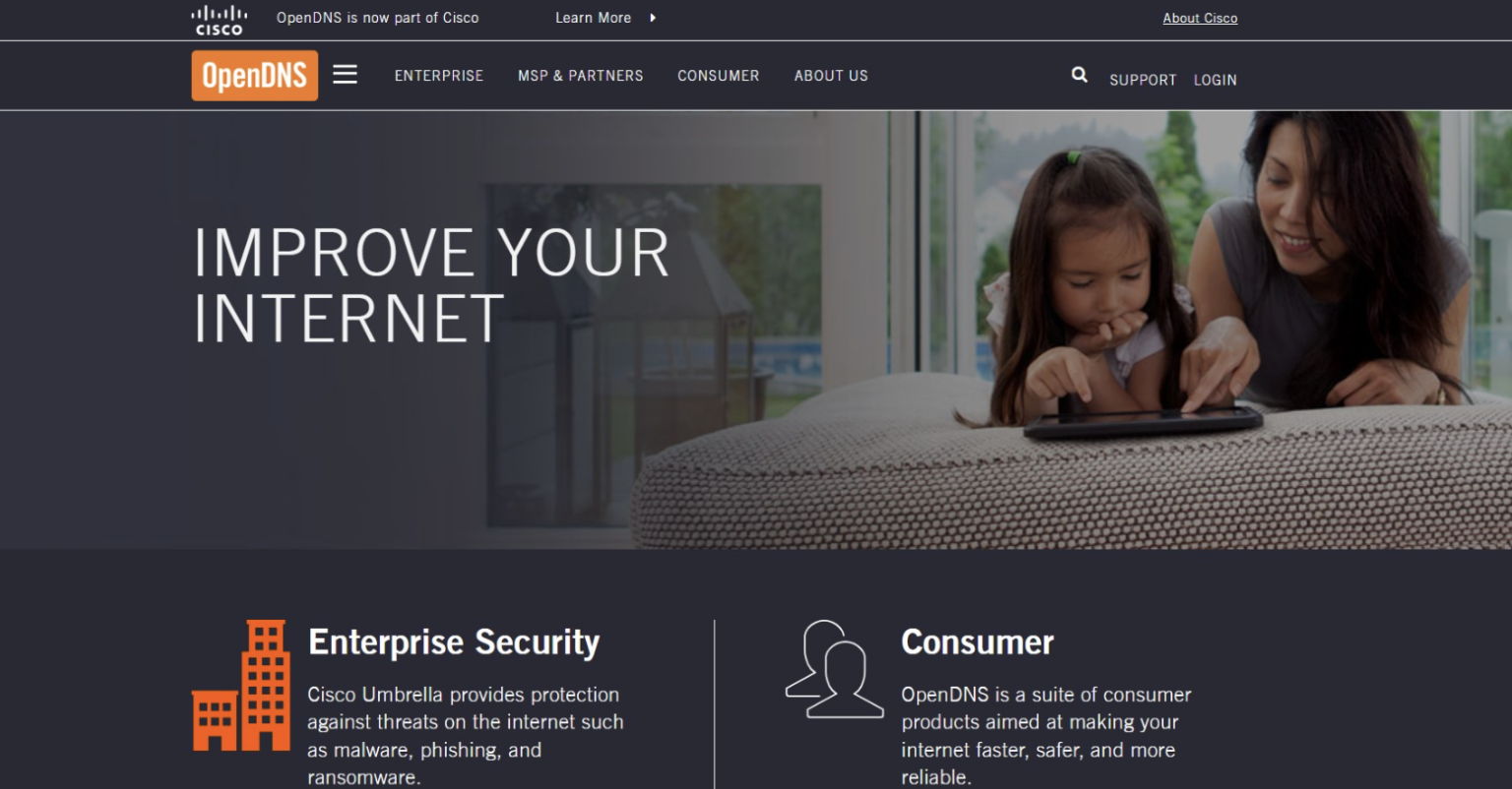
Last but not least, OpenDNS is another network security provider for you to have a look at. Founded back in 2006, OpenDNS was first focused on protecting home networks only. Later in 2012, they introduced Umbrella, an enterprise security solution. Today, OpenDNS’s goal is to provide a safe, fast, and reliable internet experience for all.
OpenDNS main features:
• Faster internet connection
• Built-in protection from malicious websites and phishing attacks
• Parental controls and home network protection
• Customized content filtering
Why choose OpenDNS?
OpenDNS is a go-to solution for home network protection. Its home security features are also free of charge.
Restrictions: OpenDNS is reliable, but has limited features (such as providing reporting and analytics) compared to newer DNS solutions.
So, Which One Should You Choose?
Now that you have a list of the top options, you can start exploring them to find the DNS provider that best suits your home network needs.
Start with Control D, which is an excellent choice for home network security and parental control features, as it offers:
• Advanced parental controls with customizable content filtering (website and app blocks, Activity log, online activity time scheduling)
• Easy router setup that protects all devices connected to the home network
• Highly customizable settings for different family members and devices
• Real-time analytics and activity monitoring for better network visibility
You can also test the other providers listed above and compare their features to find the one that best matches your household's security needs, browsing habits, and connected devices.
Related Posts
- AI vs Traditional Testing: Which Approach Is Better for Ecommerce?
- What Does a Remote Software Engineering Intern Actually Work On?
- Best Software Marketing Tools Every SaaS Company Should Know
- What Developers Should Understand Before Moving an Ecommerce Store to the Cloud
- RWA Tokenization Platform Development Trends 2026: Technologies, Benefits, Costs & Business Opportunities
- What Essential Tools Do You Need for Road Trip Vlogging?