


Simplify Magento multi-store management with centralized operations, inventory automation, analytics, and scalable best practices for growing businesses.
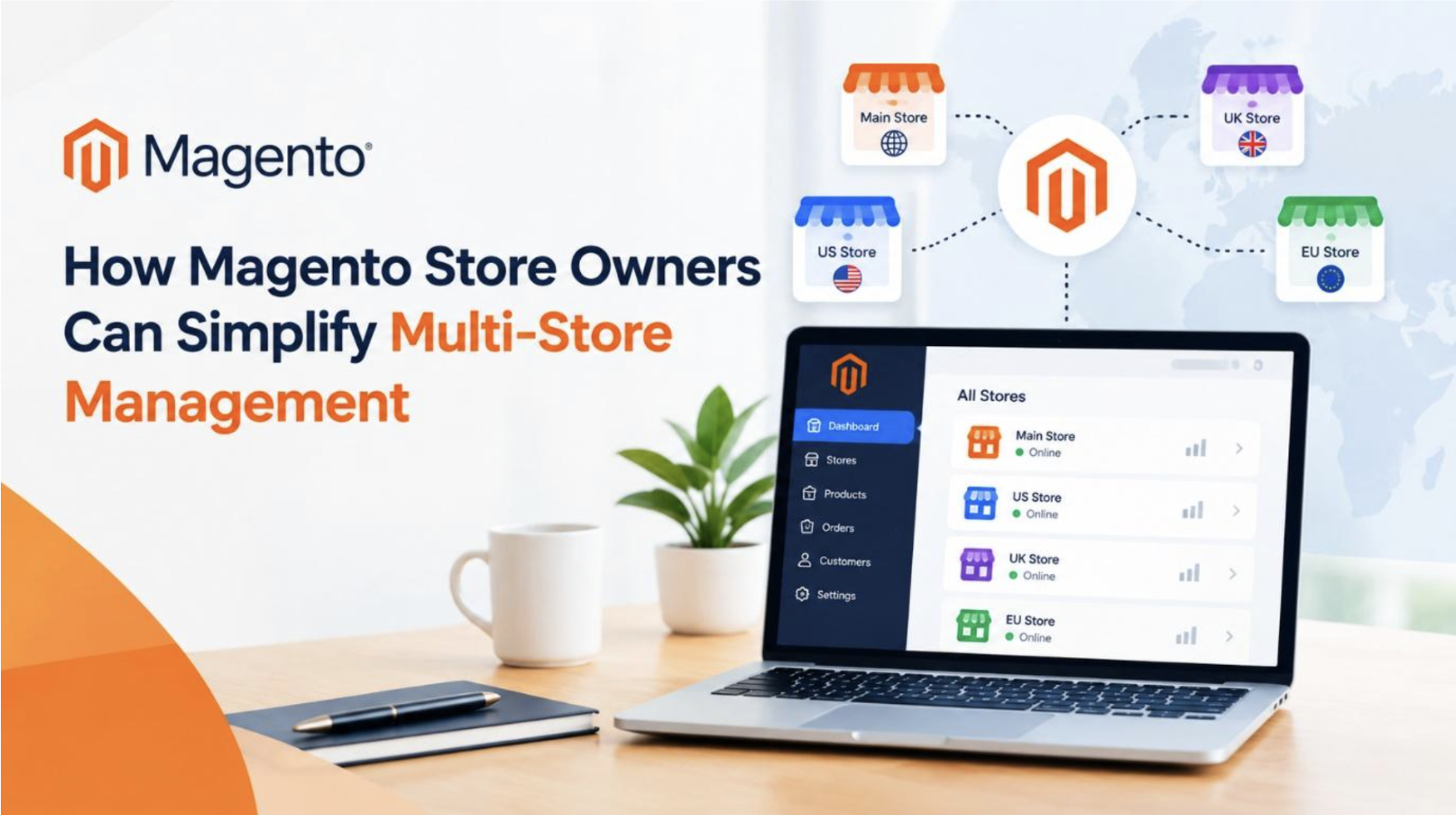
Managing multiple Magento stores can be challenging as businesses expand into new markets and customer segments. From inventory and order processing to product catalogs and marketing, handling each storefront separately can lead to inefficiencies and errors. With the right Magento multi-store management strategies, store owners can centralize operations, automate repetitive tasks, monitor performance, and scale their businesses while delivering personalized shopping experiences across different markets.
The Growing Need for Efficient Multi-Store Management
The management of many online stores can give Magento store owners an opportunity to cater to many customer segments and markets. Nevertheless, running many stores brings many other responsibilities, including the management of the catalog, prices, customers' data, orders, inventory, promotions, marketing campaigns and other operations related to each store. Performing all these operations one-by-one can require much effort and time of a person and lead to various mistakes. This is why the proper multi-store management can be crucial.
There are several features of Magento that allow companies to run many different stores on the same platform. Store owners can launch many websites and views for each store while controlling them all from one place. In such a way, store owners can provide many different customized shopping experiences for different target groups.
Improving the multi-store management process can mean not only less work for business owners but also a better precision of the business, quicker responses to customers' needs and more efficient use of company's resources. In order to achieve this goal, it is necessary to perform centralized management, automation, proper inventory management and performance management.
The increasing intricacy of managing several online storefronts is also an indication of the larger growth within the e-commerce industry itself. The global e-commerce market is expected to achieve a value of USD 7,583.50 billion by 2032, growing at a CAGR of 8.1%, as stated by Consegic Business Intelligence from 2025 to 2032.
Centralizing Store Operations for Better Control
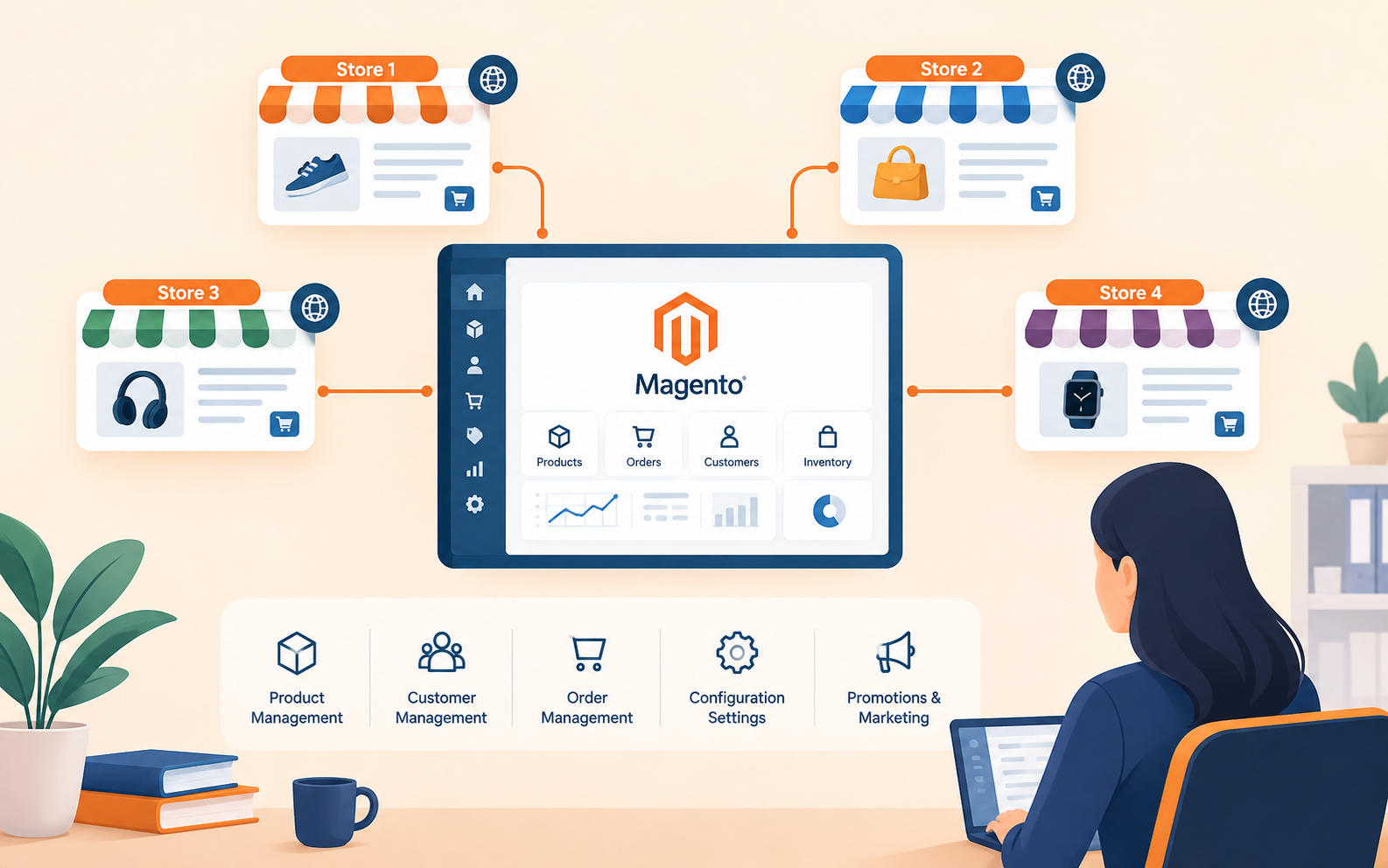
Another way of simplifying the management of multi-store is by centralizing key operations. Managing stores separately can lead to duplication of efforts and inconsistency of information. Magento store owners, therefore, can benefit from a centralized administration system to manage all the products, customers, orders, configurations and other key operations.
Centralization allows a business to keep common information and customize particular aspects of each storefront. For instance, a business can manage its product catalog from a single place and customize certain product details, prices, languages, currencies, promotions, etc. This makes the management more consistent while retaining the customization flexibility required in individual stores.
It is also advisable for the owners of multiple stores to have clear procedures to handle regular tasks such as updating products, handling orders, customer services and promotions, among others. This will help to cut down repetition of efforts and assigning of roles to various team members.
By centralizing operations and establishing clear procedures for different activities, a business will be able to save a lot of time that could have been used to switch back and forth from one system to another.
Automating Inventory and Order Management Across Stores
The management of inventory and orders might become quite complicated in case you have several Magento stores. Products might be sold via several stores at once, meaning that you need to maintain the right stock levels. Without automation, businesses might face overselling, late order processing, or unnecessary buildup of inventory.
Automation can make it easy to manage all these issues. Magento store owners can employ tools for managing inventories and integrate such tools in order to maintain the same level of inventory on different storefronts. In case a certain product has been bought in one storefront, then its stock level might be decreased, thus, other storefronts will see that there is no available inventory. Automated notifications will inform teams about the low inventory level when reaching a certain limit.
Order processing can be automated in the same way. Orders placed in different stores will be processed in a standardized manner, while shipping and fulfillment will enable organizing delivery depending on locations and client preferences. Automated notifications will inform clients about order confirmation, shipping, and delivery.
All these steps will eliminate repetitive tasks and mistakes made by humans.
Using Data and Analytics to Monitor Store Performance
It is much easier to manage several Magento stores once owners know how each one of them performs. Businesses no longer need to make assumptions, but rather take advantage of analytics tools that allow them to study important metrics, including sales, conversion rates, average order value, customer acquisition, product performance, and cart abandonment.
Comparison of those metrics among various stores will show some interesting differences between markets and customers. For example, while one storefront produces high sales numbers for a certain product category, the other one does well with promotions. This data is helpful to determine what to sell, how to price products, market, and engage customers.
Owners of several Magento stores should establish a consistent reporting process to monitor the performance data regularly. Dashboards allow them to see important information in one place. Automated reports will decrease the time needed to gather information from different storefronts.
The analysis of data is not supposed to focus only on the evaluation of past results. Information gathered using analytics tools can also serve as a basis for making decisions concerning future activities of Magento businesses.
Best Practices for Scaling and Managing Multiple Magento Stores
With the growth of a Magento business, managing a number of stores requires an organized approach to this issue. First of all, it is important to understand what tasks should be performed in accordance with a unified scheme and which should remain local in terms of markets or groups of customers. For example, common procedures may include such processes as the management of products, order fulfillment, customer services, security, and report management.

Another essential procedure includes regular maintenance of stores. In particular, it will be necessary to ensure that Magento and its required extensions are kept up-to-date, analyze the work of the website, check security settings, and delete unused extensions to avoid any troubles with the store management.
Maintaining data accuracy and consistency is another important process. It is crucial to analyze product descriptions and images, prices, inventory, customer information, etc. It will also be important to document the current store configurations and procedures to organize the business operation in the most efficient way possible.
Lastly, it is important to select a scalable toolset for Magento stores. An appropriate solution for two stores may cause problems after the expansion of the business to ten or more stores.
Final Thoughts
Operating several Magento stores may become tricky as business continues to grow. However, with the appropriate techniques, the process of managing these stores will be made much easier. Some of the strategies include centralizing of store operations, automation of inventory and order management processes, use of analytics, and adopting consistent management techniques to avoid repetition of tasks and making mistakes. Besides, business entities should keep accurate data, upgrade their stores, and adopt flexible tools which will allow growth in future. Through multi-store management, Magento store owners will have better control of their stores while providing personalized shopping experiences to customers.
Related Posts
- Running Age Checks on a Magento Store After Launch
- Adobe Commerce Website Development: Building a Connected B2B Purchasing Workflow
- Why Ongoing Magento Maintenance Matters for Growing eCommerce Stores
- Ecommerce SaaS vs Custom Ecommerce Software: Which Model Fits Enterprise Retail?
- Integrating Mini-Games into Magento 2 Mobile Apps to Boost Retention
- Why Your App Needs a Content Backend: Pairing Mobile App Development Services With a Headless CMS