



Learn how a headless CMS improves mobile app development with faster content updates, lower costs, better performance, and fewer App Store releases.
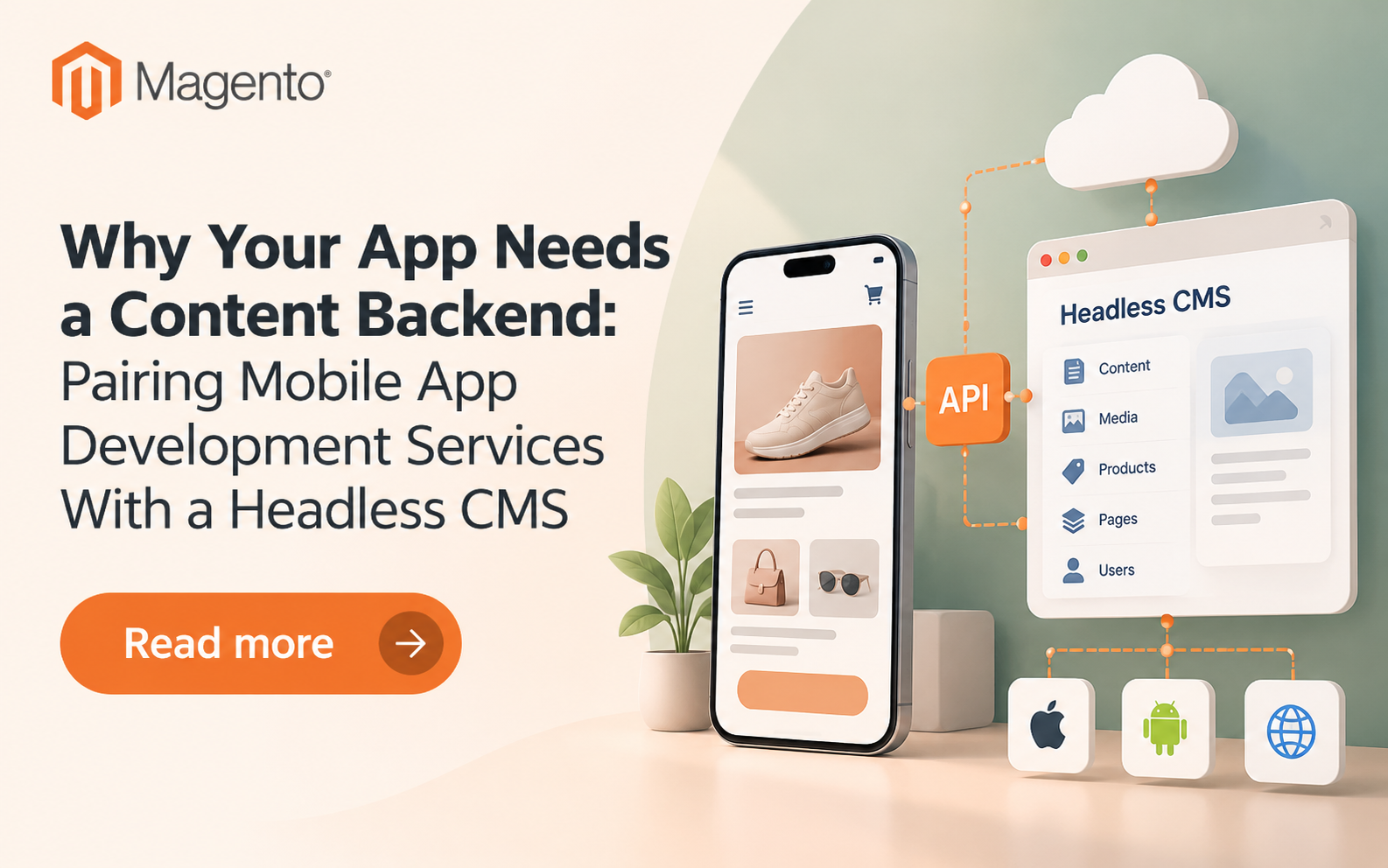
It's two days before a holiday sale. Marketing wants a new banner on the app's home screen. The trouble is that the banner text lives inside the app's code.
That one change now needs a developer, a QA pass, an App Store review and a user update. By the time most shoppers see it, the sale is half over.
A headless CMS fixes this by moving content out of the app. In this blog we cover what it can and can't change, the Apple rule that sets the limit, and how to avoid breaking older app versions. It's written for teams planning custom mobile app development services or rebuilding an app they already run.
Why does Hard-Coded Content Slow Every App Update?
Hard-coded content slows updates because any change inside the app binary needs a full release. That means a build, testing, store review and waiting for users to install it. A one-word fix follows the same path as a new feature.
The review queue is also getting busier. Appfigures data shows App Store submissions rose 24% through November 2025. In early 2026, Apple said it reviews 90% of submissions within 48 hours.
Approval isn't the finish line, either. Users with auto-update get the new version within days. Others stay on an old version for weeks or months, so they never see the change at all.
What does a Headless CMS do Inside a Mobile App?
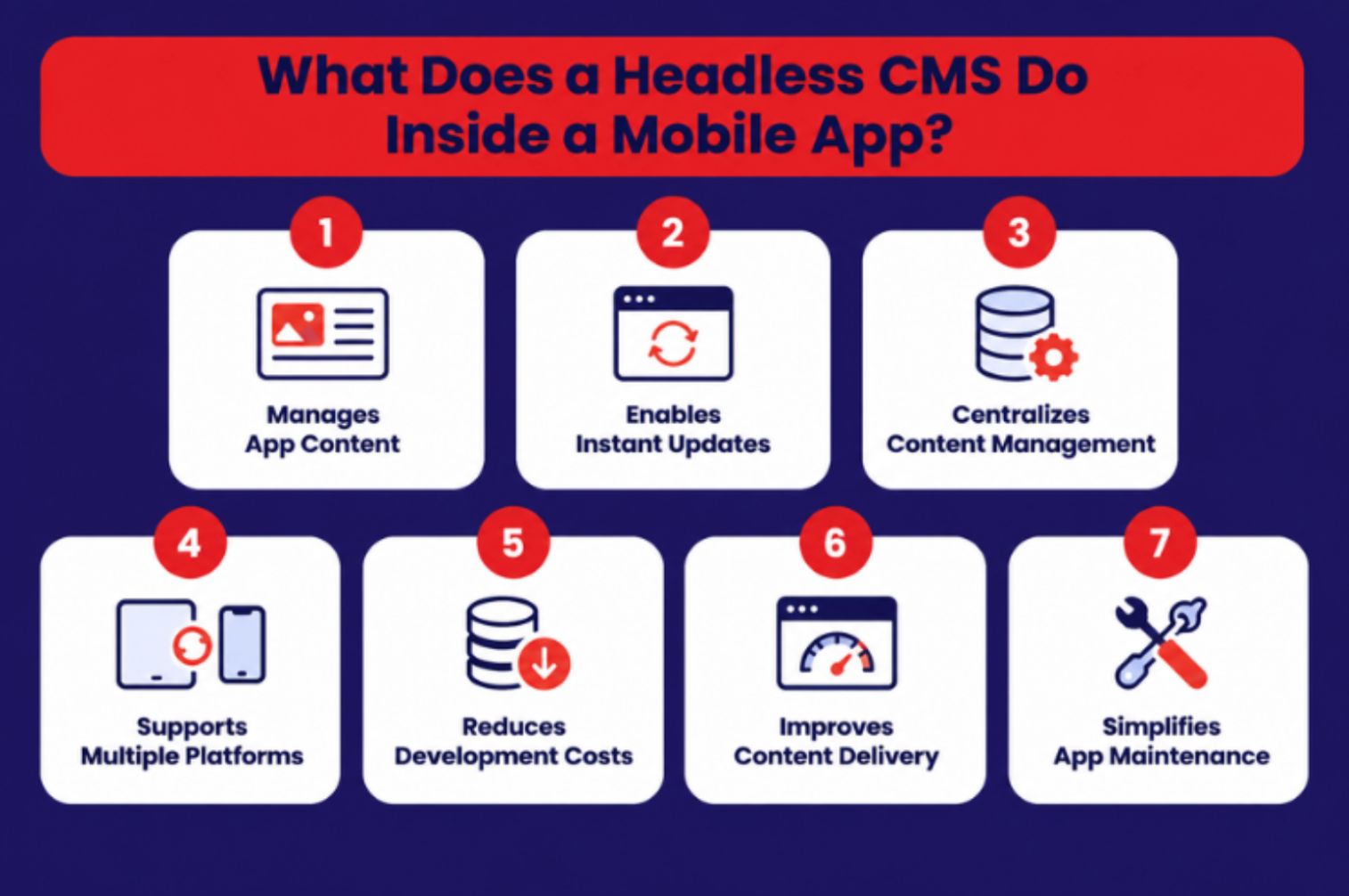
A headless CMS stores content separately and sends it to the app through an API. The CMS decides what the app says. The app decides how it looks. Editors change text, images and offers in a dashboard, and the app shows them on its next fetch.
Here's the path a piece of content takes:
1. An editor creates or updates content in the CMS dashboard.
2. The CMS publishes it through a REST or GraphQL API.
3. A content delivery network (CDN) caches it close to users.
4. The app fetches it, stores a copy on the device and displays it.
If you've read about how headless commerce changed mobile app development, the idea is familiar. Headless commerce separates the storefront from the commerce engine. A headless CMS separates content from the app's code.
What can a CMS Change Without App Store Review?
A CMS can change content and rearrange features the app already has. It can't add new ones. Apple's App Review Guidelines (Guideline 2.5.2) bar apps from running downloaded code that "introduces or changes features or functionality." New functionality still needs a release.
Guideline 2.3.1(a) also bans hidden or dormant features. So shipping a feature switched off, then turning it on from the CMS, is a risk. Google Play has similar policies, so check both stores.
Here's how the common tools split the work:
Change you want | Best tool | eCommerce example | New release needed? |
Text, images, promos | Headless CMS | Holiday sale banner | No |
Screen layout from existing components | Server-driven UI | Reordering home screen sections | No |
On/off switch or gradual rollout | Remote config or feature flags | Showing a reviewed checkout flow to 10% of users | No, if the feature passed review |
New feature or logic | App code | Adding a new payment method | Yes |
A simple rule: The CMS can fill and arrange what the app already knows how to do. It can't teach the app new tricks.
How do You Keep Older App Versions from Breaking?
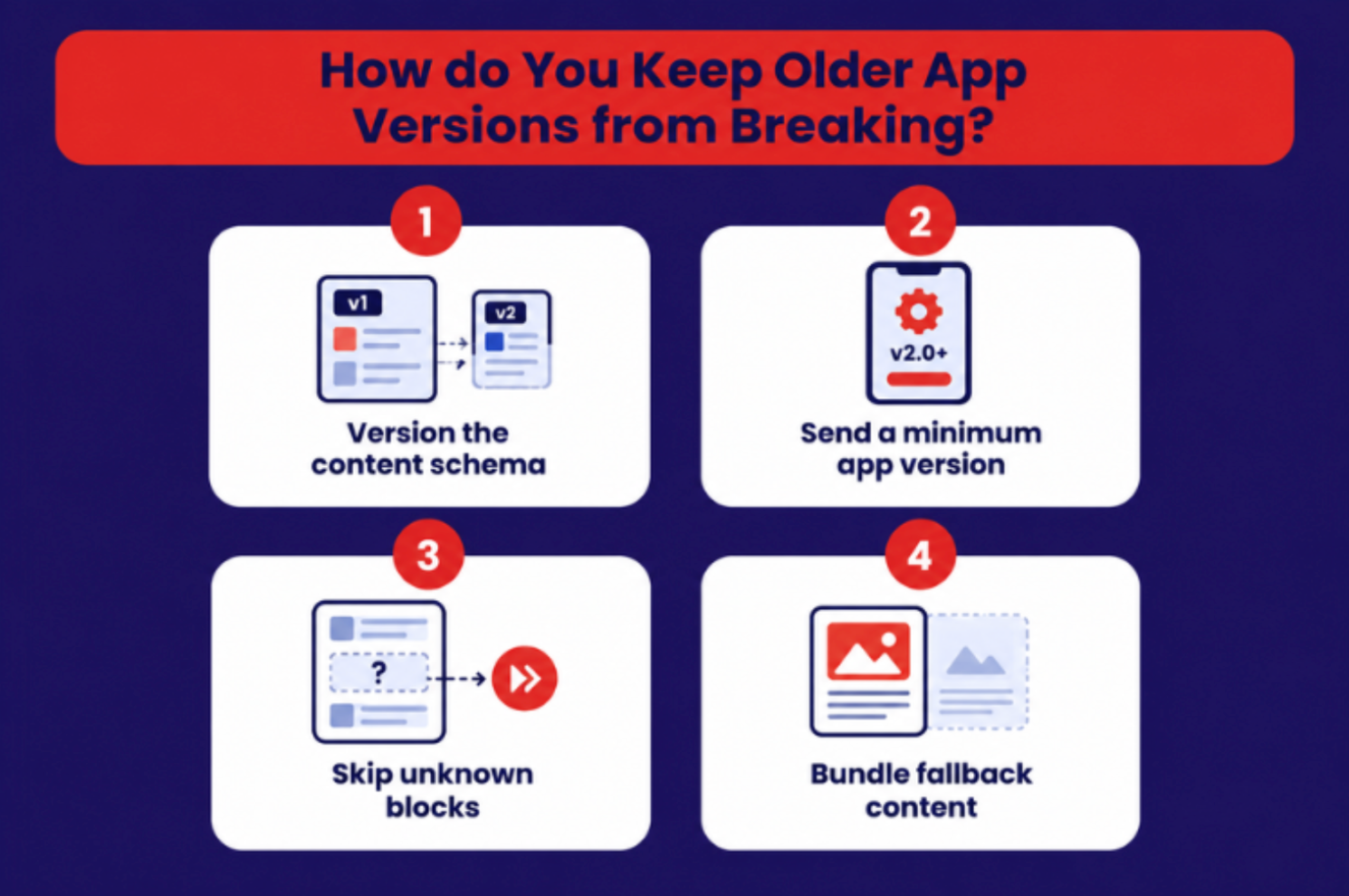
Version your content schema and never send content an older app can't display. When editors add a new block type, apps released earlier won't recognise it. Without a plan, those users see errors or blank space. Most guides skip this problem, yet it's the one that breaks live apps.
Large apps handle it openly. Robinhood's engineering team compares each new component schema with the old one to guarantee backward compatibility. Its platform won't send a component to an app version that can't render it. Duolingo treats its server-driven UI as a versioned UI library for the same reason.
You can apply the same ideas at any size:
• Version the content schema, and record which app version supports each block type.
• Send a minimum app version with each content type.
• Skip unknown blocks instead of crashing the screen.
• Bundle fallback content for first launch and offline use.
For instance: "On one retail app, a new carousel block showed as a blank strip for users on older versions. A minimum-version rule fixed it within a day."
How Should Custom Mobile App Development Services Set up a CMS for Speed?
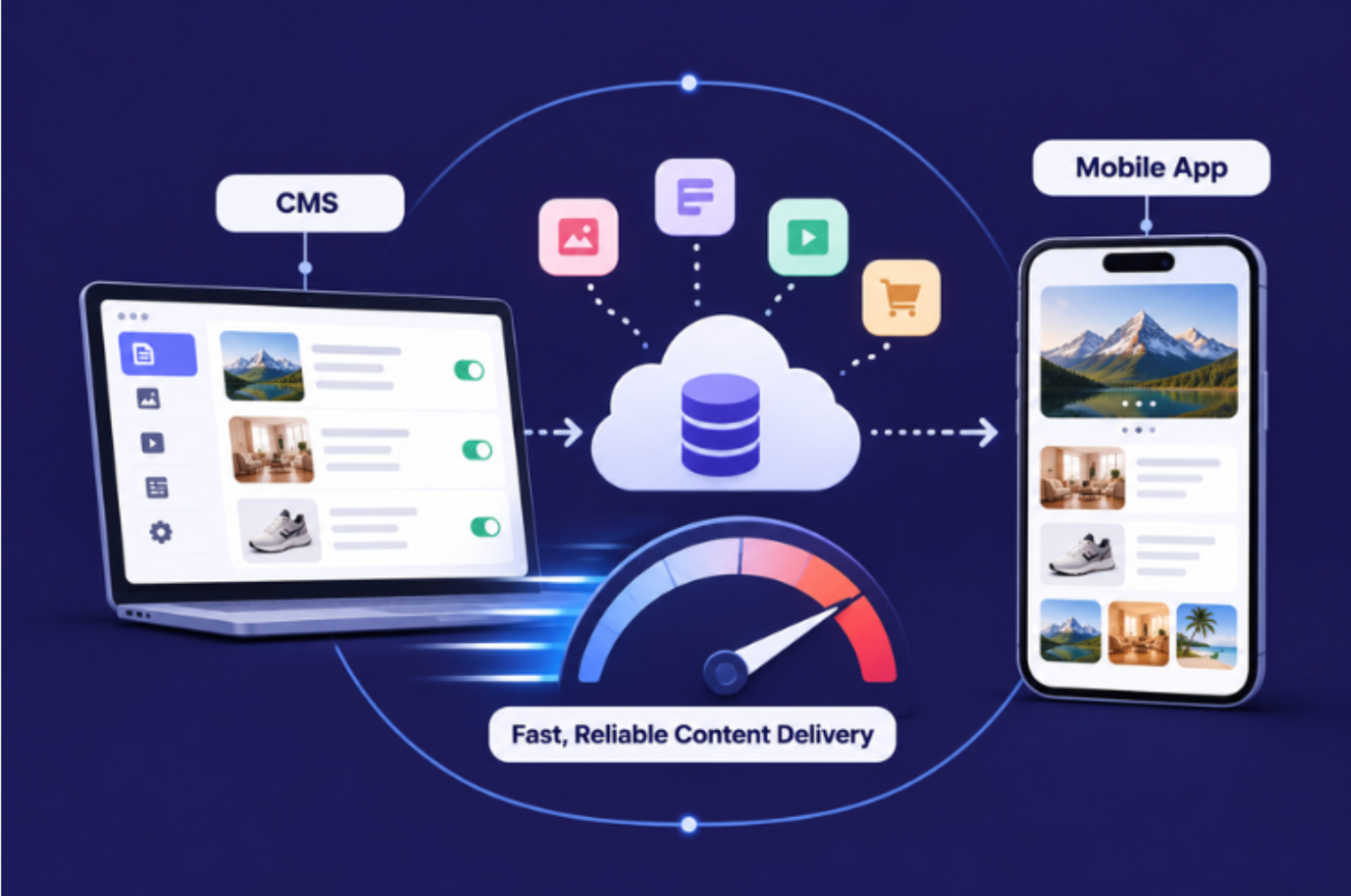
Treat the CMS as a remote service that can be slow or offline. Good custom mobile app development services cache content at the edge and on the device. They fetch only what each screen needs and always keep a fallback. The app should open instantly, even with no signal.
In practice, that means:
• Edge caching through a CDN, with short refresh windows for time-sensitive offers.
• On-device caching, so screens load before the network responds.
• Field-level queries, so a product card doesn't download a full article.
• Resized images for each screen size and pixel density.
• Content validation at the API boundary, so one bad entry can't crash a screen.
Speed matters in apps for the same reasons it does on the web. This breakdown of how website architecture and page speed affect eCommerce conversion rates applies just as well to app screens.
Which Headless CMS Should You Choose, and When is Strapi a Good Fit?
Choose a headless CMS on five points: SDK support, mobile preview, localisation, pricing model and hosting. Strapi suits teams that want an open-source, self-hosted option with full control of their data. Hosted platforms suit teams that would rather not run servers.
Check these before you commit:
• SDKs for your app framework, whether native, React Native or Flutter.
• Live mobile preview, so editors see changes as they'll appear on a phone.
• Localisation for every language and region you sell in.
• Pricing model: per seat, per API call, or your own hosting costs.
• API rate limits at your busiest hour, not your average one.
Strapi's trade-off is ownership. Your team handles upgrades, security patches and scaling. Teams comparing Strapi development services in the USA should ask who owns those tasks after launch.
The same question applies to any custom CMS development company in the USA. Who maintains the content model, and who answers when the API slows during a sale?
Headless setups are now common. Storyblok's State of CMS 2025 surveyed about 1,300 CMS users. Among headless users, 69% reported faster time-to-market and productivity. Storyblok sells a headless CMS, so treat this as vendor research.
Do Startups Need a Headless CMS from Day One?
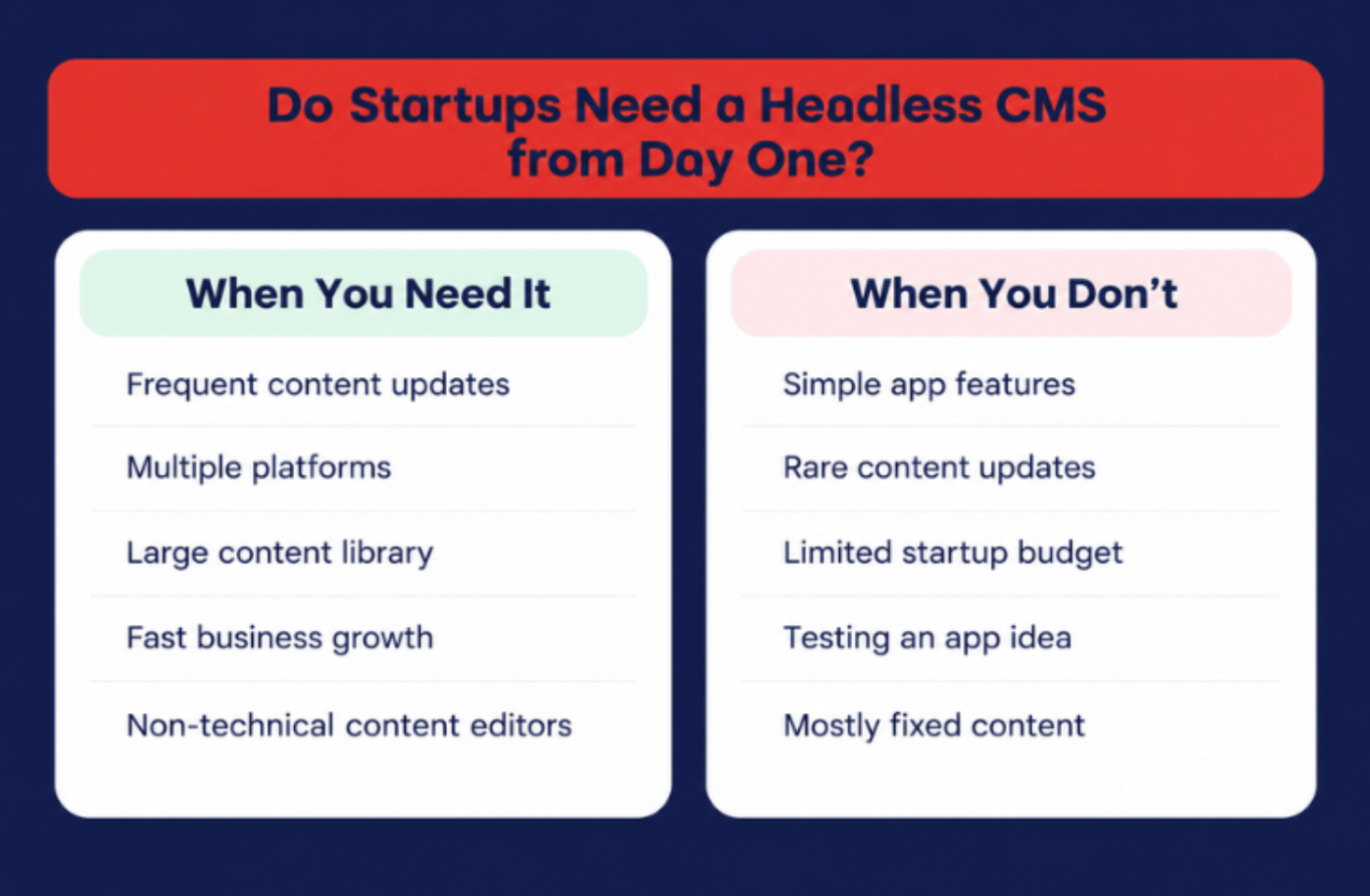
Not always. In mobile app development for startups, match the CMS decision to how often content changes. If marketing needs weekly updates, plan the CMS early. If content barely changes, a remote config service or a JSON file on a CDN is cheaper and simpler.
You probably need a headless CMS if:
• Marketing waits on developers for routine content changes.
• You run seasonal campaigns or flash sales in the app.
• You publish in more than one language or region.
• Your app and website content are managed in separate places.
It won't help much if most content comes from users or from your order and inventory systems. Those need a solid backend API, not a CMS.
Where Should You Start?
Start with an audit, not a platform. List the five app screens your team asked to change most last quarter. Move those into a CMS first, with versioning and fallbacks in place. Expand once the pattern holds.
Whether you hire mobile app development services in the USA or build in-house, the principle is the same. Move content, not functionality.
If you are a business looking to implement headless CMS in your mobile app, you can contact us at OpenSpace Services. We have a team of experts that have worked on multiple projects and help brands update content easily without developer support, saving time, reducing costs, and improving customer engagement. Book a call with our team.
FAQs
Can I update my app without App Store review?
Yes, for content. Text, images and layouts built from existing components can change through a CMS. New features or logic still need a new release and review.
Does a headless CMS slow down a mobile app?
Not when it's set up well. Edge caching, on-device storage and field-level queries keep screens fast. Bundled fallback content means the app still opens with no connection.
Can I add a headless CMS to an existing app?
Yes. Start with the screens that change most, such as banners and onboarding. Move other hard-coded content across in later releases.
Related Posts
- Running Age Checks on a Magento Store After Launch
- Adobe Commerce Website Development: Building a Connected B2B Purchasing Workflow
- Why Ongoing Magento Maintenance Matters for Growing eCommerce Stores
- Ecommerce SaaS vs Custom Ecommerce Software: Which Model Fits Enterprise Retail?
- Integrating Mini-Games into Magento 2 Mobile Apps to Boost Retention
- Why Your App Needs a Content Backend: Pairing Mobile App Development Services With a Headless CMS