



Discover the top 20 AI tools in 2026 for research, writing, meetings, scheduling, automation, coding, and presentations to save time and work smarter.
AI tools stopped being a novelty a while back. In 2026, the real question isn't "should I use AI at work" — it's "which of the hundred tools claiming to save me time actually do it." At Local SEO Services, we test a lot of these tools ourselves, since our team runs research, content, client reporting, and outreach on tight timelines. This list is built from that hands-on use, organized by the exact workflow bottleneck each tool solves, so you can skip the ones that don't apply to you and go straight to the ones that will.
Why Your AI Stack Matters More Than Ever
The AI productivity market has split into two camps: single-purpose tools that do one job extremely well, and multi-purpose "agents" that try to handle entire workflows on their own. Neither is automatically better the right choice depends on where your actual time is going. If meetings eat your week, a transcription tool changes everything. If research is your bottleneck, a citation-based search assistant will save you more hours than any calendar app ever could. The trick isn't collecting tools; it's matching the tool to the friction point.
With that in mind, here are the 20 tools worth your attention this year.
General-Purpose AI Assistants

1. ChatGPT remains the most widely adopted assistant for drafting, brainstorming, and quick problem-solving, thanks to its voice mode and ability to switch between fast and deep-reasoning modes depending on the task.
2. Claude is the go-to for longer, more nuanced writing and analysis contracts, reports, and anything where tone and accuracy both matter. Its large context window makes it strong for working through big documents in one pass.
3. Gemini stands out for anyone already living inside Google Workspace, since it's woven directly into Docs, Sheets, and Gmail.
Research and Knowledge Tools
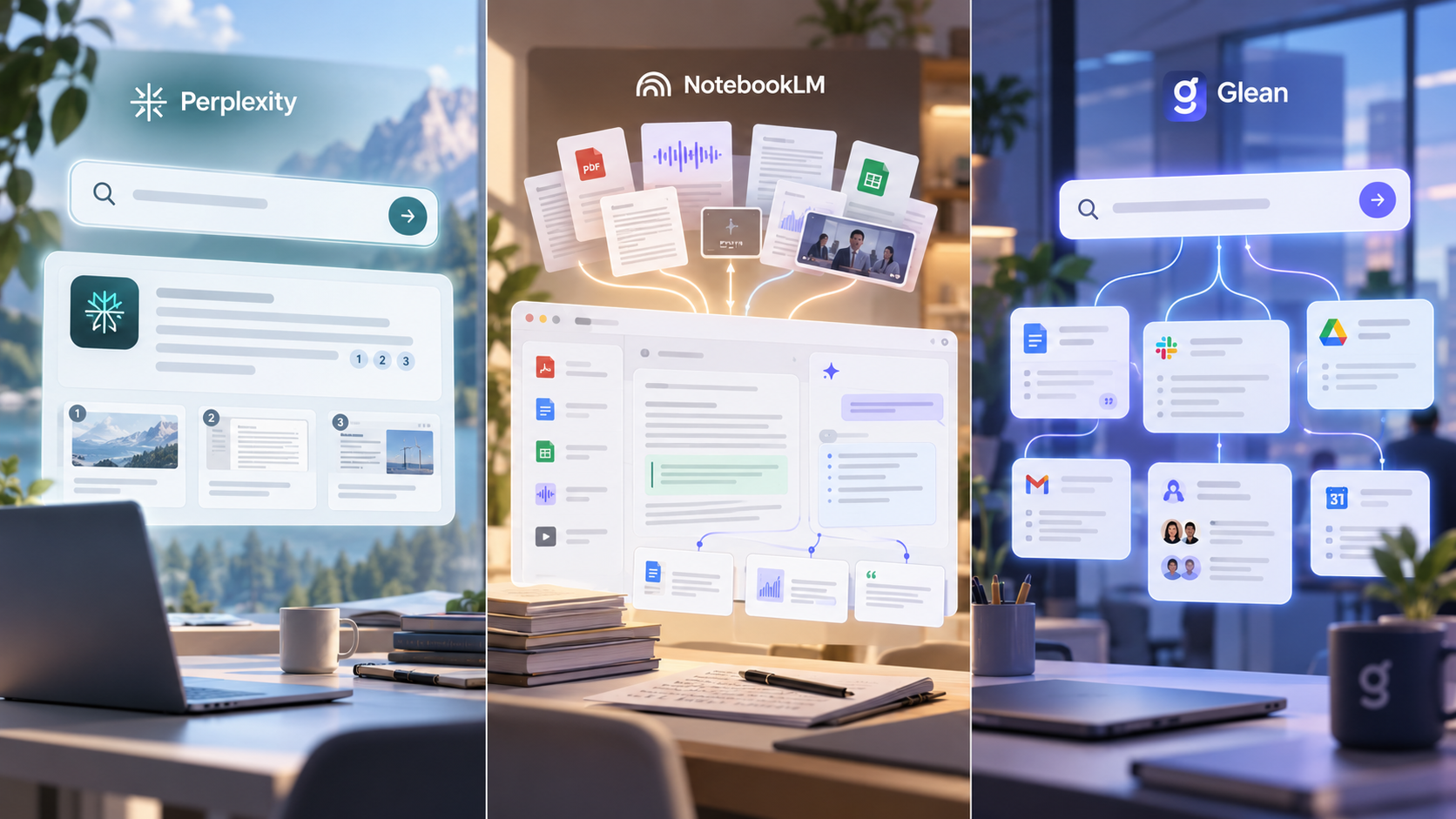
4. Perplexity has become the default for research that needs sourcing built in every answer comes with citations, which saves the step of manually verifying claims.
5. NotebookLM turns a pile of source documents PDFs, transcripts, reports into a searchable, question-answerable knowledge base. It's especially useful for teams doing deep research on a single topic or client.
6. Glean brings AI search inside the company itself, letting teams query internal documents, chats, and files the same way they'd query the open web.
Writing and Editing
7. Grammarly has evolved well past grammar checking it now catches tone, clarity, and structure issues across email, docs, and Slack, which matters more as more communication becomes AI-assisted and needs a human polish pass.
8. Jasper is built specifically for marketing teams producing high volumes of on-brand content across channels.
9. Notion AI lives inside the workspace teams already use for notes and docs, making it useful for anyone who wants AI assistance without adding another tab.
Meetings and Notes

10. Fireflies.ai transcribes and summarizes meetings automatically, then turns action items into a searchable record no more digging through old notes to remember what was decided.
11. Otter.ai covers similar ground with strong accuracy on note-taking and automated summaries, particularly for teams that live in recurring calls.
12. Granola has gained traction for its lightweight approach it sits quietly in the background of a call and produces clean notes without needing a visible bot in the meeting.
Scheduling and Time Management
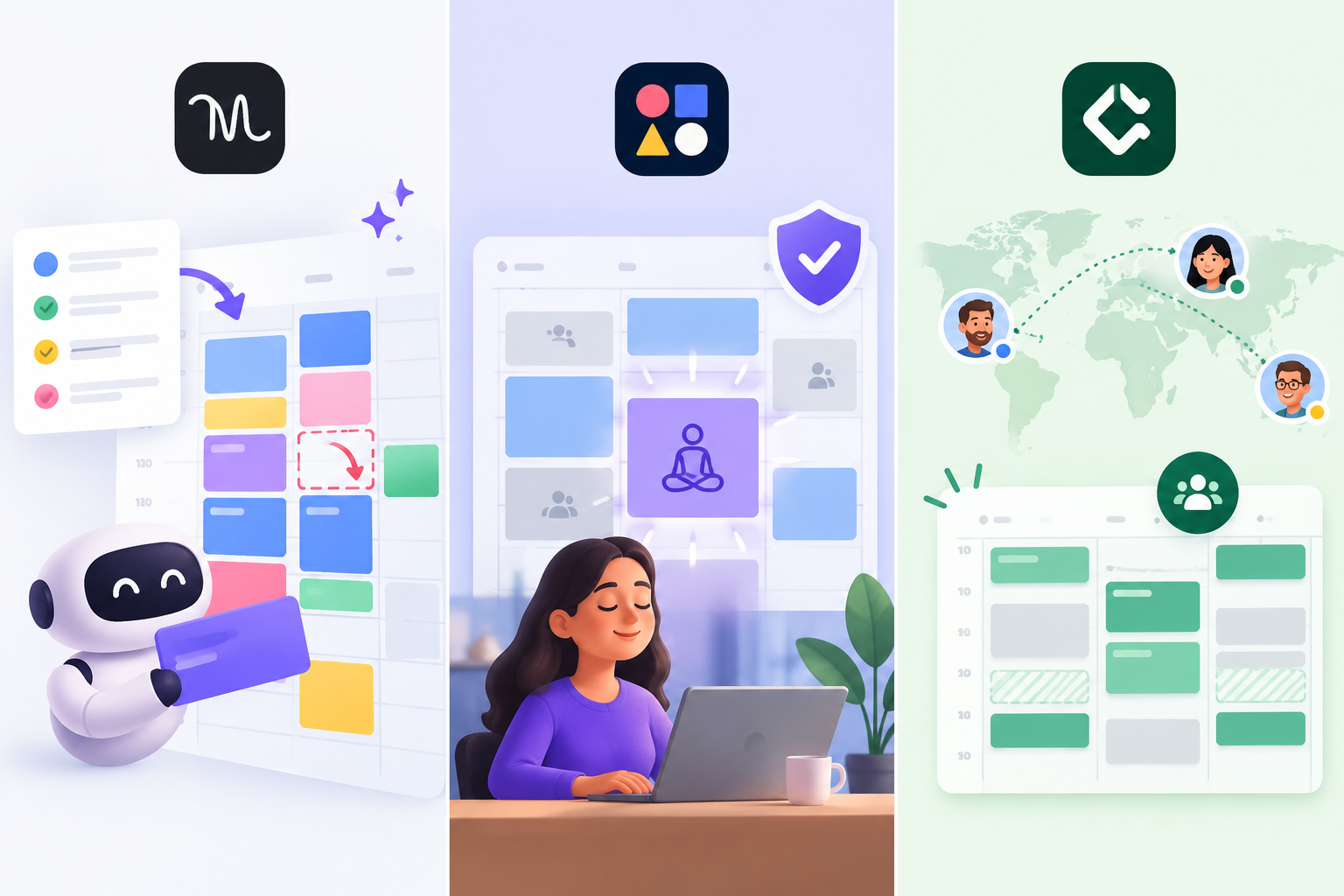
13. Motion turns a task list into an actual time-blocked calendar, automatically rescheduling around conflicts so you're not manually shuffling your day.
14. Reclaim.ai protects focus time by intelligently defending blocks on your calendar, which is genuinely useful for anyone whose day gets eaten by back-to-back meetings.
15. Clockwise focuses on team-wide calendar coordination, which matters most for larger teams juggling shared schedules across time zones.
Automation and Workflow Tools
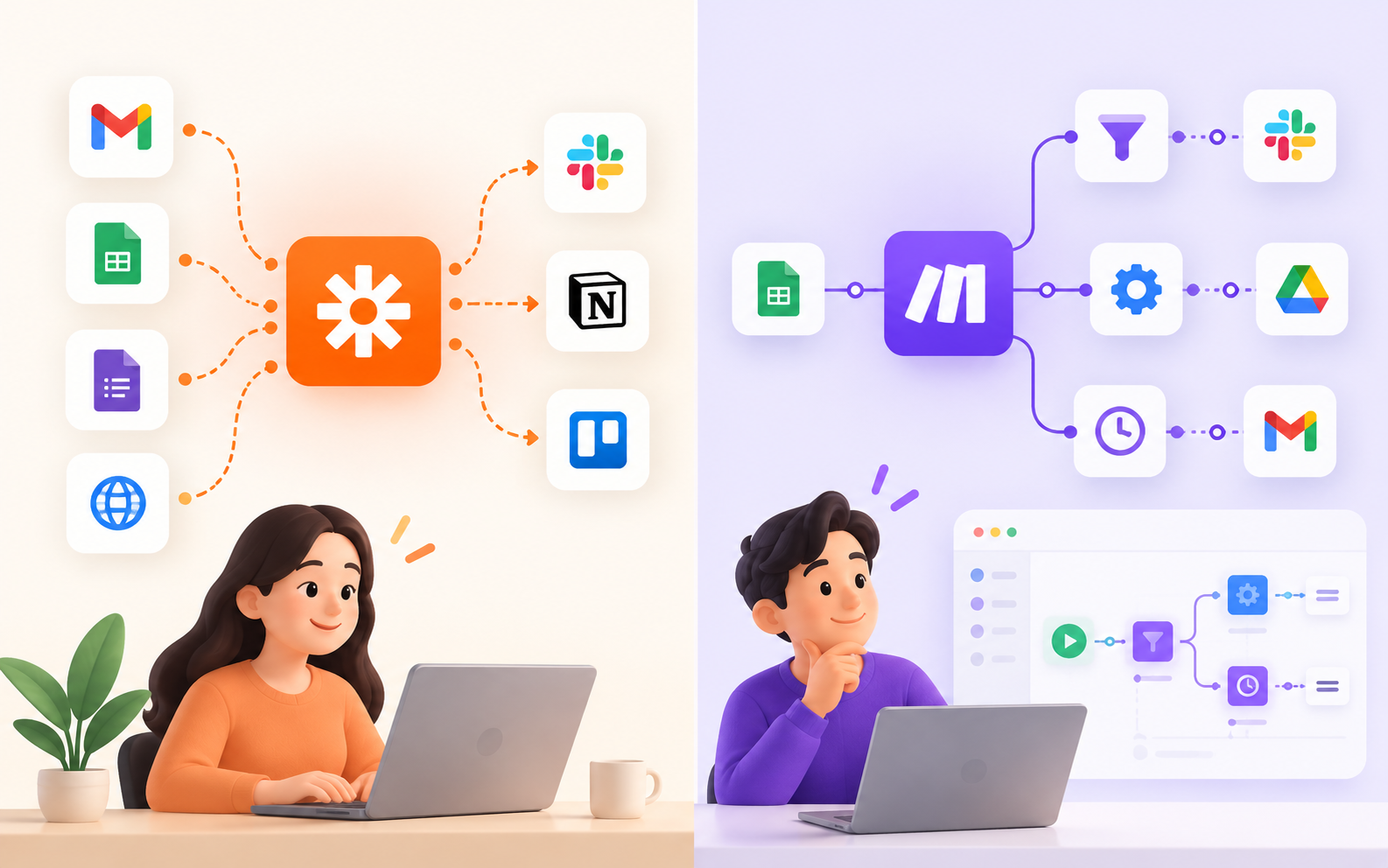
16. Zapier connects thousands of apps so that routine handoffs a new lead, a form submission, a support ticket trigger the next step automatically instead of needing a person to move data manually.
17. Make offers similar automation power with a more visual, flow-based builder, which some teams prefer for complex, multi-step workflows.
Coding and Building

18. Cursor has become a favorite among developers for AI-assisted coding directly inside the editor, catching bugs and suggesting completions in real time.
19. GitHub Copilot remains a strong option for teams already standardized on GitHub, offering tight integration with existing repositories and pull request workflows.
Presentations and Visual Work
20. Gamma turns a rough outline or prompt into a polished, ready-to-present deck in minutes, cutting out the hours normally spent formatting slides by hand.

How to Actually Choose From This List
Twenty tools is a lot, and the honest advice is: don't adopt all of them at once. Pick based on where your time actually disappears each week.
• If meetings dominate your calendar, start with Fireflies, Otter, or Granola.
• If research is your bottleneck, Perplexity and NotebookLM will save the most hours.
• If your calendar is chaos, Motion or Reclaim will do more for you than another to-do list app.
• If your team repeats the same manual handoffs, Zapier or Make will pay for themselves within a month.
• If you're producing content or decks regularly, Grammarly and Gamma close the gap between "rough draft" and "ready to send."
The teams that get the most out of AI in 2026 aren't the ones running the most tools — they're the ones who matched each tool to a real bottleneck and let it actually replace the manual work, instead of adding another dashboard to check. That's the same principle we apply at Local SEO Services when we build out our own client workflows: fewer tools, each one doing a job that used to take a person hours, working together instead of piling up unused in a browser tab.
If you're building out your own AI stack this year, start with one bottleneck, fix it completely with the right tool, and only then move to the next one. That approach beats trying to overhaul your entire workflow at once, every time.
Related Posts
- Running Age Checks on a Magento Store After Launch
- Adobe Commerce Website Development: Building a Connected B2B Purchasing Workflow
- Why Ongoing Magento Maintenance Matters for Growing eCommerce Stores
- Ecommerce SaaS vs Custom Ecommerce Software: Which Model Fits Enterprise Retail?
- Integrating Mini-Games into Magento 2 Mobile Apps to Boost Retention
- Why Your App Needs a Content Backend: Pairing Mobile App Development Services With a Headless CMS