



Discover the 7 best video processing and editing APIs for developers. Compare SDKs, cloud APIs, and frameworks to find the right solution for in-app editing, automation, and scalable video workflows.

Video isn’t just a publishing tool anymore. For a lot of products, it’s a central part of how people actually use the app. Think of social apps - they need built-in editing right inside the app. Creator tools? They need all kinds of features: trimming, filters, transitions, captions, export options- you name it. And on the backend, media platforms have to automatically process, compress, and prep videos for smooth playback and delivery. It’s a lot going on behind the scenes.
This brings up a big decision for developers: Do you go with a ready-made video editor SDK, use a media processing API, or pick a lower-level video framework that gives you more control but takes more work? The answer really depends on what you’re building, how much you want to customize, which platforms you’re targeting, and how quickly you want to launch something.
What Are Video Processing and Editing APIs for Developers, and Why Are They Important?
Basically, these APIs let developers add video features to their apps without having to reinvent the wheel. They cover things like trimming, cropping, merging, applying filters, adding captions, compressing, transcoding, rendering, and setting up videos for playback. Some are designed for editing right inside the app, others handle backend automation and delivery. Which one you need totally depends on your product and how video fits into your user’s experience.
Video is a must-have feature in tons of modern apps. Picking the right solution speeds up development, cuts down on complexity, and helps you deliver a smooth, reliable video experience no matter where or how people watch.
Quick Comparison of the Best Video Processing and Editing APIs
Product | Best for | Category | Supported platforms | Pricing |
| In-app mobile video editing | Video Editor SDK | iOS, Android, React Native, Flutter | Custom |
| Low-level video processing and transcoding | Open-source multimedia framework | Cross-platform | Free / open source |
| Automated cloud video editing and rendering |
|
|
|
| Video transformations, optimization, and delivery | Video API / media platform | Cloud / REST API | Free plan available; paid plans available |
| Video upload, encoding, live streaming, and delivery | Video API | Cloud / REST API | Free to start; usage-based pricing |
| Video infrastructure, streaming, and analytics | Video API | Cloud / REST API | Usage-based pricing; pay monthly or per minute |
| Embedded creative video editing in apps | Video Editor SDK | Web, iOS, Android, React Native, Flutter, Ionic, Cordova | Custom |
Best Video Processing and Editing APIs for Developers
Banuba Video Editor SDK
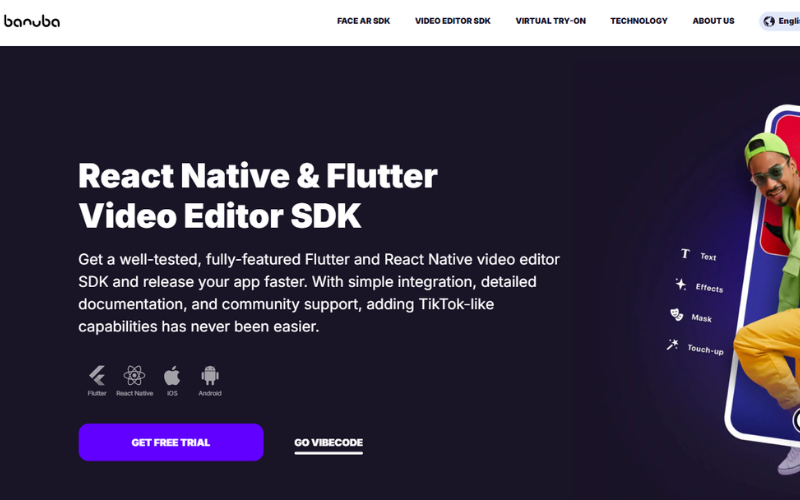
Banuba Video Editor SDK is a strong fit for developers who need to add in-app video editing to mobile products without building the full editor from scratch. Its developer-focused offering is built around native iOS and Android support, along with official React Native and Flutter plugins, which makes it especially relevant for cross-platform app teams.
The product includes a broad set of editing features such as color filters, visual effects, slow motion and fast forward, text captions, voice effects, AR masks, and face AR integration. Banuba also positions the SDK around faster integration, developer-friendly documentation, demo apps, and performance optimization on a wide range of mobile devices. For teams building social, creator, or UGC-style apps, that makes it one of the more implementation-ready options in this category.
Pros
• Official support for iOS, Android, React Native, and Flutter
• Broad mobile editing feature set with effects, captions, and AR capabilities
• Strong developer support through documentation, demo apps, and code samples
• Positioned for faster integration and shorter development time
Cons
• Some details, such as pricing, require direct consultation rather than immediate self-serve access.
Pricing
Custom pricing. Banuba also offers a 14-day trial on request.
FFmpeg
FFmpeg is an open-source multimedia framework widely used for video and audio processing. On its official site, FFmpeg describes itself as a cross-platform solution that can decode, encode, transcode, mux, demux, stream, filter, and play media. That makes it a strong choice for developers who need low-level control over media workflows rather than a ready-made editing UI.
It is especially useful for teams building custom processing pipelines, conversion services, automation scripts, or backend media infrastructure. FFmpeg supports a wide range of formats and is well suited for developers who are comfortable working through the command line or integrating media processing into their own application logic.
Pros
• Open source and free to use.
• Supports decoding, encoding, transcoding, muxing, demuxing, streaming, and filtering.
• Cross-platform and widely used for custom video workflows.
Cons
• No built-in visual editor interface on its own.
• Better suited to developer-driven media processing than plug-and-play in-app editing. This is an inference based on FFmpeg’s official documentation and command-line focus.
Pricing
Free and open source
Shotstack
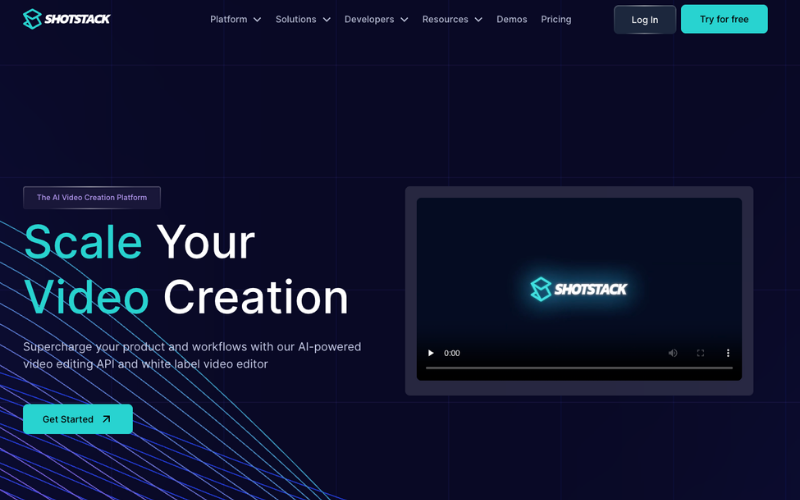
Shotstack is a cloud-based video editing API built for programmatic video creation and rendering. The company positions it as a way to generate, automate, edit, and create videos at scale in the cloud, without building your own rendering infrastructure.
It is a good fit for developers who need automated video generation, template-based workflows, or API-driven rendering for dynamic content. Shotstack also highlights an easy-to-use JSON editing schema and SDK support, which makes it more approachable than lower-level media frameworks for cloud rendering use cases.
Pros
• Built specifically for cloud-based video editing and rendering.
• Designed for automated and scalable video workflows.
• Uses a JSON editing schema and offers SDK support.
Cons
• Pricing is usage-based, so costs scale with rendering volume.
• Focused on cloud rendering workflows rather than embedded mobile editing UI. This is an inference based on how Shotstack positions the product.
Pricing
Free tier available. Paid pricing starts at $0.30 per minute on pay-as-you-go and $0.20 per minute on subscription plans.
Cloudinary
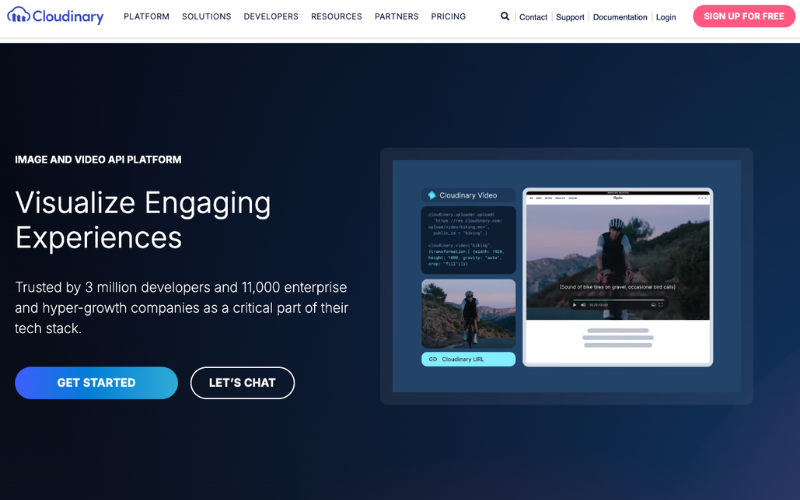
Cloudinary offers video APIs for developers who need upload, storage, transformation, optimization, and delivery in one platform. Its official documentation describes Cloudinary Video as a platform for uploading, storing, transforming, and delivering optimized videos across devices and platforms.
This makes Cloudinary a strong option for teams focused on media management and delivery as much as editing. It is especially useful when the product needs dynamic video transformations, format optimization, and scalable delivery rather than a full embedded editing experience inside the app.
Pros
• Combines upload, storage, transformation, optimization, and delivery.
• Supports dynamic video transformations and on-the-fly optimization.
• Built for scalable media management across devices and channels.
Cons
• More focused on media pipelines and delivery than in-app editing UX. This is an inference based on Cloudinary’s product positioning.
• Paid plans can become substantial for larger usage tiers.
Pricing
Cloudinary offers a free plan and paid plans. Its compare-plans page lists self-service paid tiers such as Advanced Extra at $549/month and Pro at $1099/month, with custom options also available.
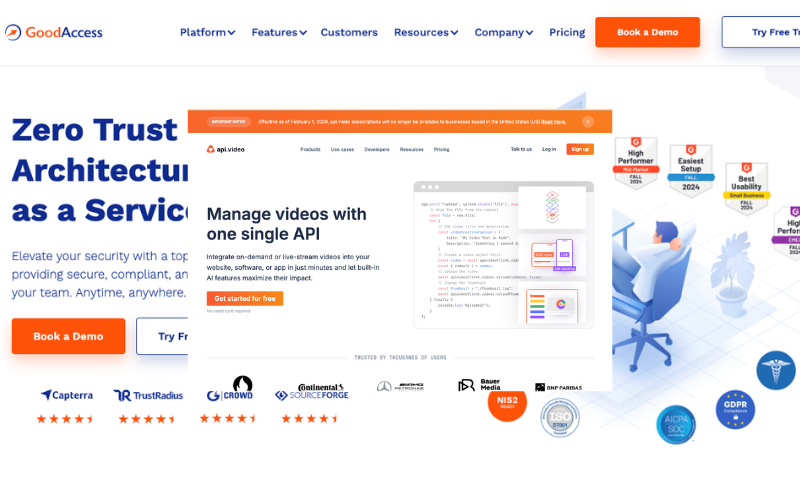
api.video is a developer-first video API platform for uploading, encoding, hosting, live streaming, and delivery. Its pricing and product pages also highlight features such as transcription and video-related workflow capabilities, while the company has publicly stated that adaptive bitrate video encoding is available at zero cost.
It is a good choice for developers who want API-based video infrastructure without managing encoding and delivery themselves. Compared with embedded editor SDKs, api.video is more focused on the backend side of video workflows, especially around handling video ingestion, playback, and platform-level video operations.
Pros
• Built around API-driven video upload, encoding, hosting, and delivery.
• Supports live video capabilities and additional workflow features such as transcription.
• Adaptive bitrate encoding is offered at zero cost.
Cons
• Pricing is usage-based rather than a flat fixed plan.
• Better aligned with video infrastructure than embedded editing interfaces. This is an inference based on how api.video presents the product.
Pricing
Free to start, with usage-based pricing. api.video’s pricing page also lists transcription at $0.10 per minute of video.
Mux
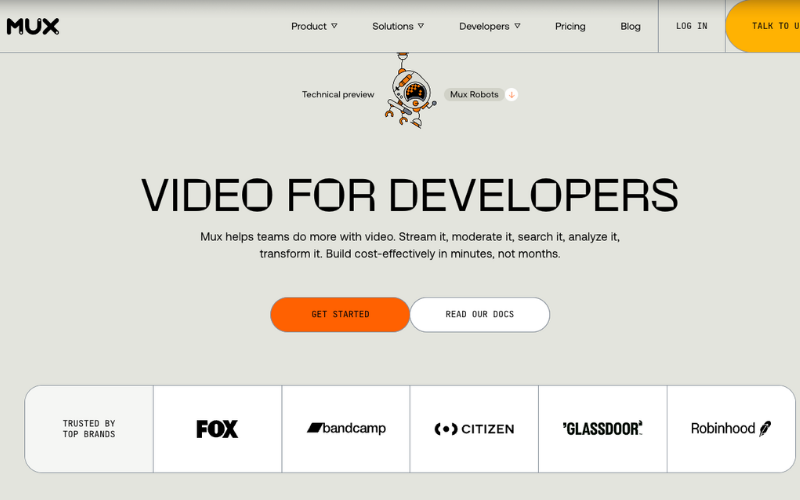
Mux is an API-first video platform focused on streaming, hosting, and video infrastructure for developers. On its official site, Mux says teams can stream, moderate, search, analyze, and transform video, and it positions Mux Video as a simple API for powerful video hosting and streaming.
It is a strong fit for developers building live or on-demand video into products without managing their own video pipeline. Mux also emphasizes developer-friendly APIs, webhooks, and workflows around upload, playback, and observability, making it more of a video infrastructure product than a creative editing SDK.
Pros
• Built for video hosting, streaming, and infrastructure via API.
• Supports live and on-demand video workflows.
• Developer-friendly API model with webhooks and observability features.
Cons
• Pricing depends on input, storage, and delivery usage.
• Not positioned as a full in-app creative editing SDK. This is an inference based on Mux’s official product focus.
Pricing
Mux pricing is usage-based across input, storage, and delivery. Its pricing page shows, for example, Premium input starting at $0.0384 per minute for 720p, with pricing varying by resolution.
IMG.LY
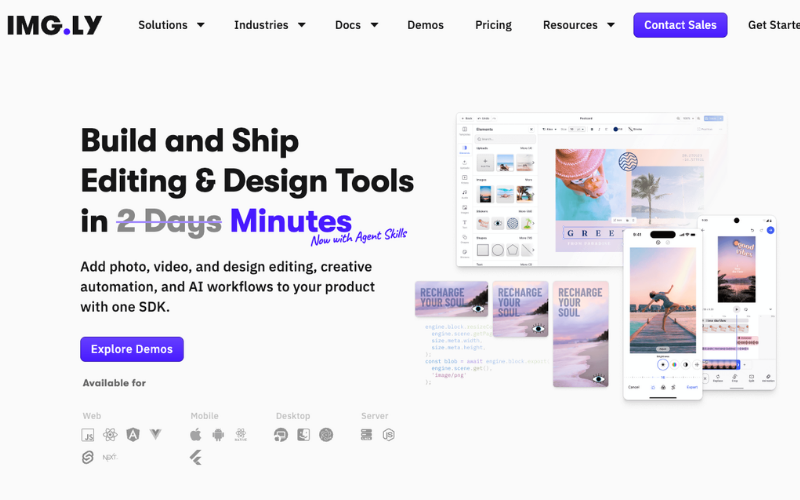
IMG.LY offers a Video Editor SDK for teams that want to bring video editing into mobile and web apps. Its official product page says the SDK supports iOS, Android, and web apps, and highlights customization, advanced editing tools, native AI features, and cross-platform workflows.
This makes IMG.LY a relevant option for developers who want an embedded editor experience with strong customization. The company also states that its SDK pricing is customized based on usage, with a consultative pricing model rather than public fixed tiers.
Pros
• Built for embedded video editing in mobile and web apps.
• Supports iOS, Android, and web, with cross-platform workflow support.
• Emphasizes customization and advanced editing capabilities.
Cons
• Pricing is not publicly listed as a simple self-serve plan.
• Requires direct consultation to get package and licensing details.
Pricing
Custom pricing based on how the SDK is used.
How to Choose the Right Video Processing or Editing API
Start by figuring out what you actually need. If you want users to edit videos right inside your app, pick an SDK designed for mobile or web. If your main goal is handling video rendering, encoding, or automating tasks, a cloud video API probably suits you better.
After that, dig into the details, check which platforms are supported, see what features are available, look at how much you can customize, how tough the integration really is, whether the docs are decent, and how much it'll cost. Make sure the tool fits smoothly into your workflow. Some options are great for letting users edit videos, while others work best for stuff like backend processing and delivery.
In the end, go with the solution that covers your needs without making things complicated.
Key Features to Compare Before You Integrate
Before choosing a video processing or editing API, compare the features that will matter most in production. Start with platform support, core capabilities, and how much customization the product allows. Some solutions are built for embedded editing, while others focus on processing, delivery, or automation.
It is also worth comparing integration complexity, documentation quality, scalability, export options, and pricing structure. A product may look strong on paper, but the real value depends on how well it fits your app, workflow, and development resources.
Implementation Tips for Video APIs in Real Products
Start by matching the API to the real product requirement instead of choosing based on feature count alone. Some products need embedded editing inside the app, while others need backend processing, rendering, or delivery workflows.
It is also smart to test performance, documentation, and integration flow early with a small proof of concept. That helps you catch limitations around platform support, export speed, customization, and pricing before video becomes a deeper part of your product.
FAQ
What is the difference between a video editing API and a video editor SDK?
A video editing API usually focuses on backend actions such as processing, rendering, encoding, or automation. A video editor SDK is typically used to embed editing features directly into an app, often with a ready-made user interface.
Which option is better for mobile apps?
If you want users to edit videos inside a mobile app, an SDK is usually the better fit. If you only need backend processing or delivery, an API may be enough.
Are free options good enough for production use?
They can be, depending on the use case. Open-source options like FFmpeg are powerful, but they usually require more development work. Commercial products may reduce implementation time and provide more support.
What should developers compare before choosing a solution?
The main things to compare are platform support, feature set, customization, integration complexity, documentation, scalability, and pricing.
Can one product handle both editing and video processing?
Sometimes yes, but not always. Some products focus on embedded editing, while others are built more for processing, hosting, or delivery. The right choice depends on what your product actually needs.
Related Posts
- A Community Health Center's Guide to Choosing Clinical Documentation Software on a Tight Budget
- The Secret Weapon Serious Walmart Sellers Are Quietly Adding to Their Toolkit
- Magento Email Deliverability: How It Boosts Revenue & Recovers More Sales
- 7 Best Video Processing and Editing APIs for Developers
- Best VPN for e-Commerce Businesses: Top Picks Compared
- Data-Backed Strategies to Increase Reach and Engagement Faster in Social Media